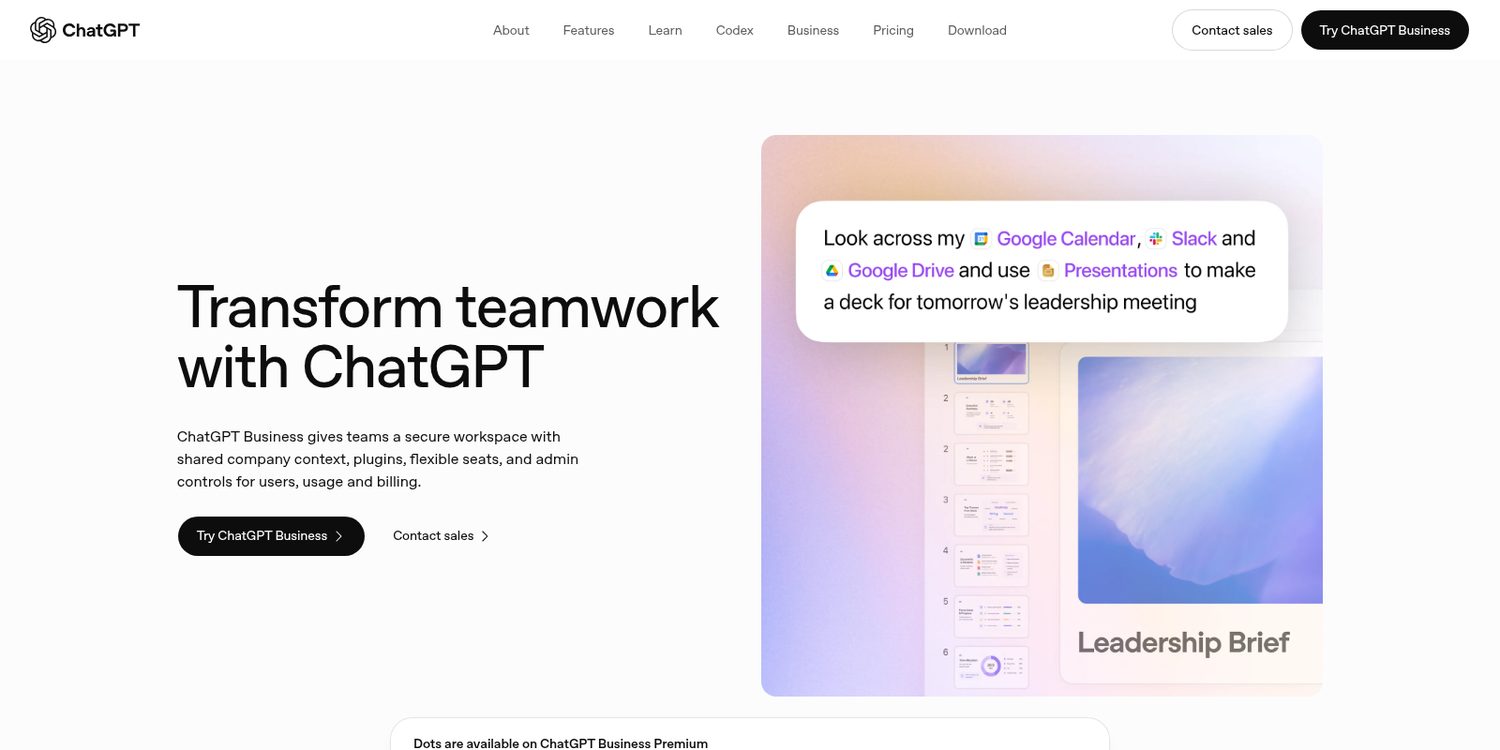
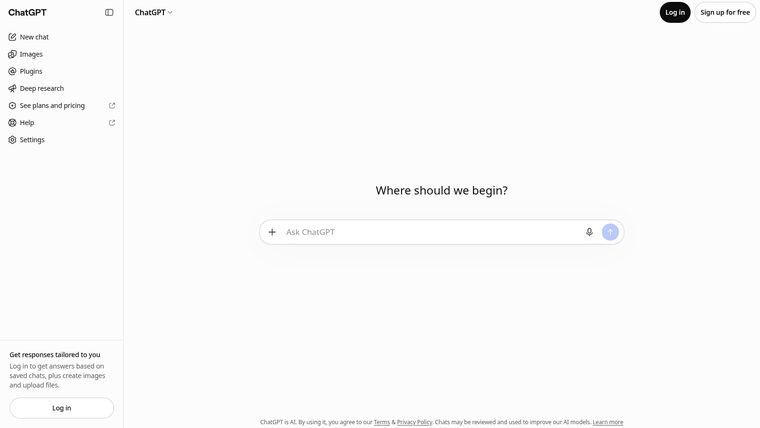
ChatGPT Plus
But Plus is the middle plan.
The heavy work is rationed — agent mode gives Plus forty runs a month, and the fix for that is the plan above it.
And it is one login. Put a team on it and you are buying seats.
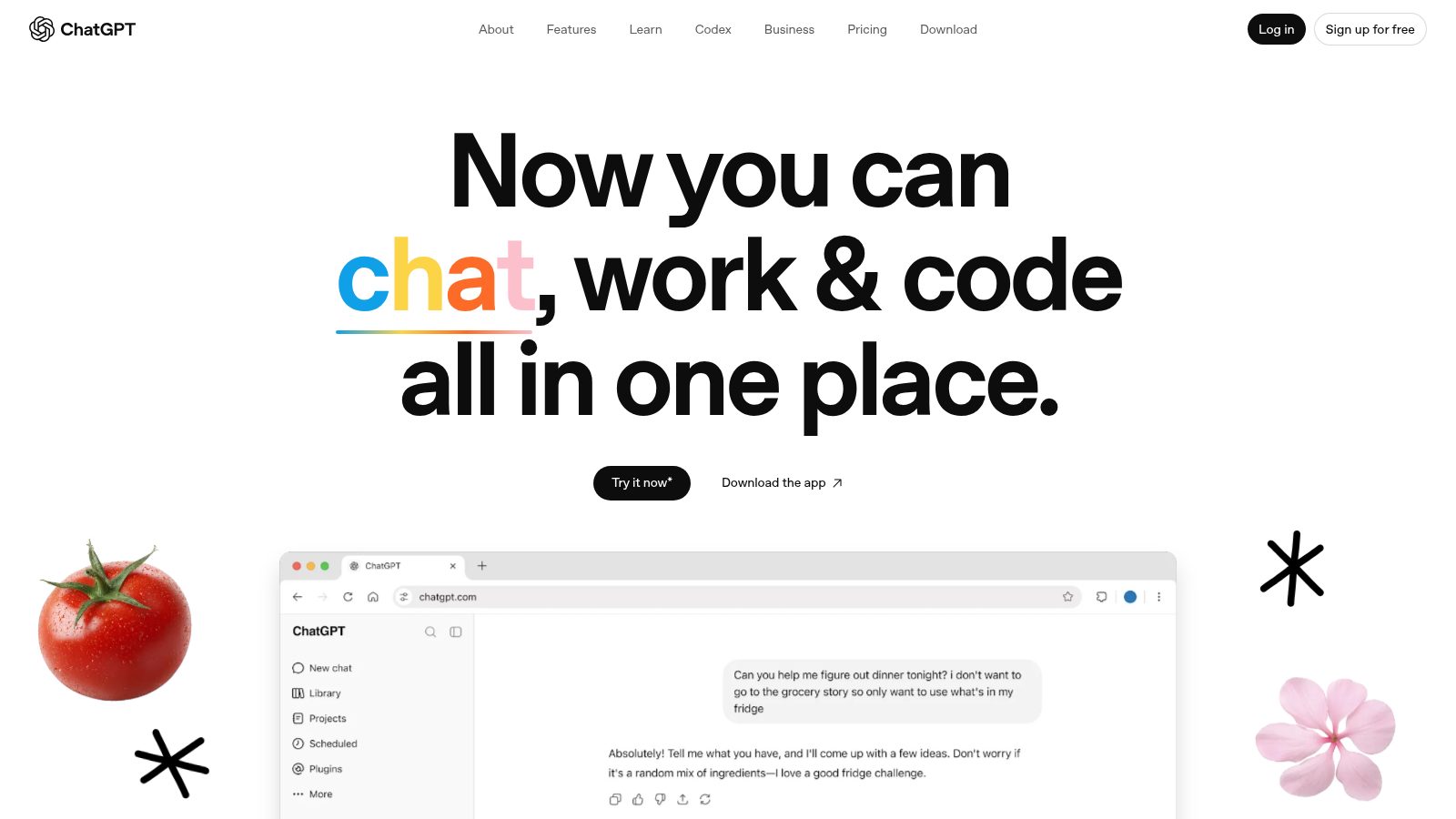
But Plus is the middle plan.
The heavy work is rationed — agent mode gives Plus forty runs a month, and the fix for that is the plan above it.
And it is one login. Put a team on it and you are buying seats.
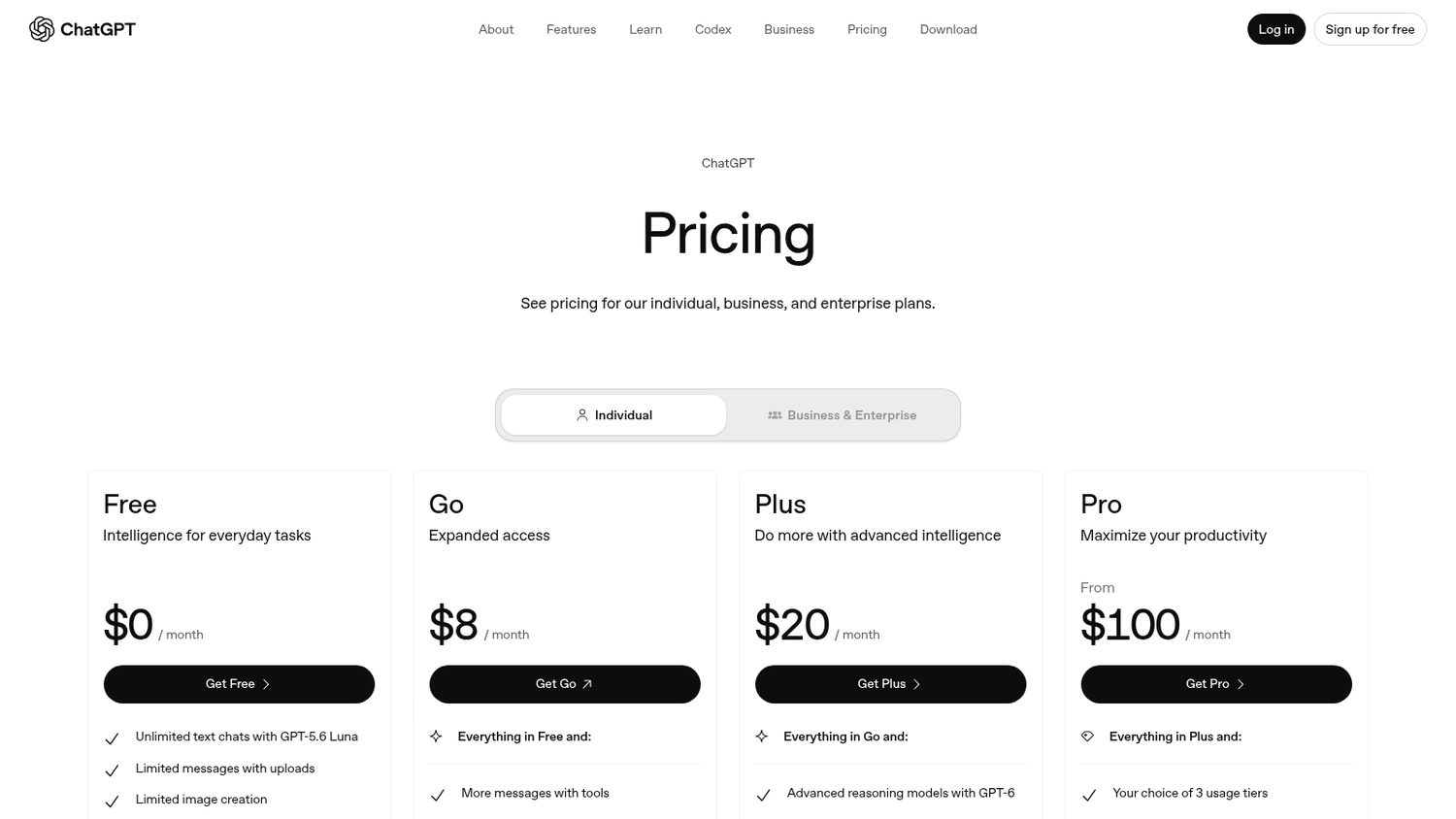
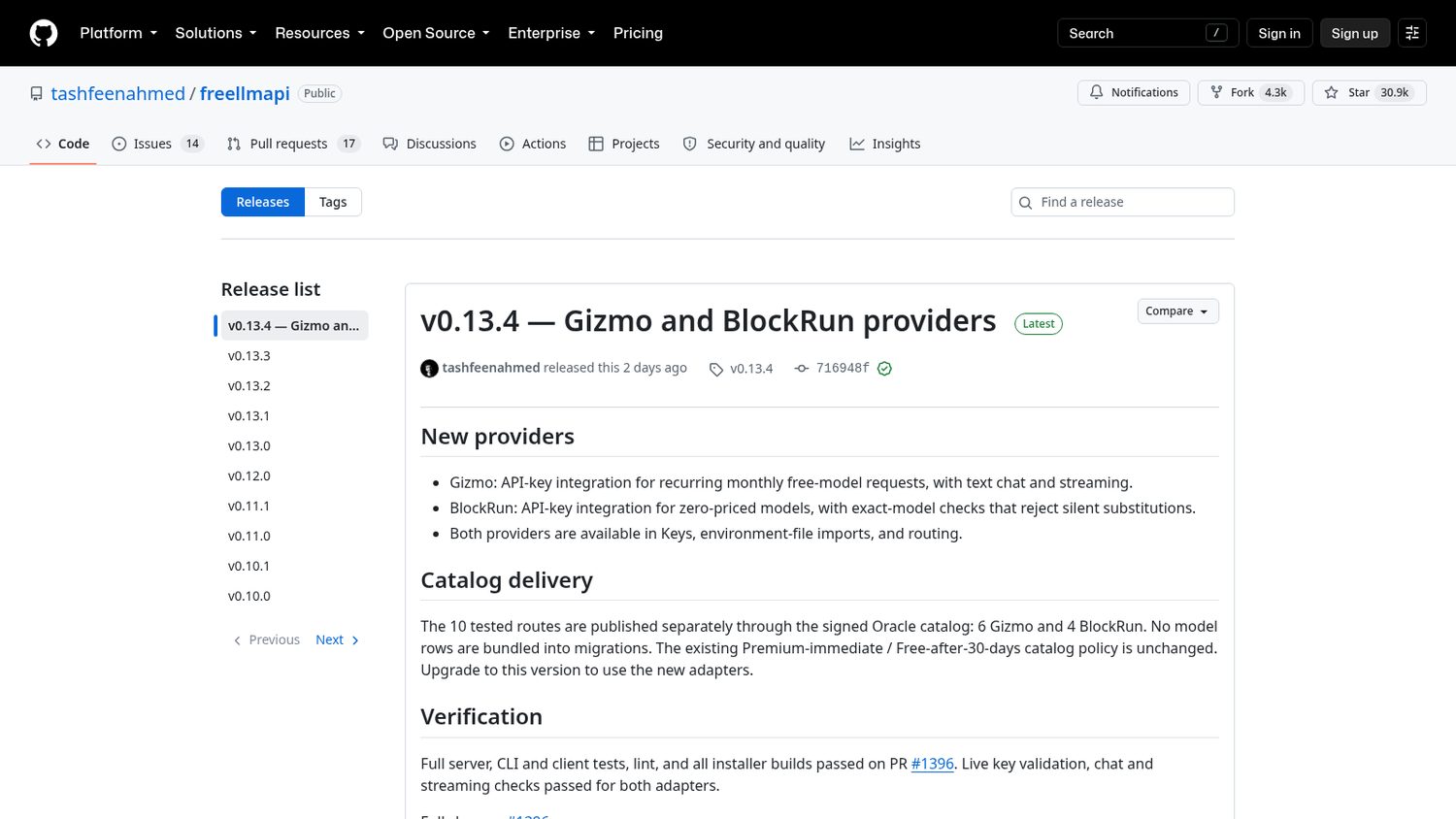
ChatGPT Plus is $20 a month.
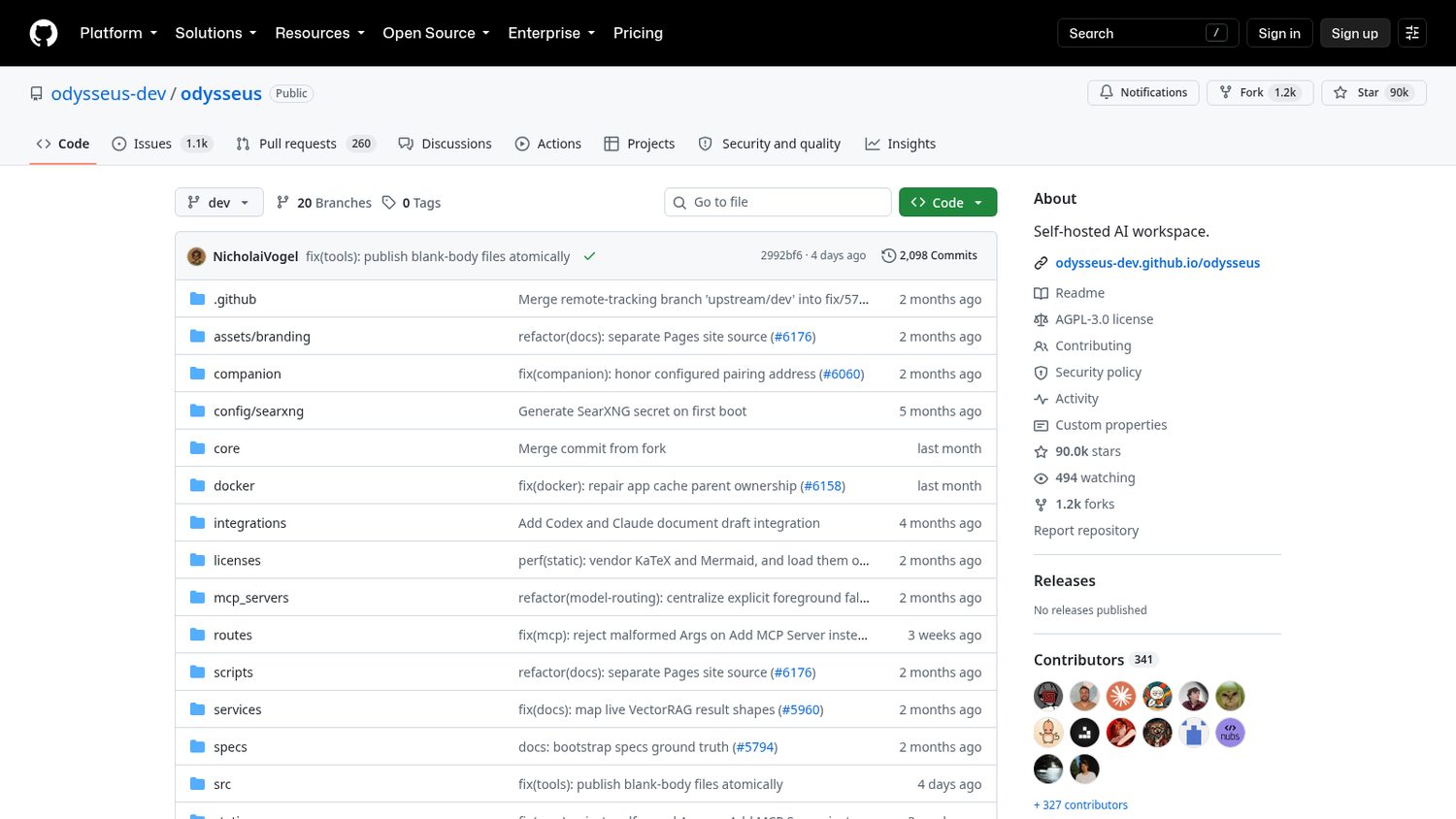
PewDiePie released his own in May.
It is called Odysseus.
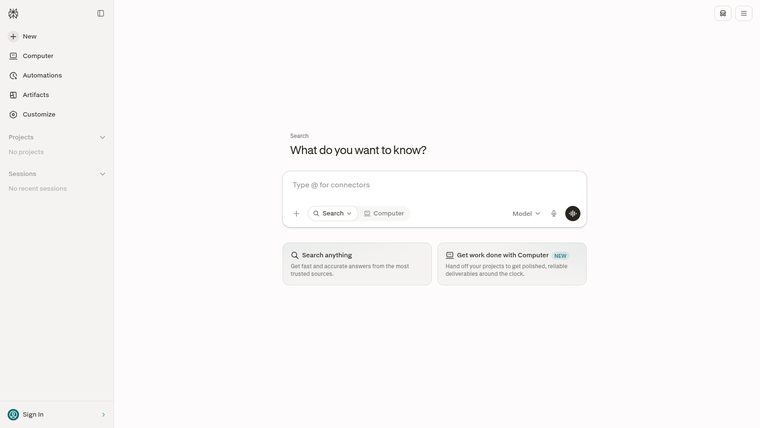
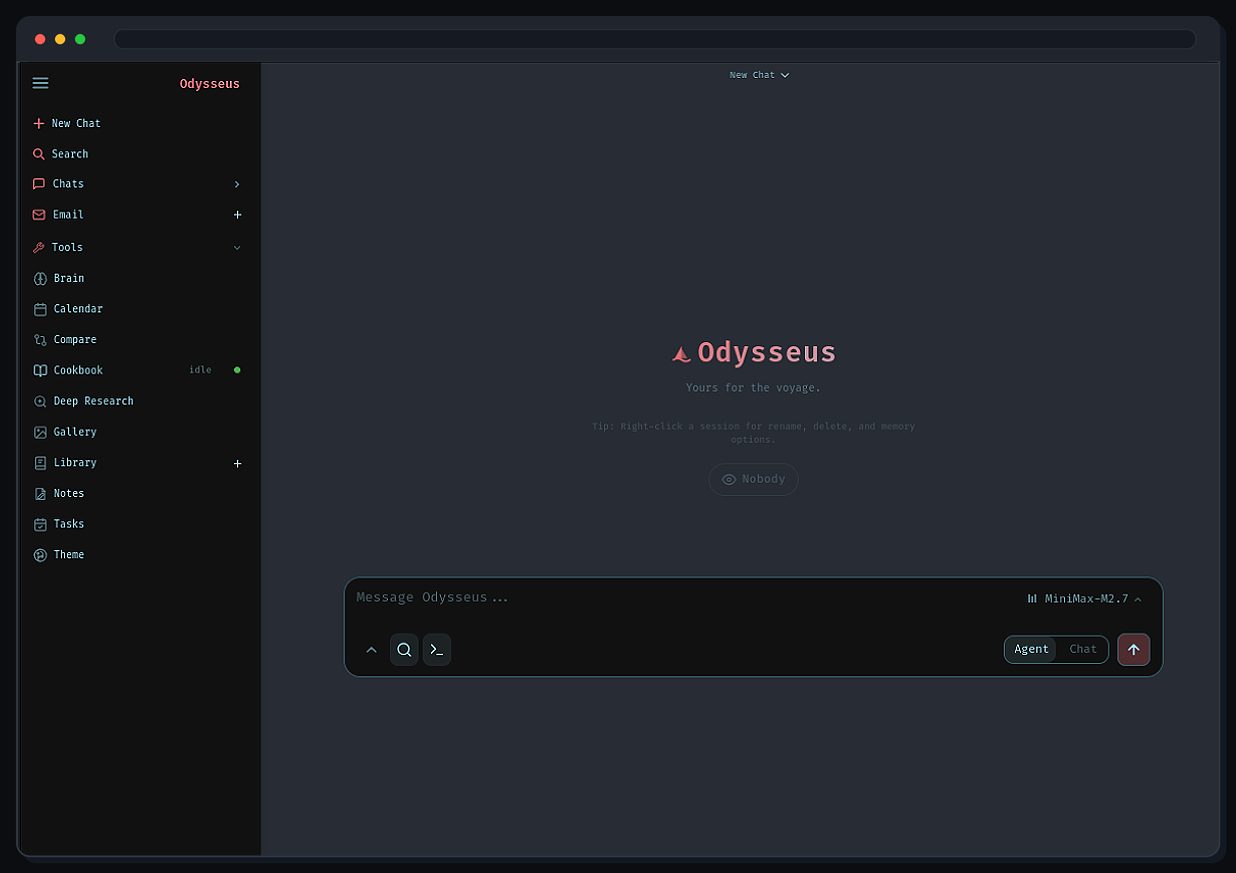
It is a whole AI workspace — chat, agents, research, email, notes — running on a computer you own.
You run one install command, then open it in your browser like any other site.
Inside there is a Cookbook that reads your hardware, picks models it can actually run, and downloads them for you.
Or you point it at a key from a model company — including the free one in the next comparison.
Here is what Odysseus ships:
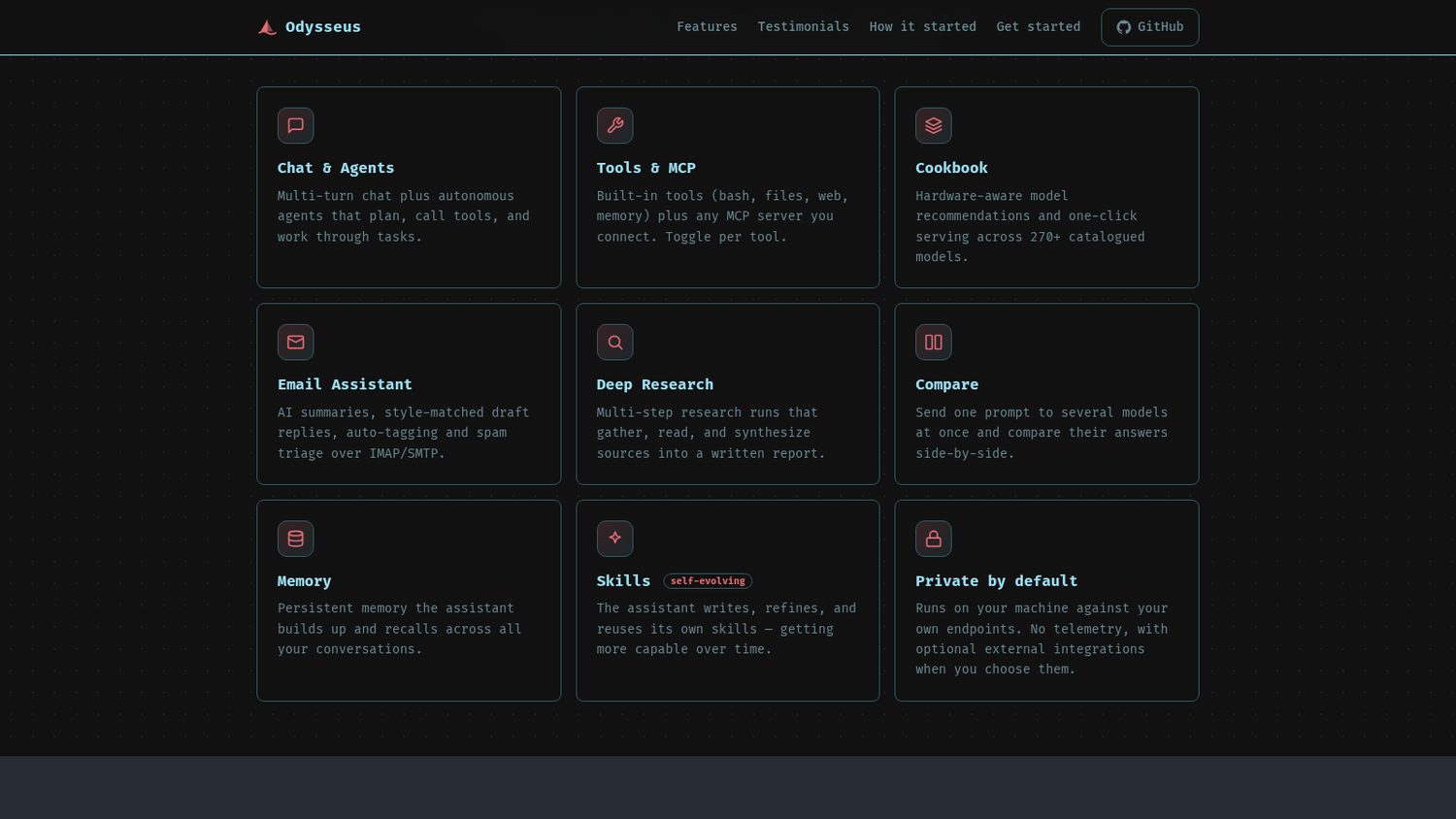
Worth noticing:
Running your own server is work. You keep it patched, you keep it locked down, and you fix it when it breaks.
The app is free; the thinking is not always. A local model costs nothing but wants a decent computer, and a key bills you for what you use.
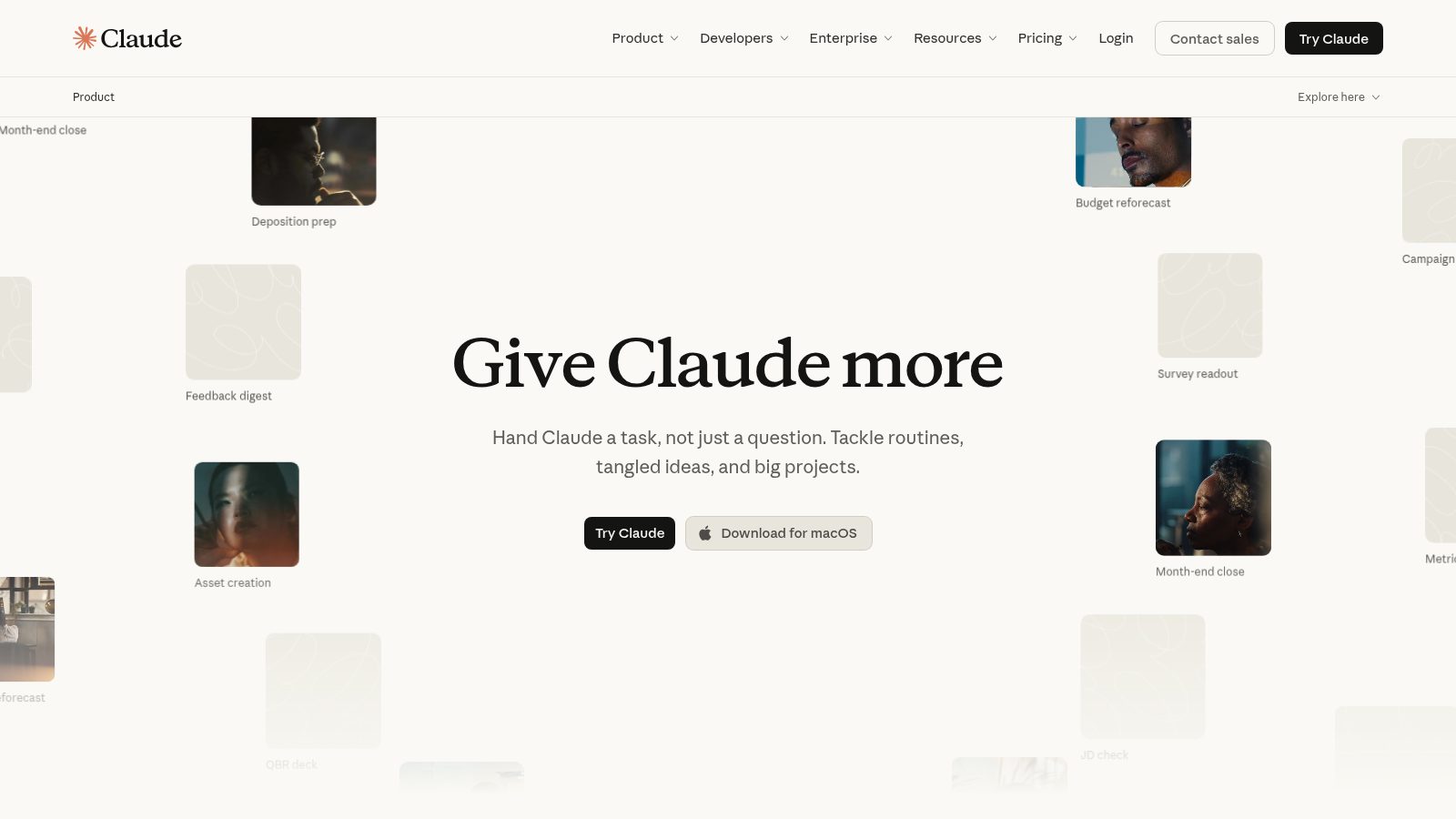
But Pro is a budget, not a tap.
Your usage resets on a clock, and when you run dry the answer is the bigger plan.
Bring anyone else along and you are paying by the seat.
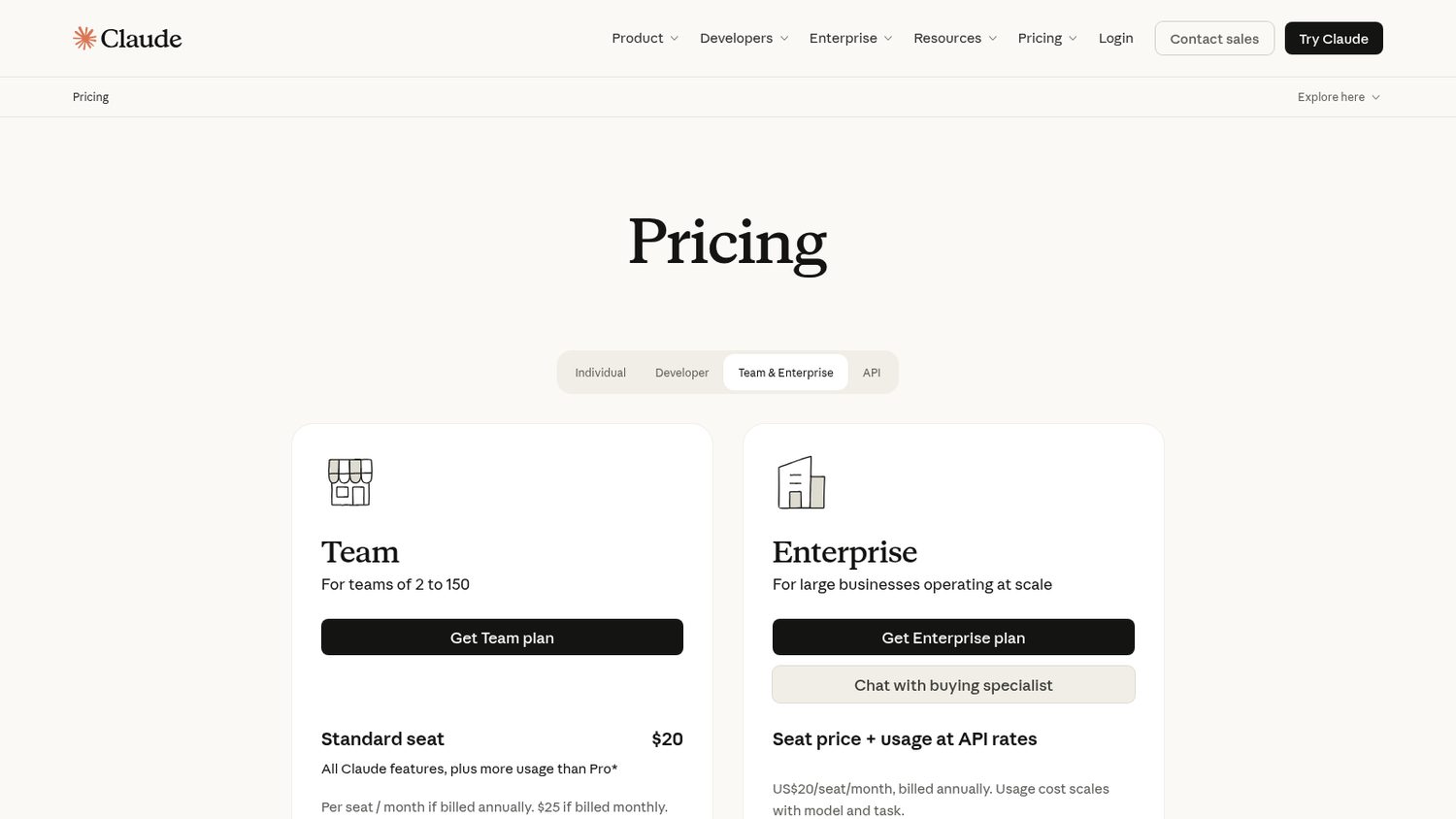
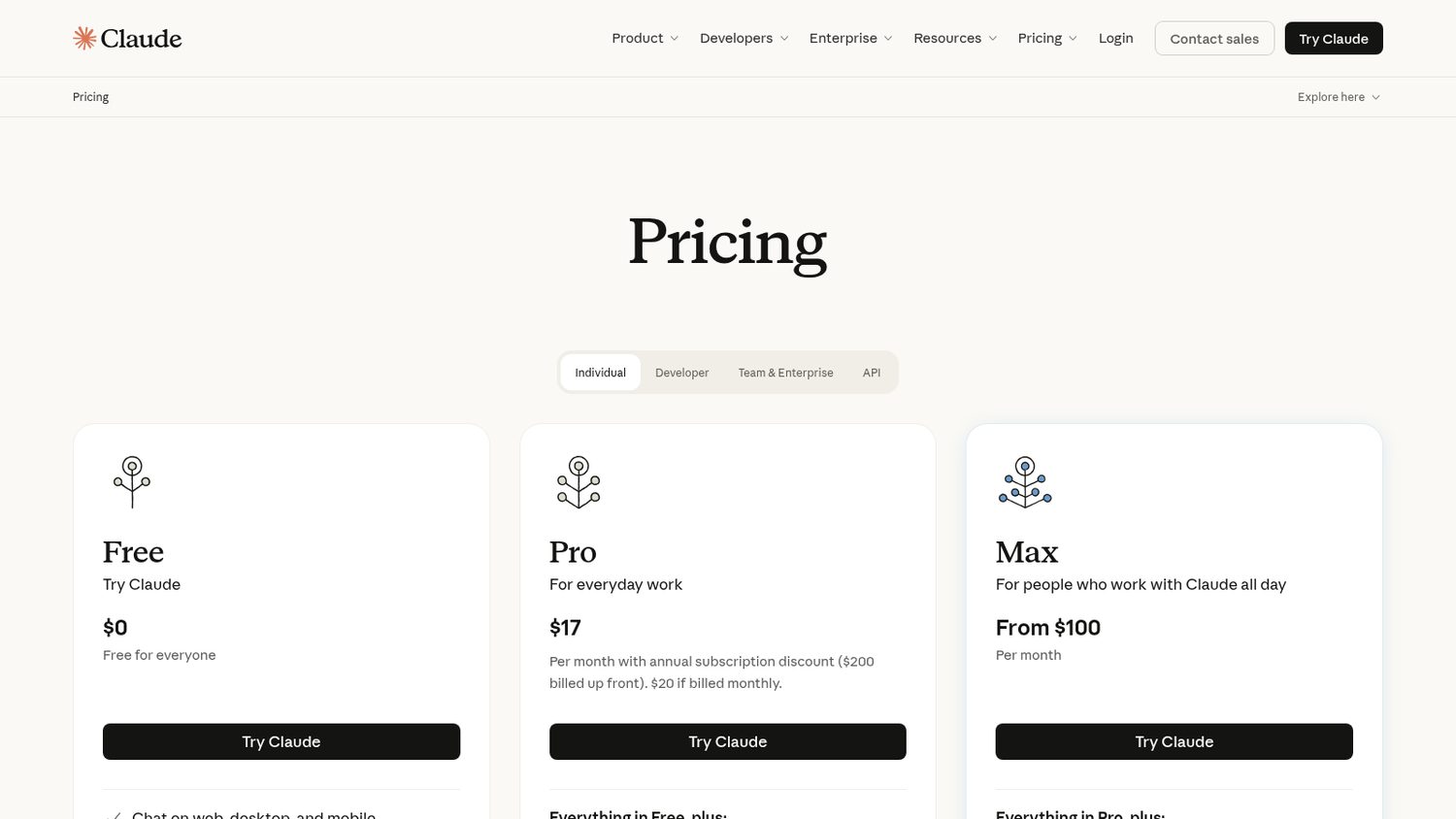
Claude Pro is $20 a month.
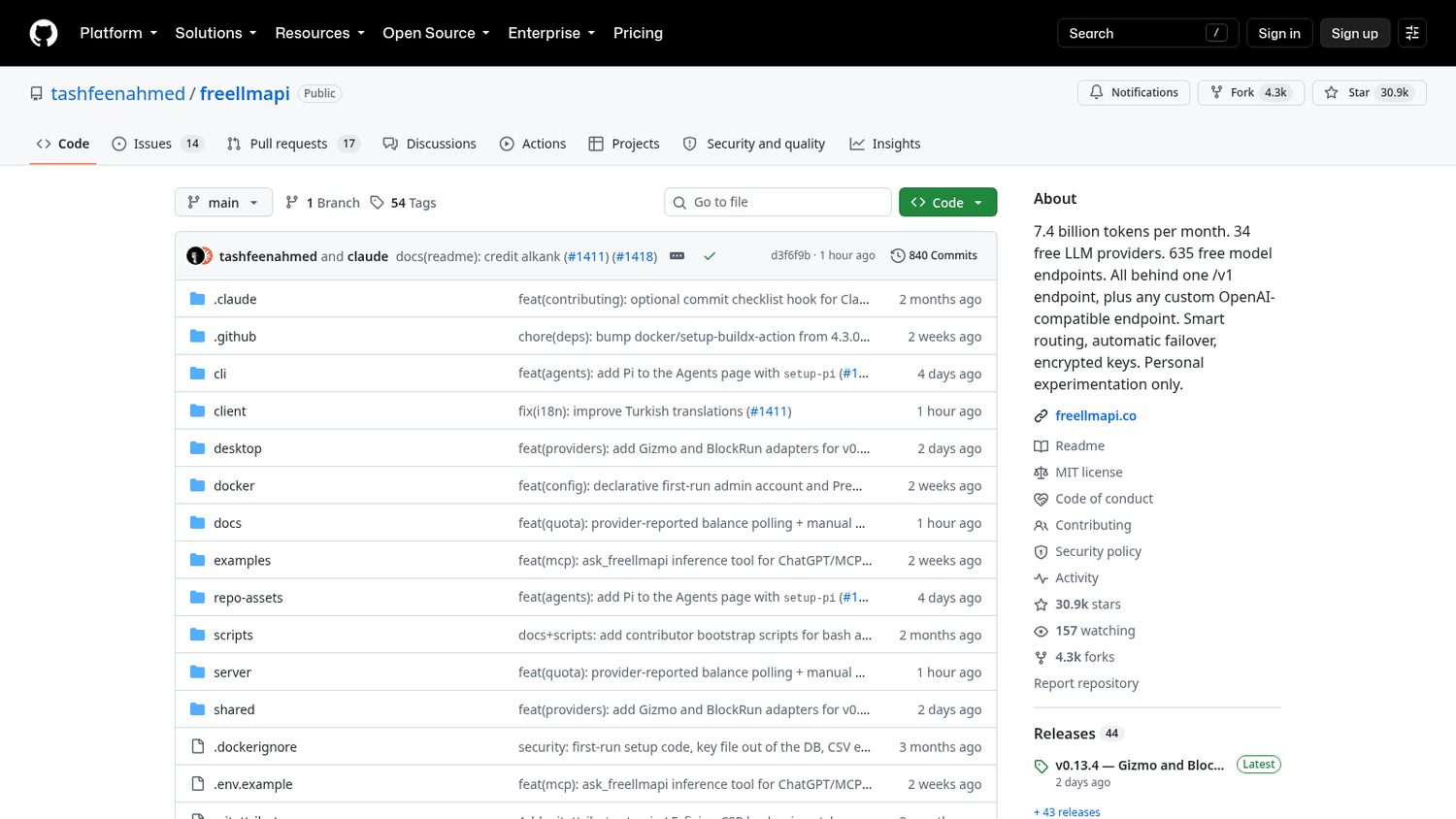
One developer released FreeLLMAPI in April.
Every AI company has a small free tier.
This pools dozens of them behind one key.
I interviewed the developer. Link below.
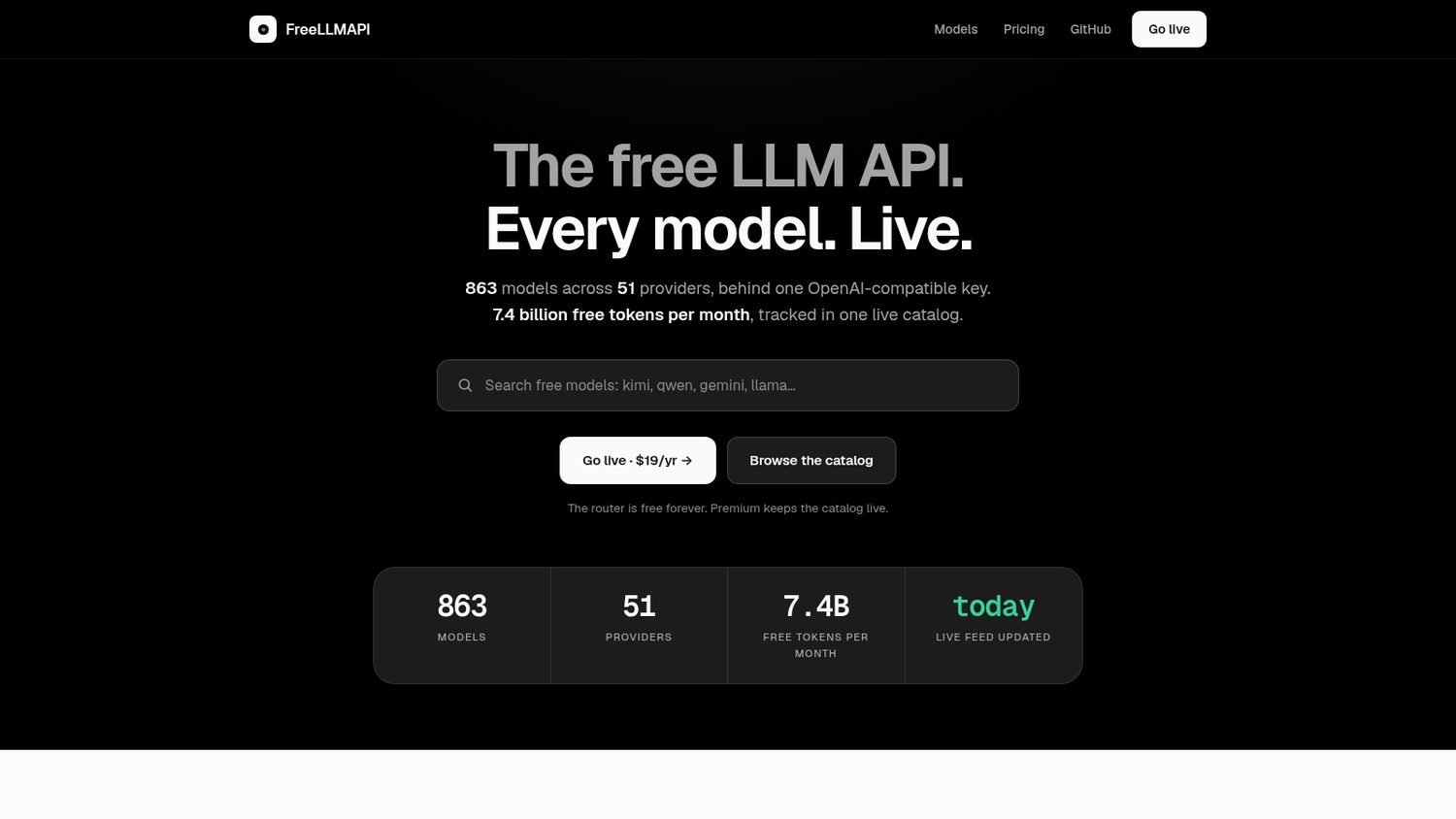
You install it, open the dashboard, and paste in whatever free keys you have.
It hands you back one key of your own.
Point any app that already speaks to OpenAI at that key, and it picks a provider for you — and moves to the next one when that provider says no.
Here is what FreeLLMAPI ships:
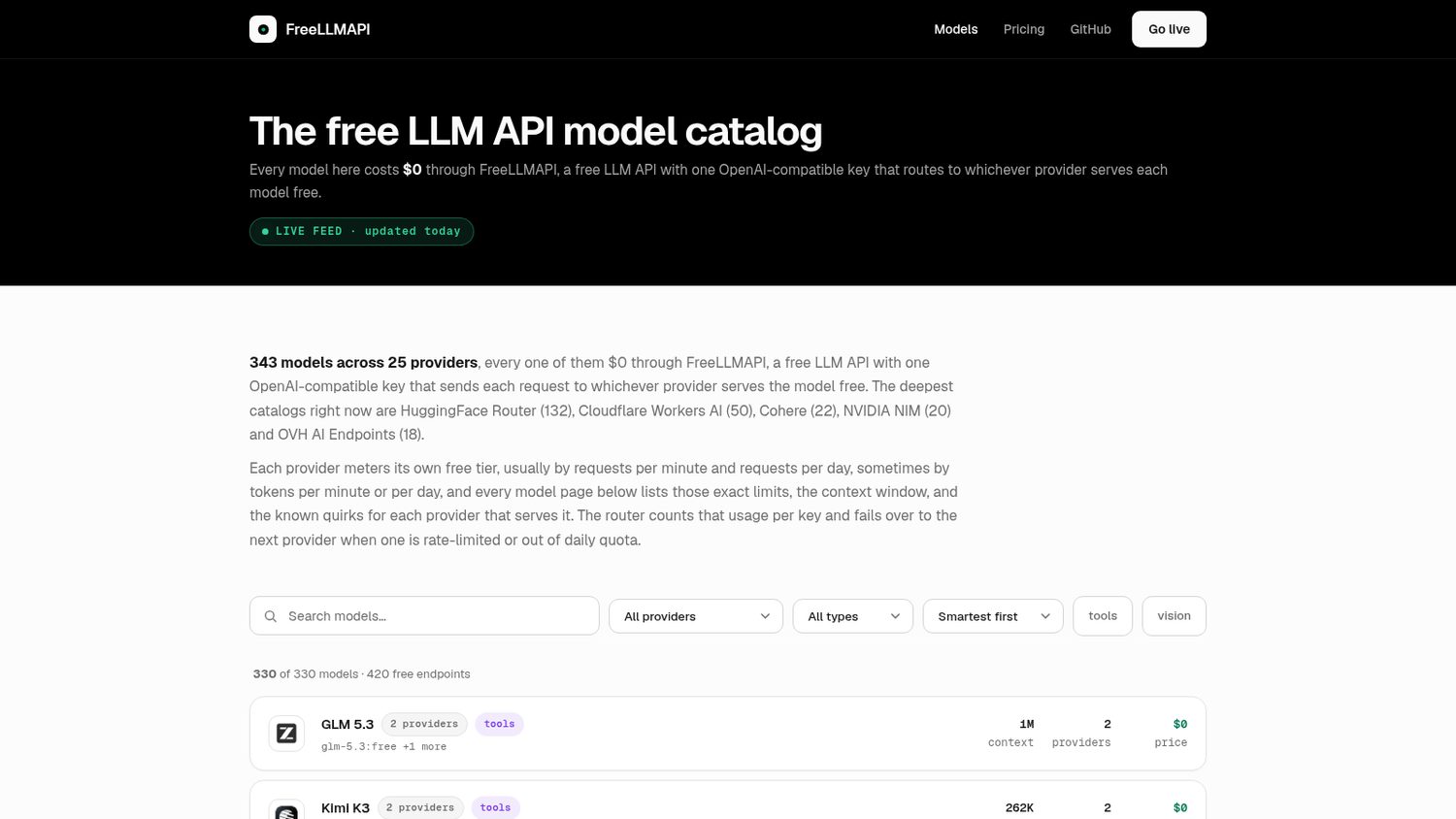
Worth noticing:
The README says it plainly: this is for prototyping, not production. Free tiers have caps, they change without warning, and your agreement with each provider is still yours to keep.
The router stays free; a same-day model catalogue is the paid extra.
The Next New Thing
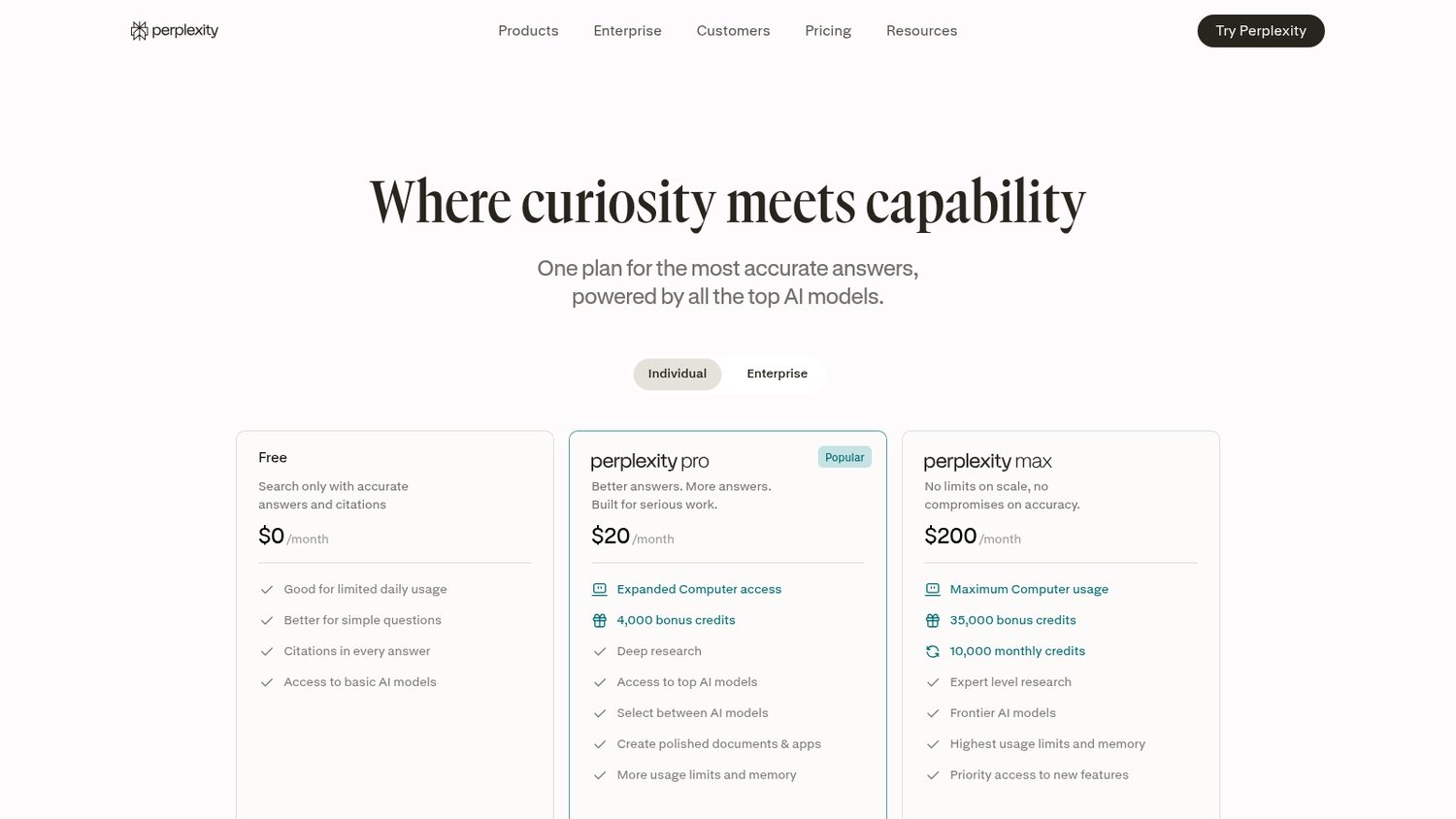
But the good version is the paid one.
The top models and the deep research sit behind Pro.
And either way, every question you ask lands on their servers.
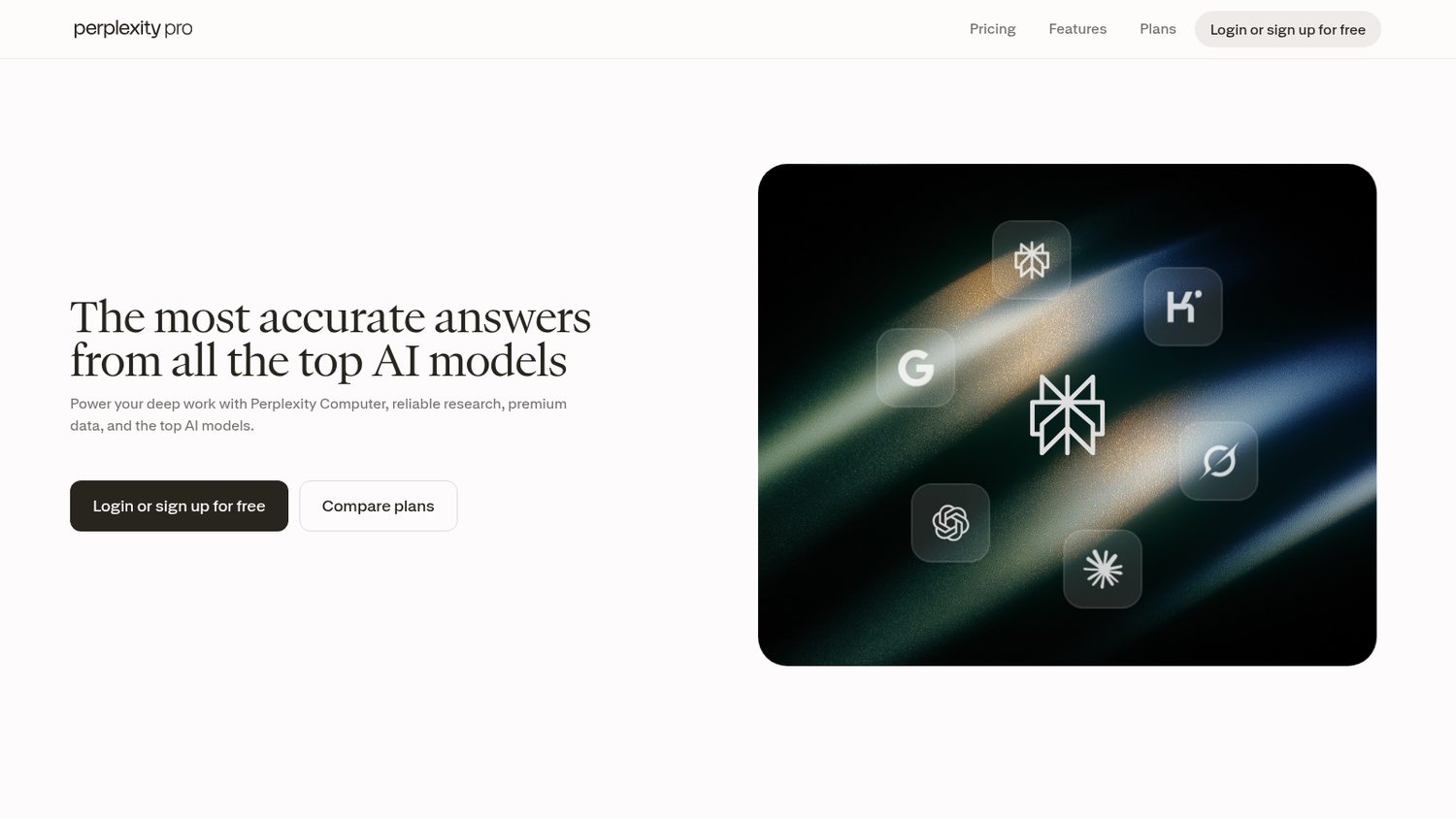
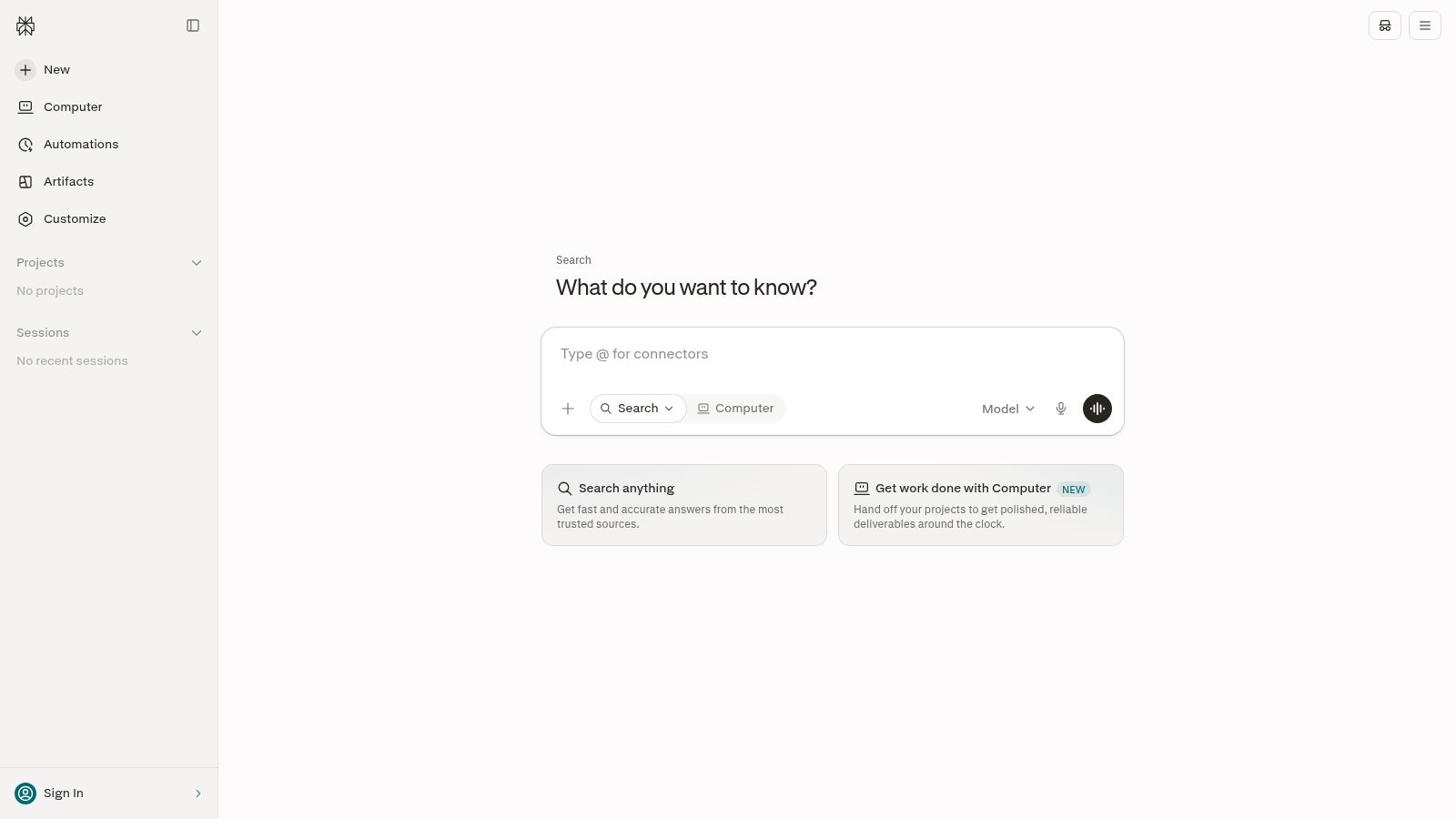
Perplexity Pro is $20 a month.
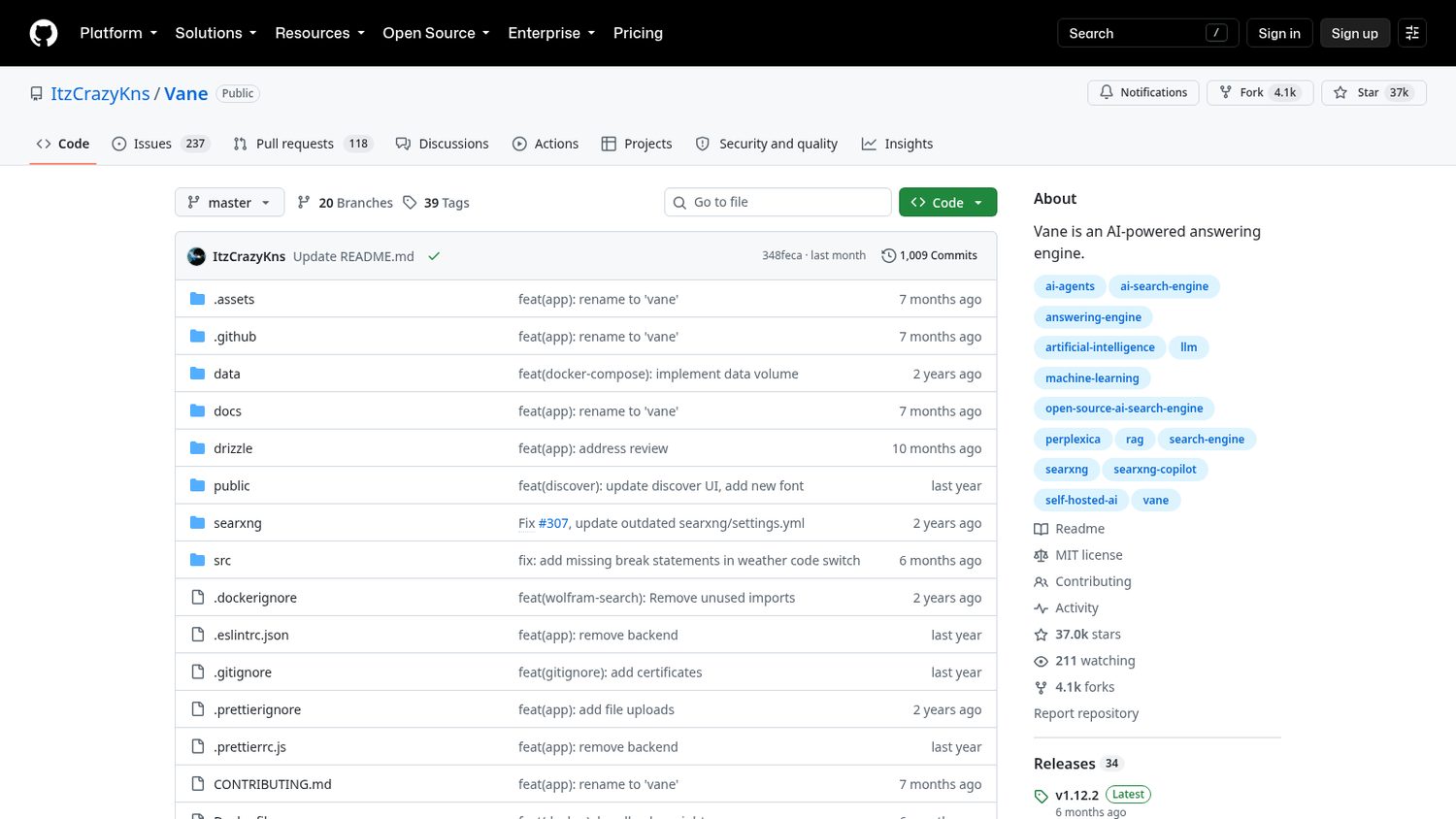
One developer started it in 2024.
Back then it was called Perplexica.
In March it was renamed Vane.
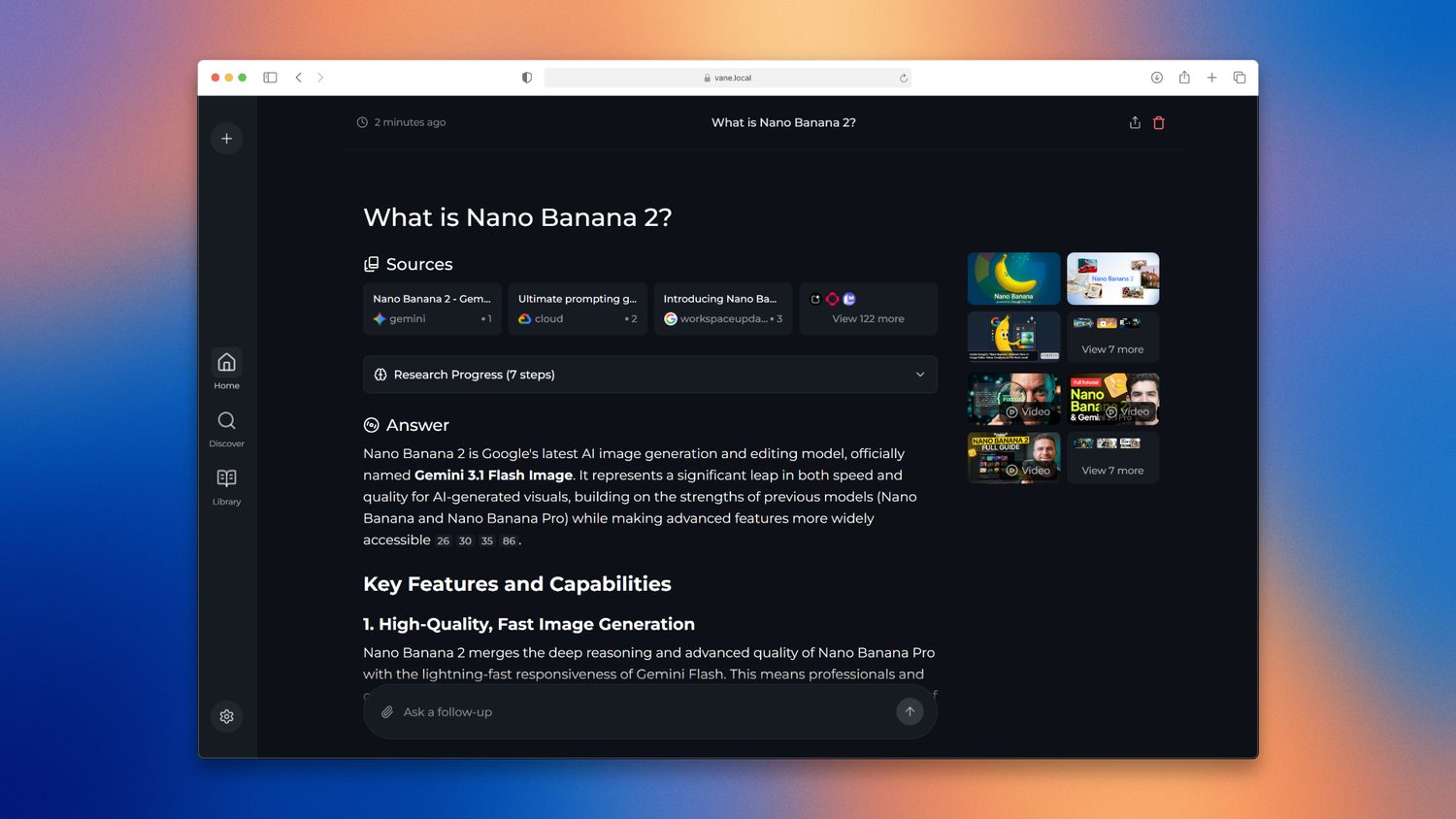
It searches the web, reads what it finds, and writes you an answer with the sources attached.
You start it with one Docker command and open it in your browser.
The search engine is bundled, so there is nothing else to wire up.
Then you pick the brain: a model on your own machine, or a key you already pay for.
Here is what Vane ships:
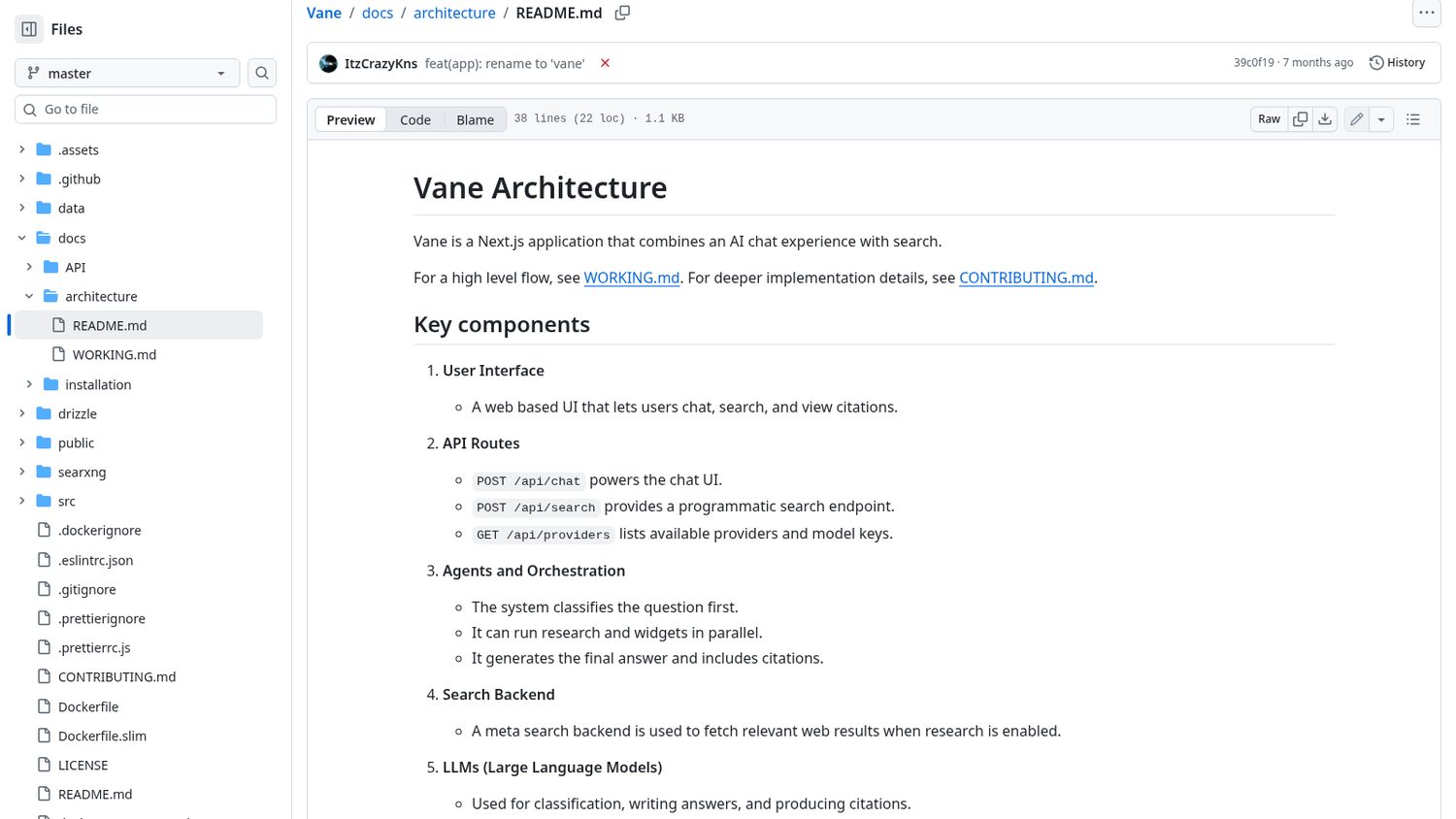
Worth noticing:
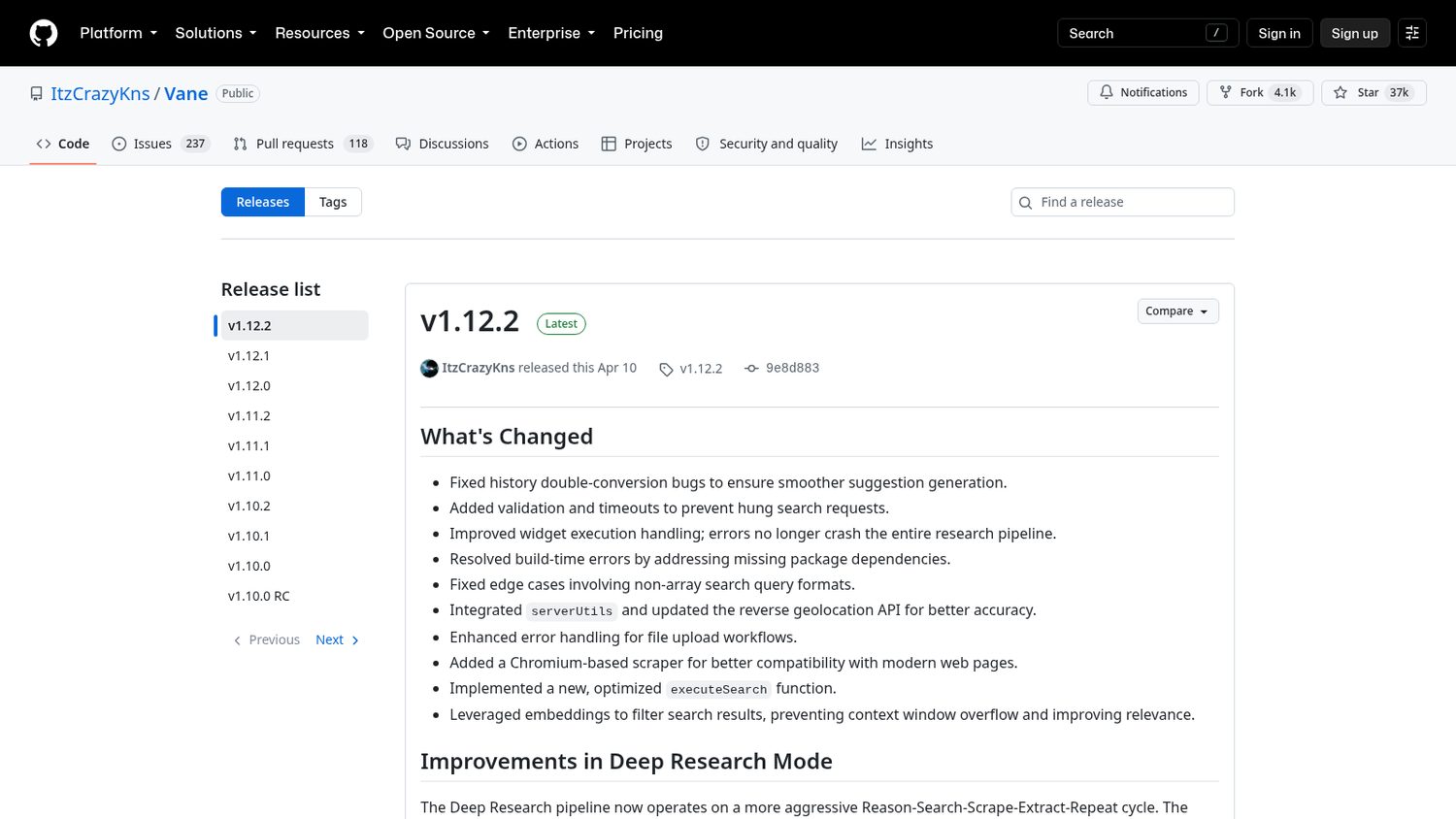
It is one person’s project, and the last tagged release was back in April.
The app is free, the model is not. Run one locally and you need a decent computer; bring a key and you pay per use.
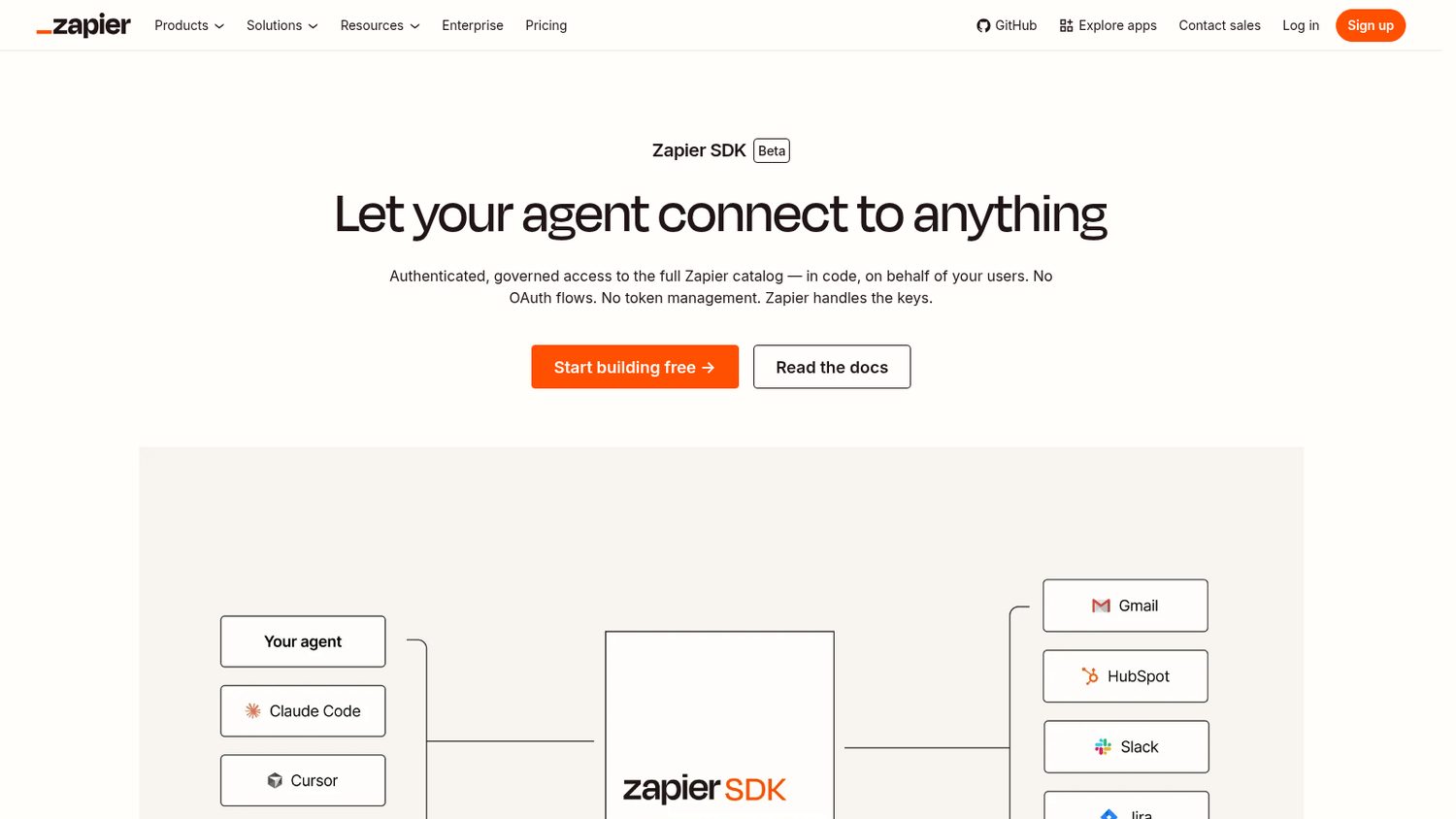
Enable your users to connect 9,000+ apps to your software
I’ve used Zapier across multiple businesses for over 10 years. They’ve been doing automation reliably long before this moment — and the SDK brings that same reliability to the coding agent you’re already using.
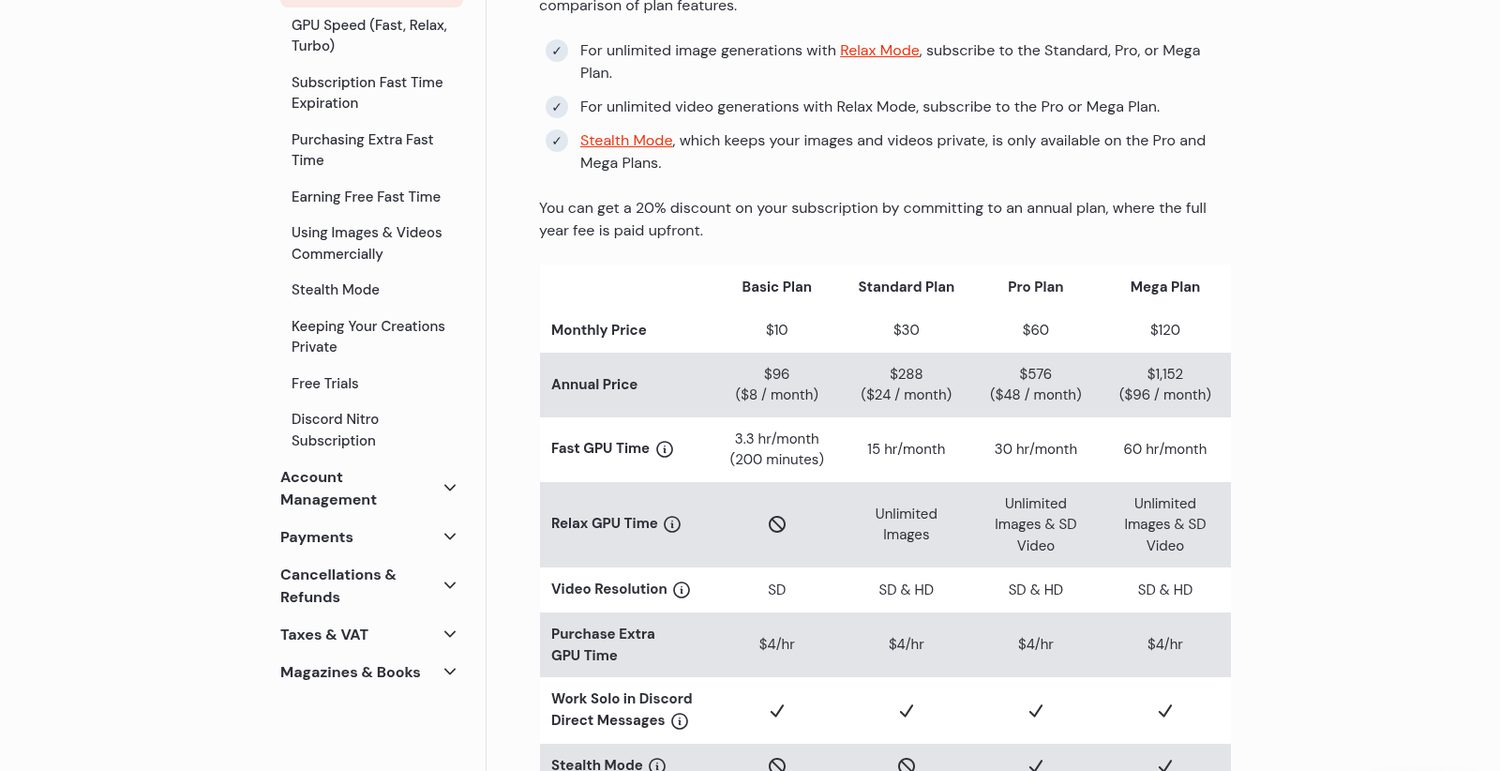
But what you are really buying is GPU time.
The entry plan is 3.3 hours of fast time a month, it does not roll over, and it has no relax mode to fall back on.
When it runs out you buy more by the hour or move up a plan.
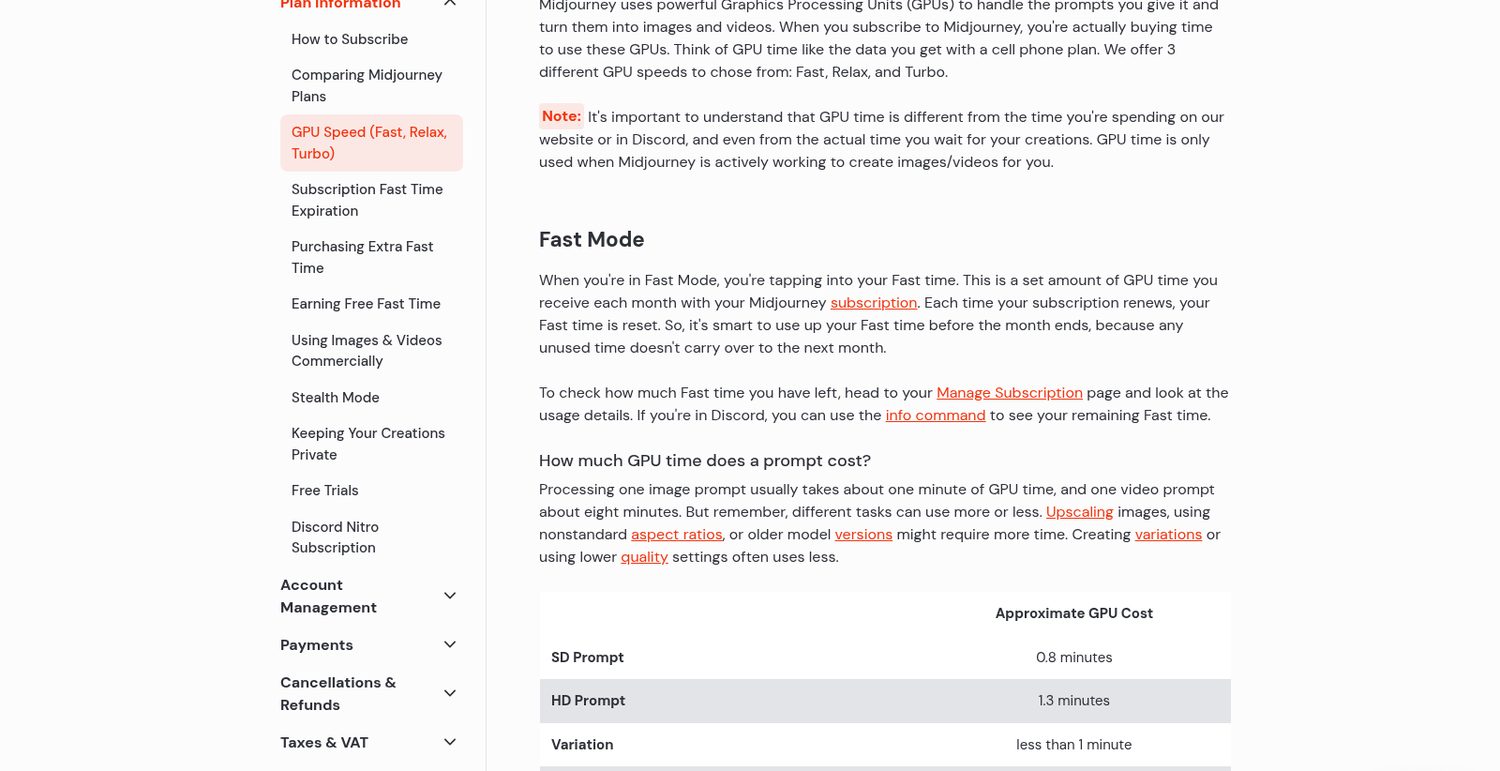
Midjourney Basic is $10 a month.
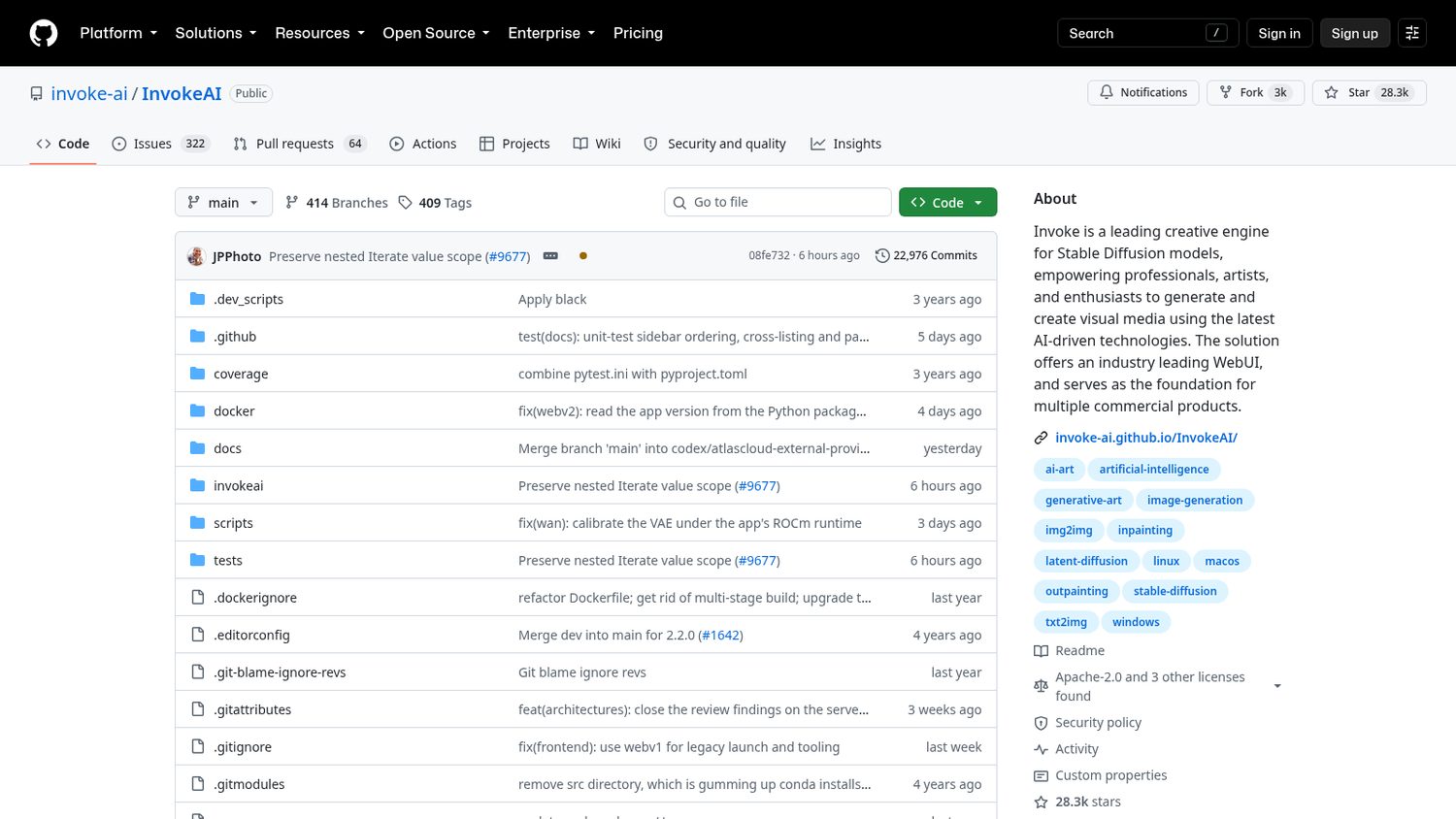
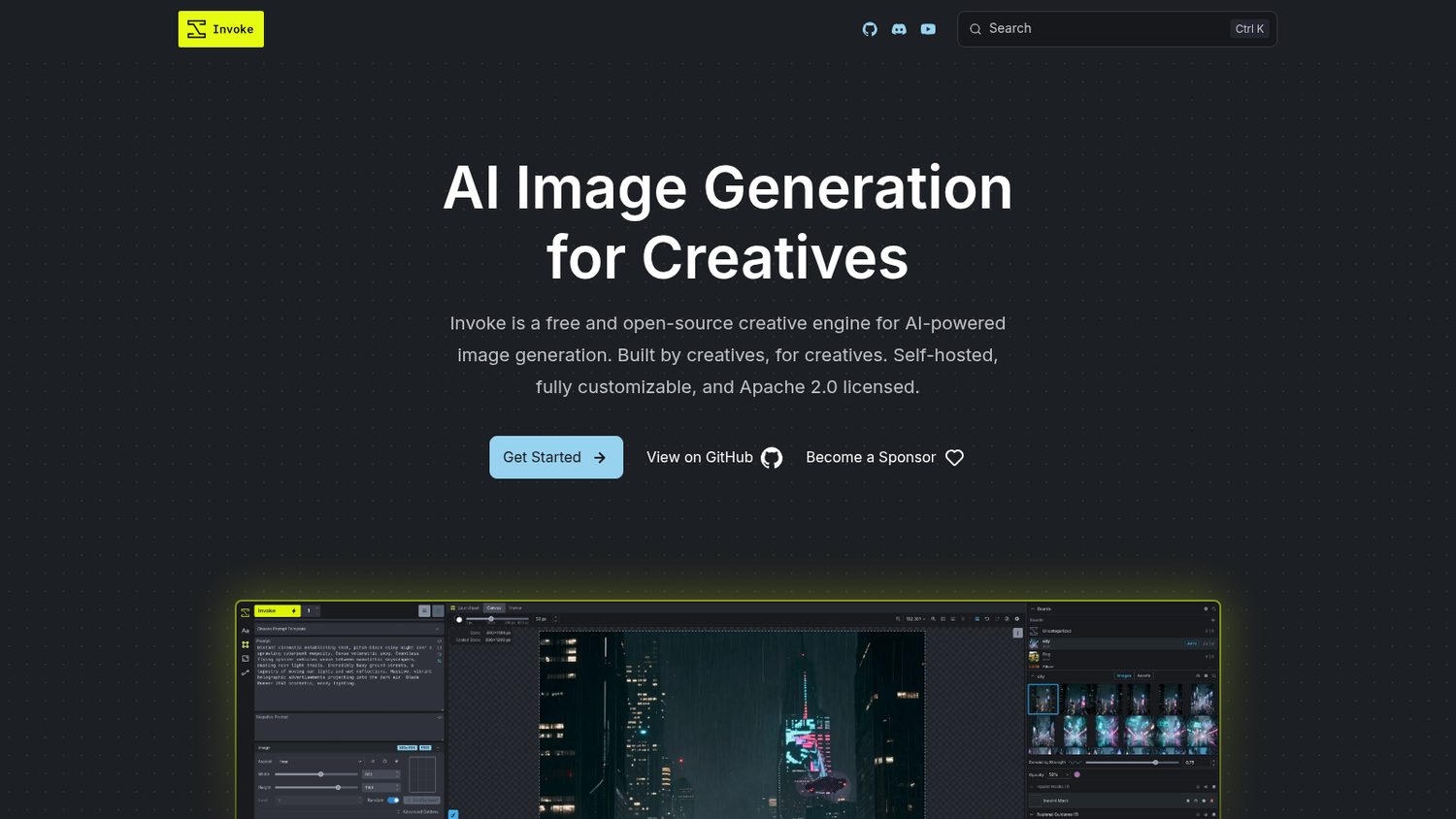
Invoke has been open source since 2022.
Its founding team moved on last year, and the community kept it going.
It is a whole studio in your browser: a canvas, a gallery, and a node editor for the pipelines you build.
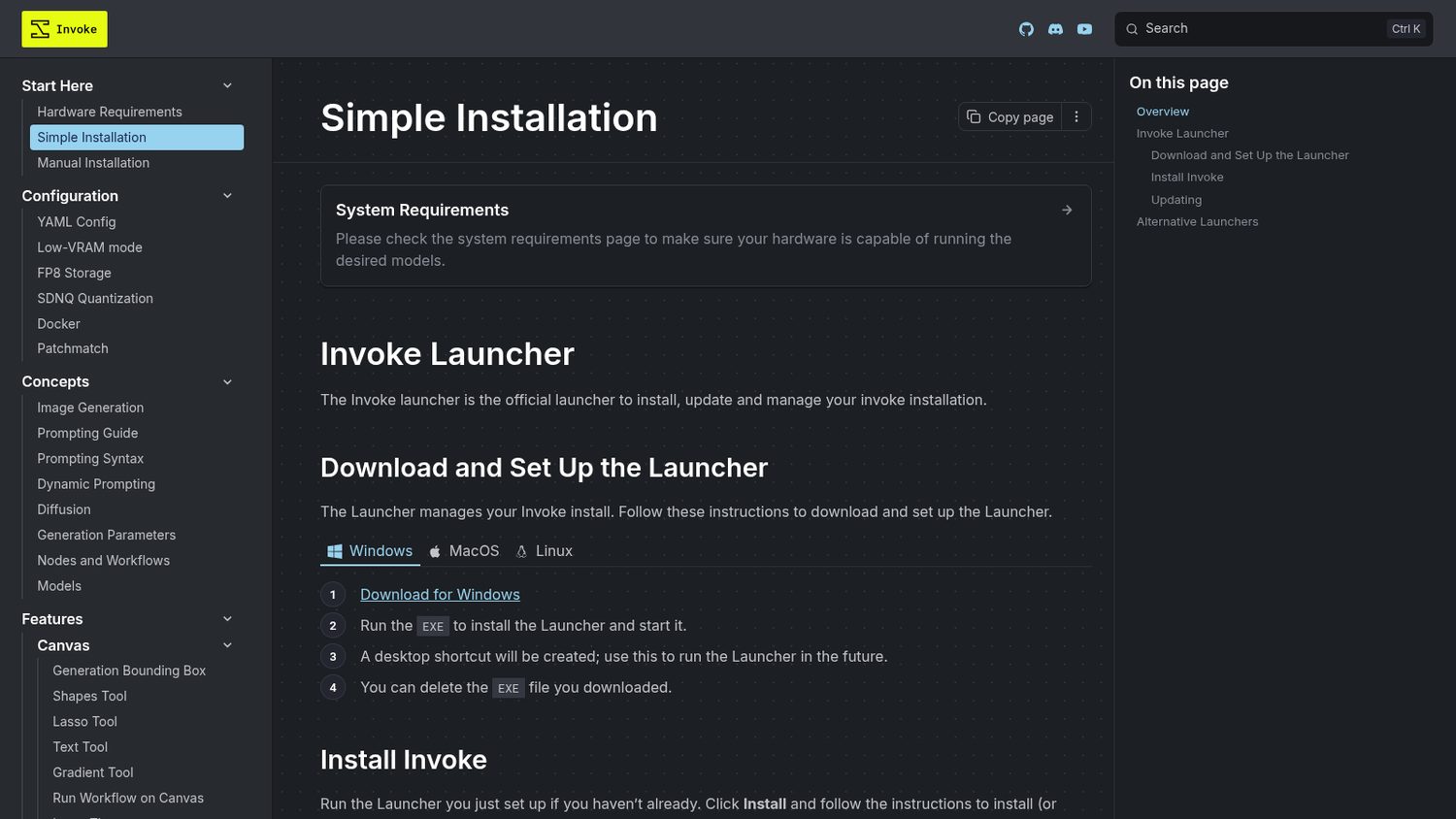
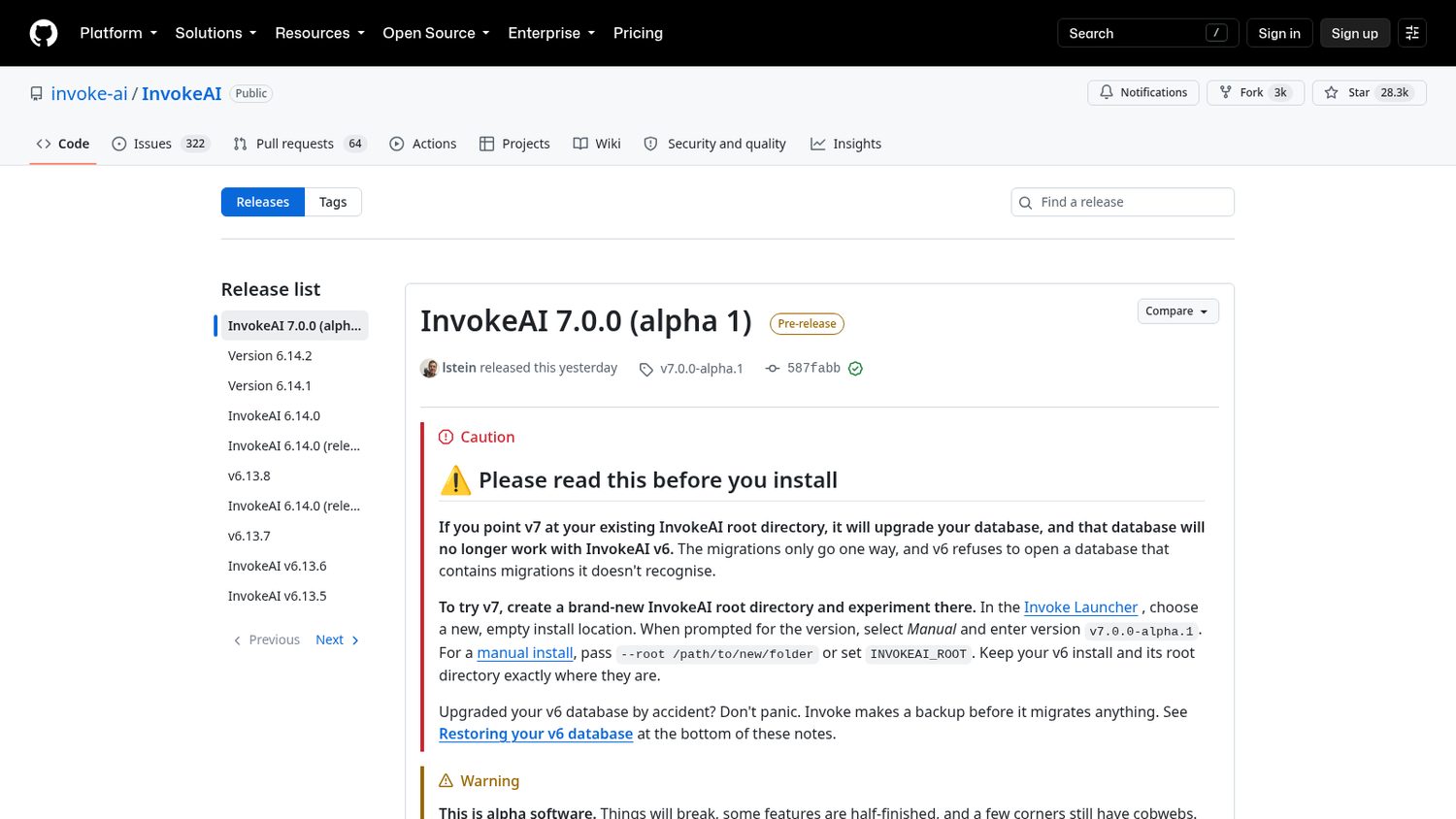
You download a launcher and it installs the app for you.
You open it in your browser and choose which model to pull down.
Then you prompt, paint over the part you want changed, and run it again.
Here is what Invoke ships:
Worth noticing:
You need the hardware: about 8GB of video memory for SDXL, 10GB for Flux, or an Apple Silicon Mac with 16GB.
And read the model licence. Flux Schnell is Apache-2.0; Flux Dev ships under a non-commercial one.
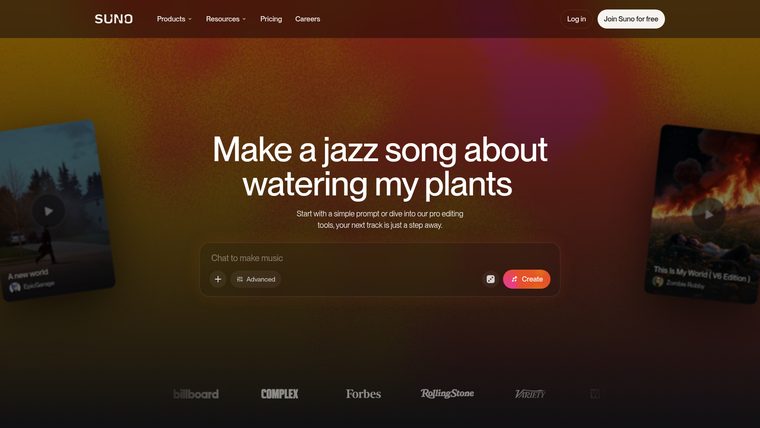
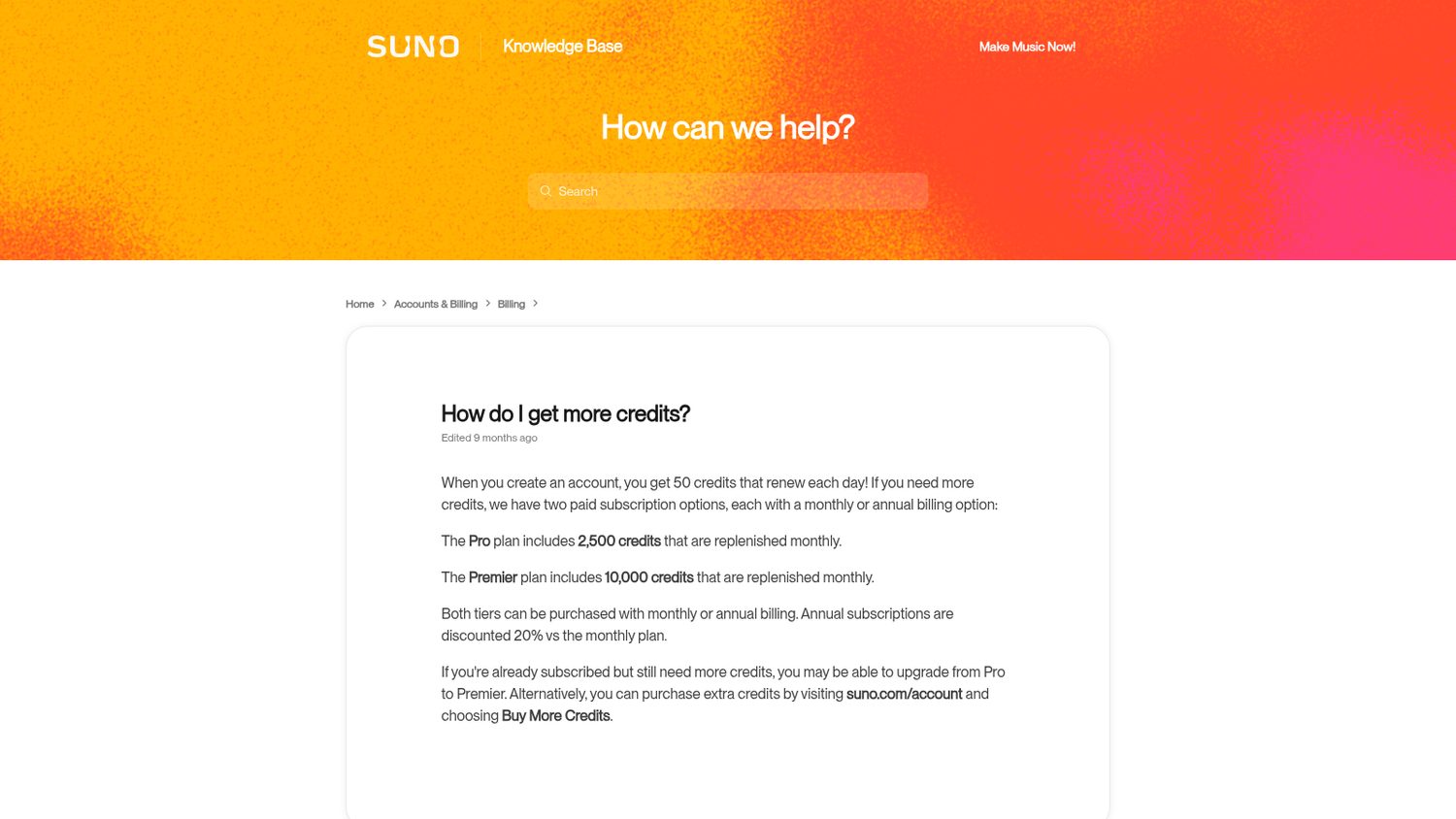
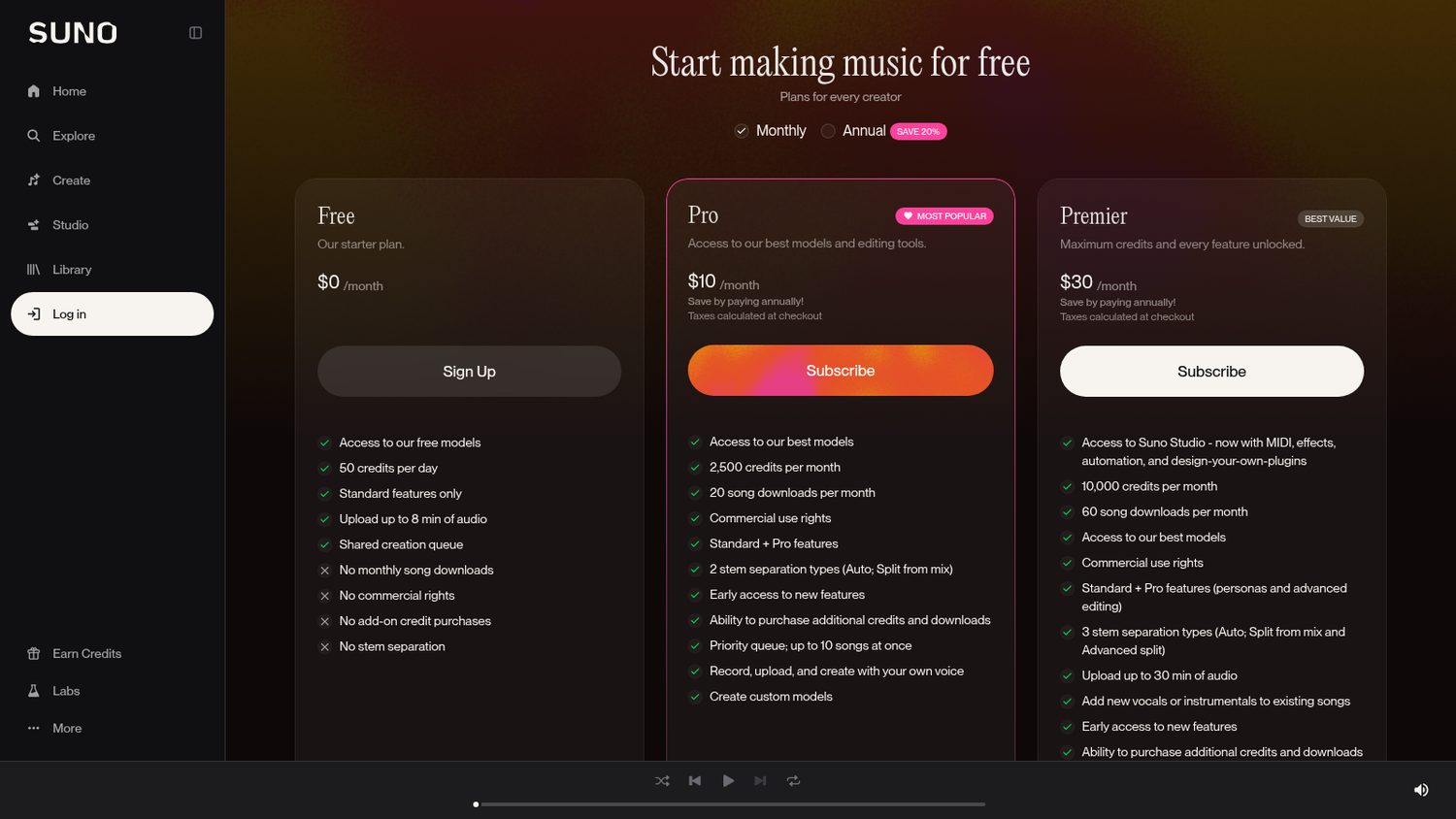
But you are buying credits, and credits run out.
Pro is 2,500 a month, and when they are gone you either buy a top-up or move up to the bigger plan.
Downloads are rationed too — twenty songs a month on that plan.
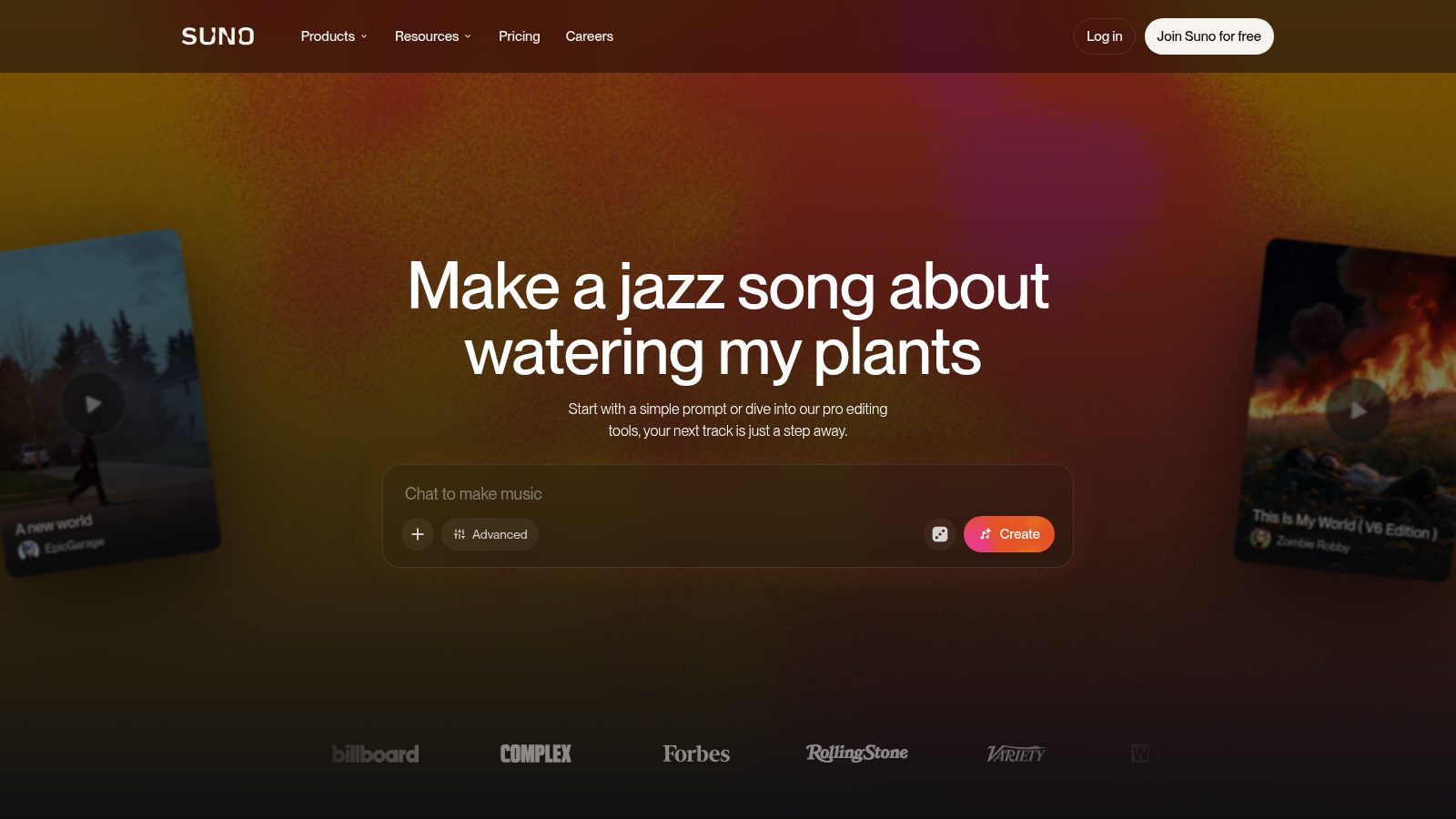
Suno Pro is $10 a month.
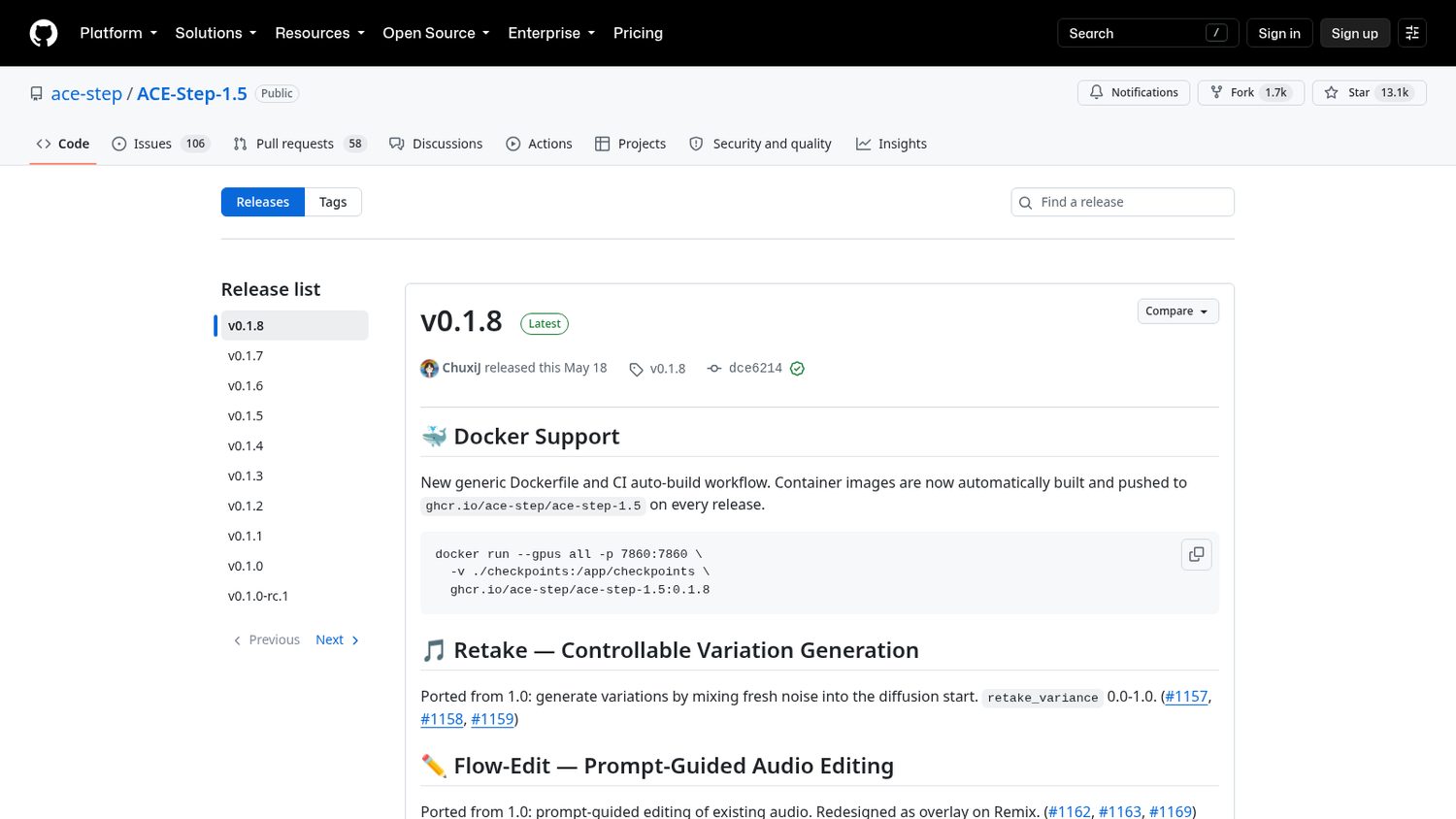
Two companies, ACE Studio and StepFun, open-sourced the model itself.
It is called ACE-Step, and this is version 1.5.
You give it a style and some lyrics, and it writes the music and sings it on your own machine.
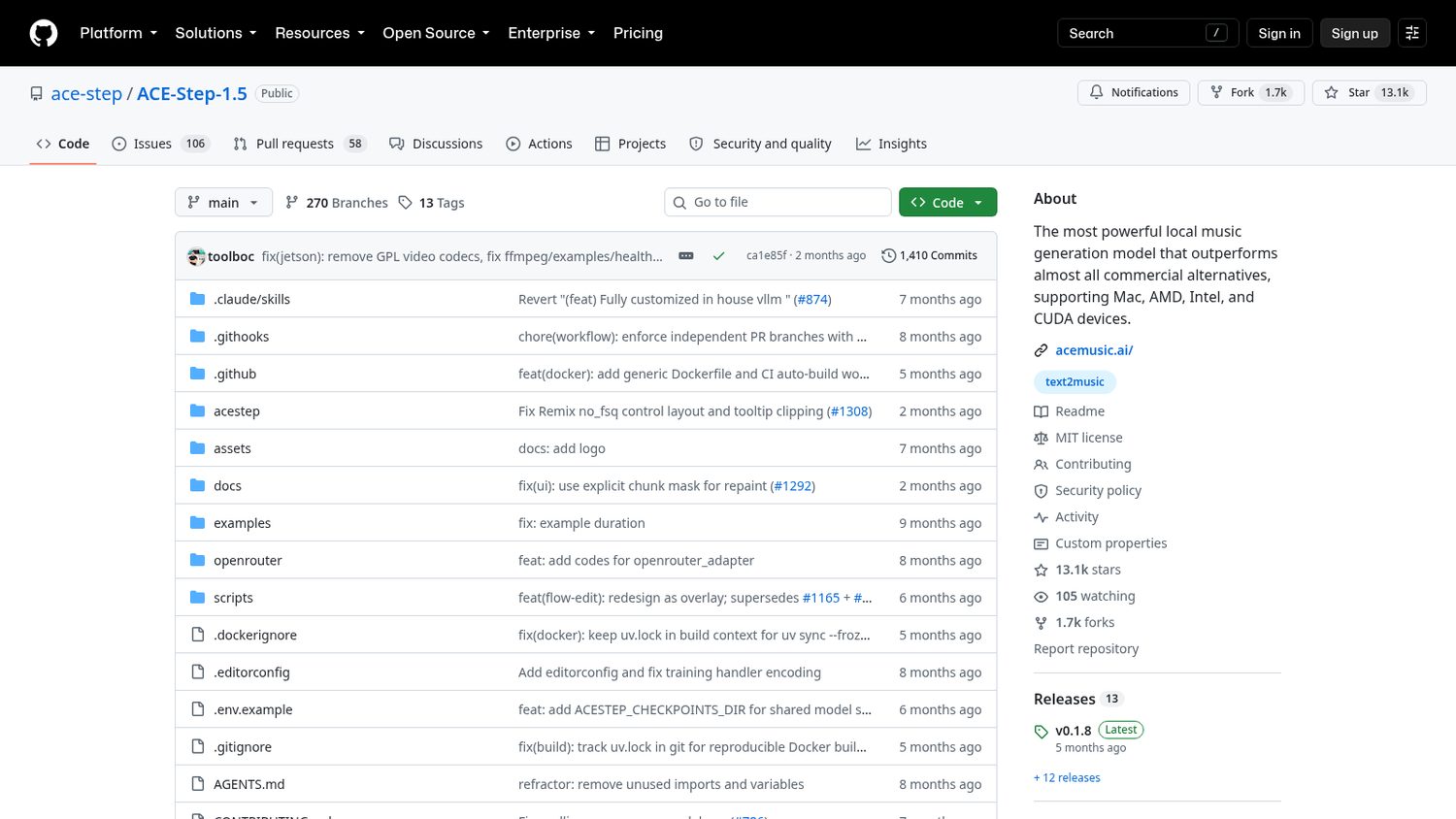
You install it with one command and a page opens on your own computer.
The models download themselves the first time you run it.
You describe the song, paste lyrics if you have them, and press go.
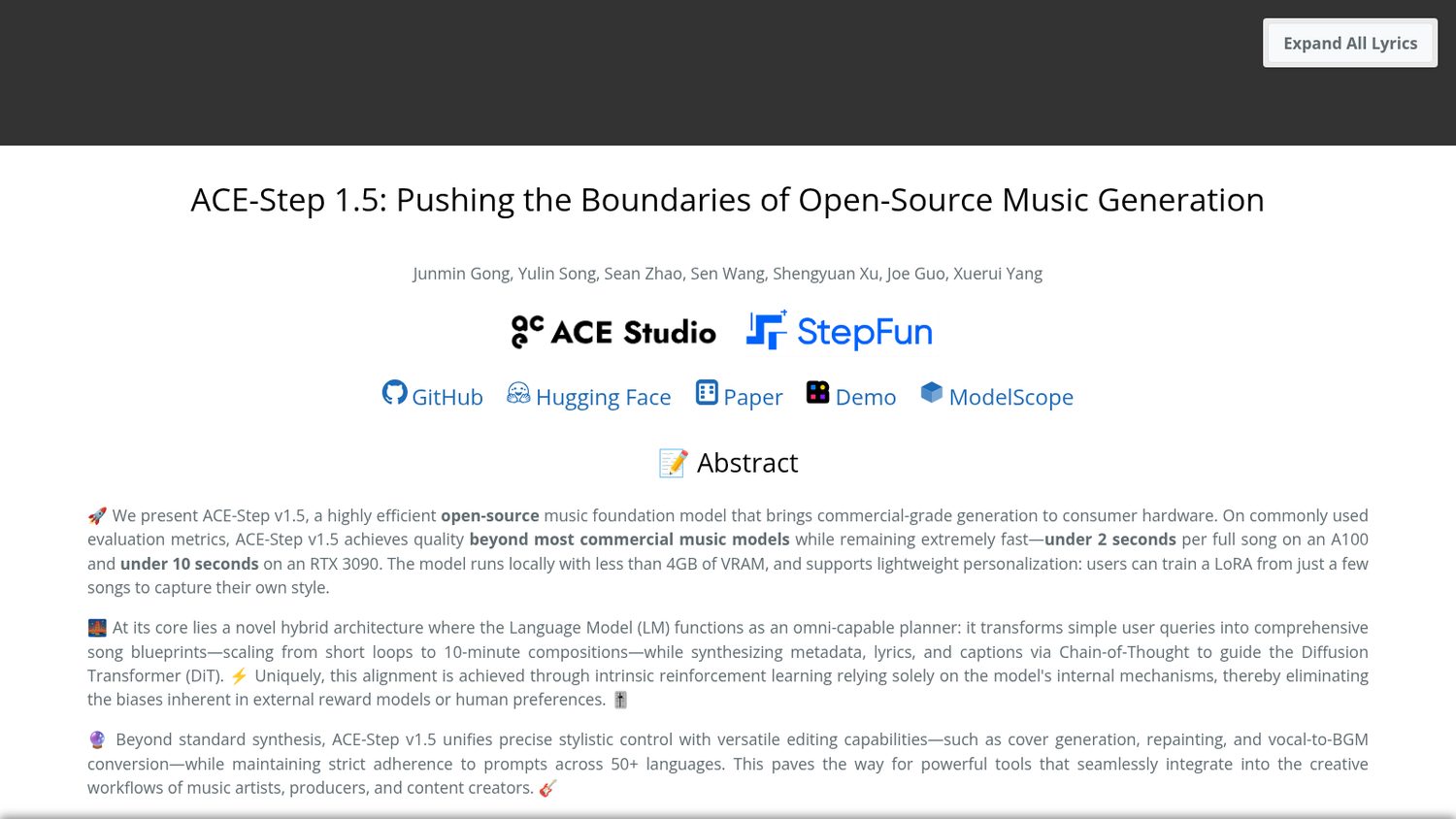
Here is what ACE-Step 1.5 ships:
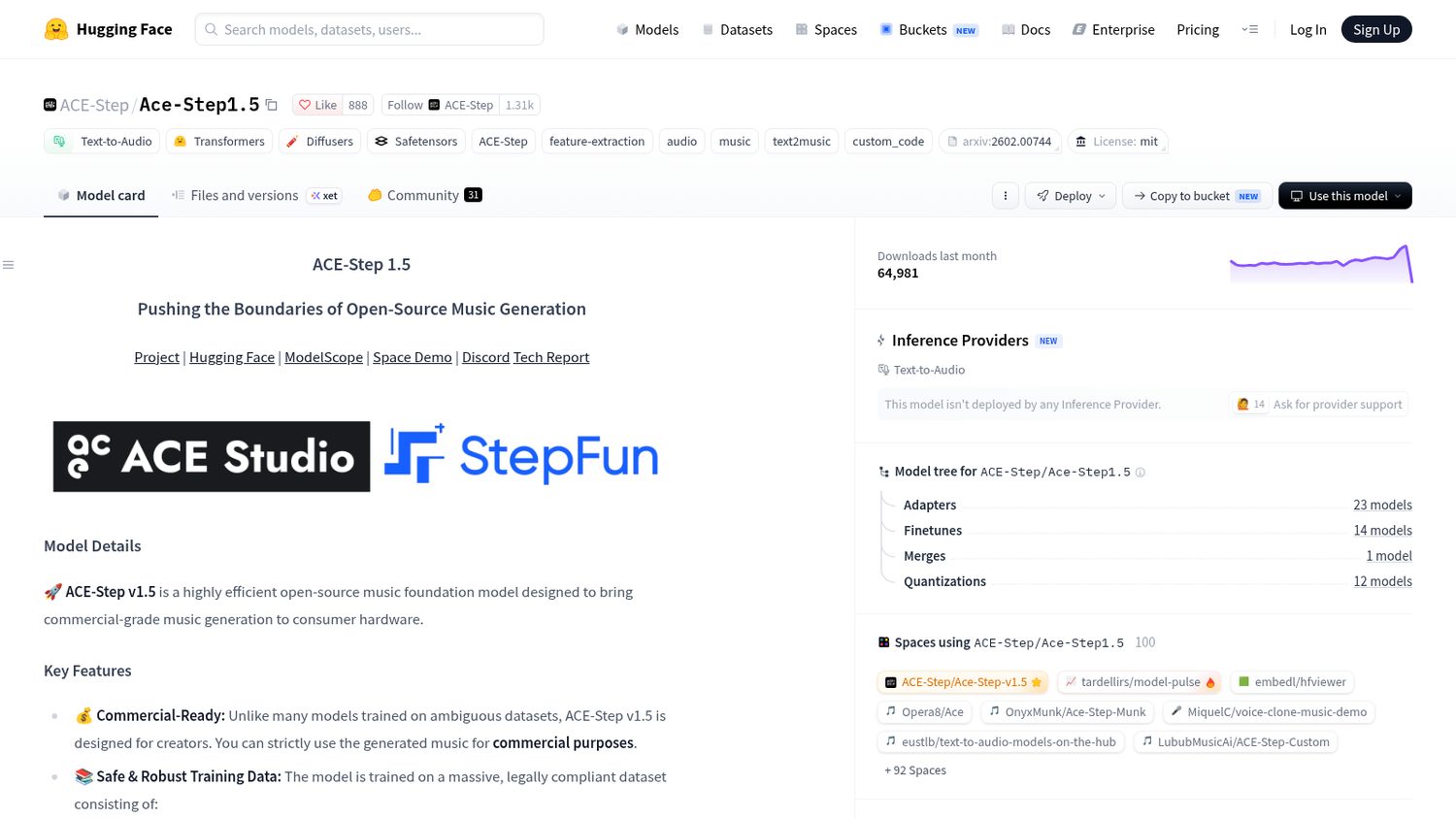
Worth noticing:
They say it beats most commercial music models. That is their benchmark, not mine — go listen for yourself.
And it wants a graphics card: the small model fits in about 4GB, the big one wants twelve or more.
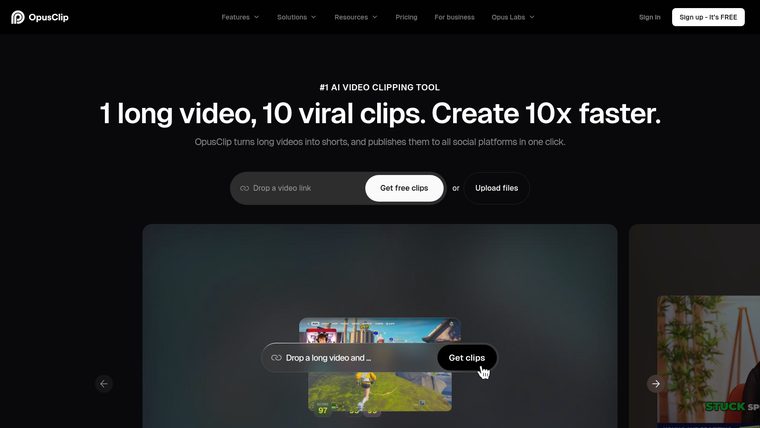
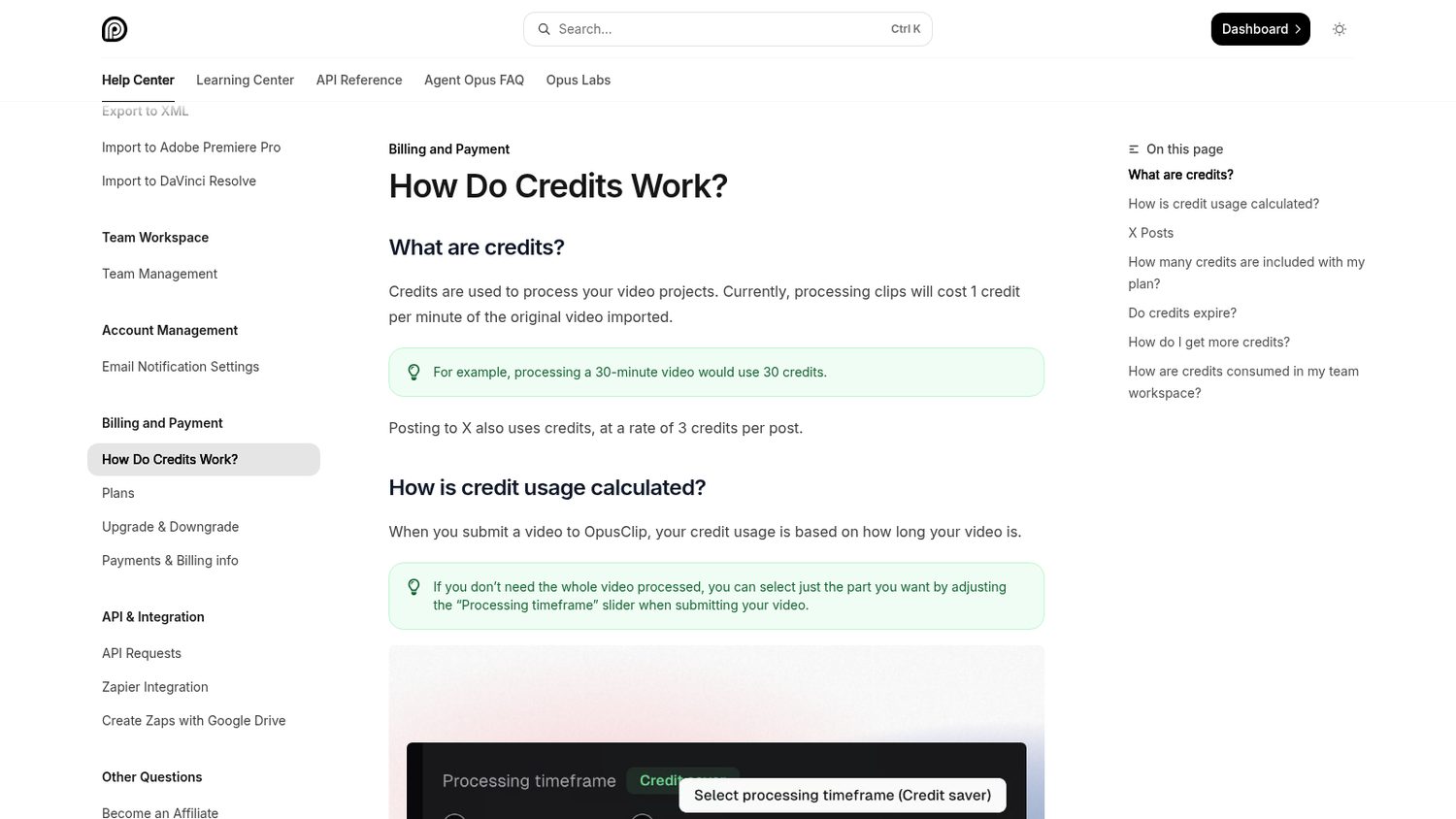
But it runs on credits, and one credit is one minute of your video.
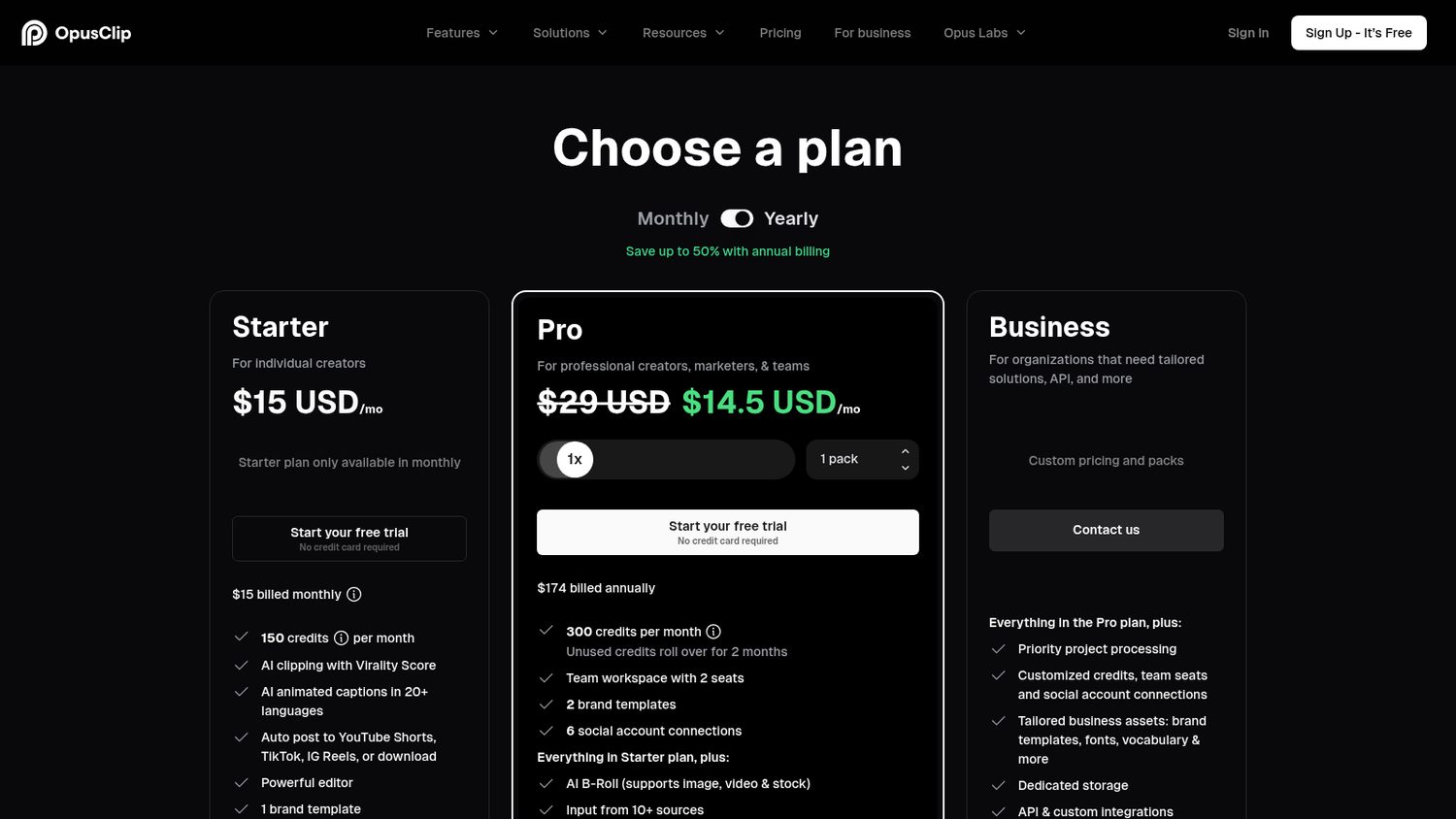
The entry plan is 150 minutes a month, so a single long podcast eats a chunk of it.
Posting to X costs credits as well.
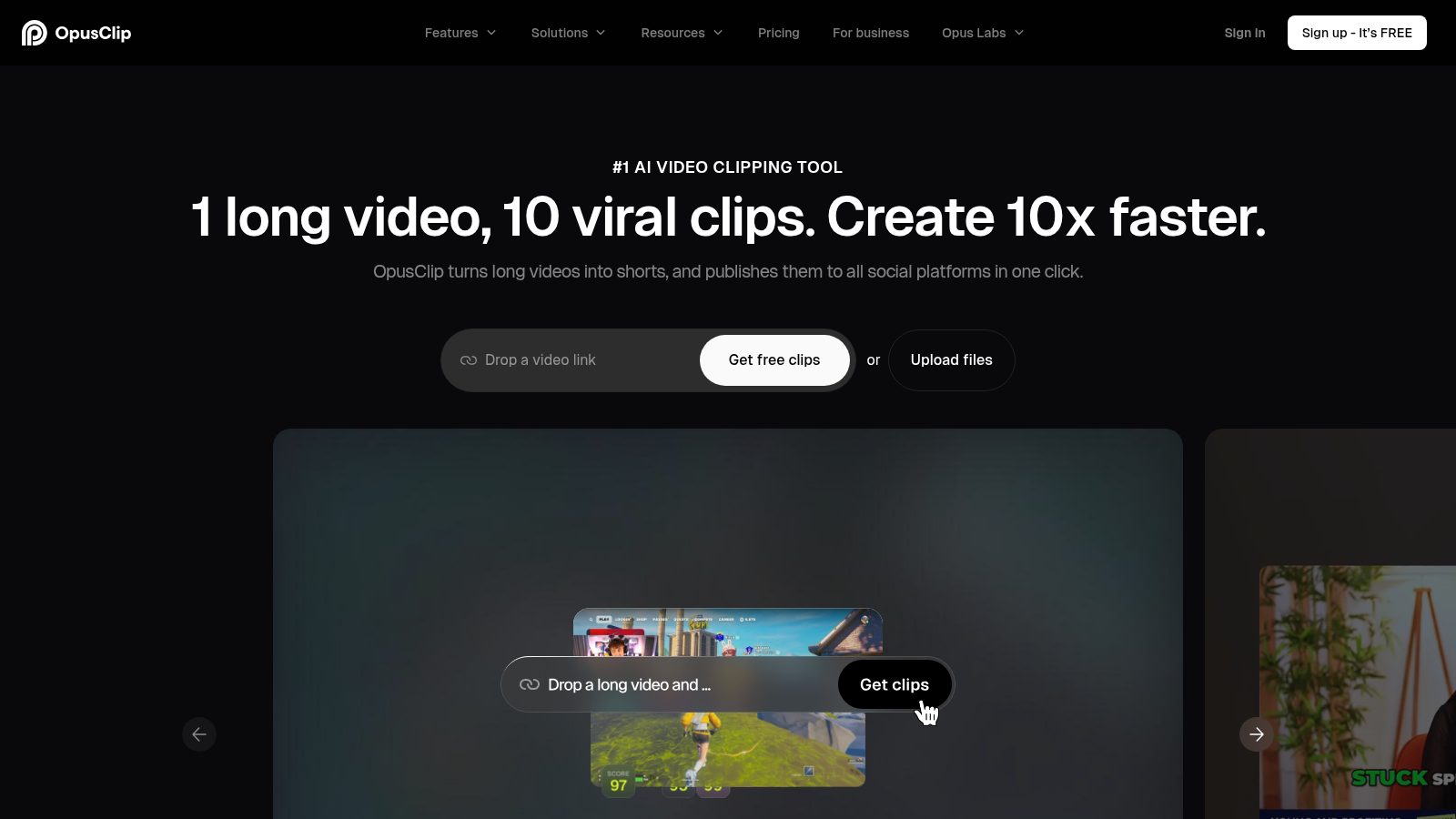
Opus Clip Starter is $15 a month.
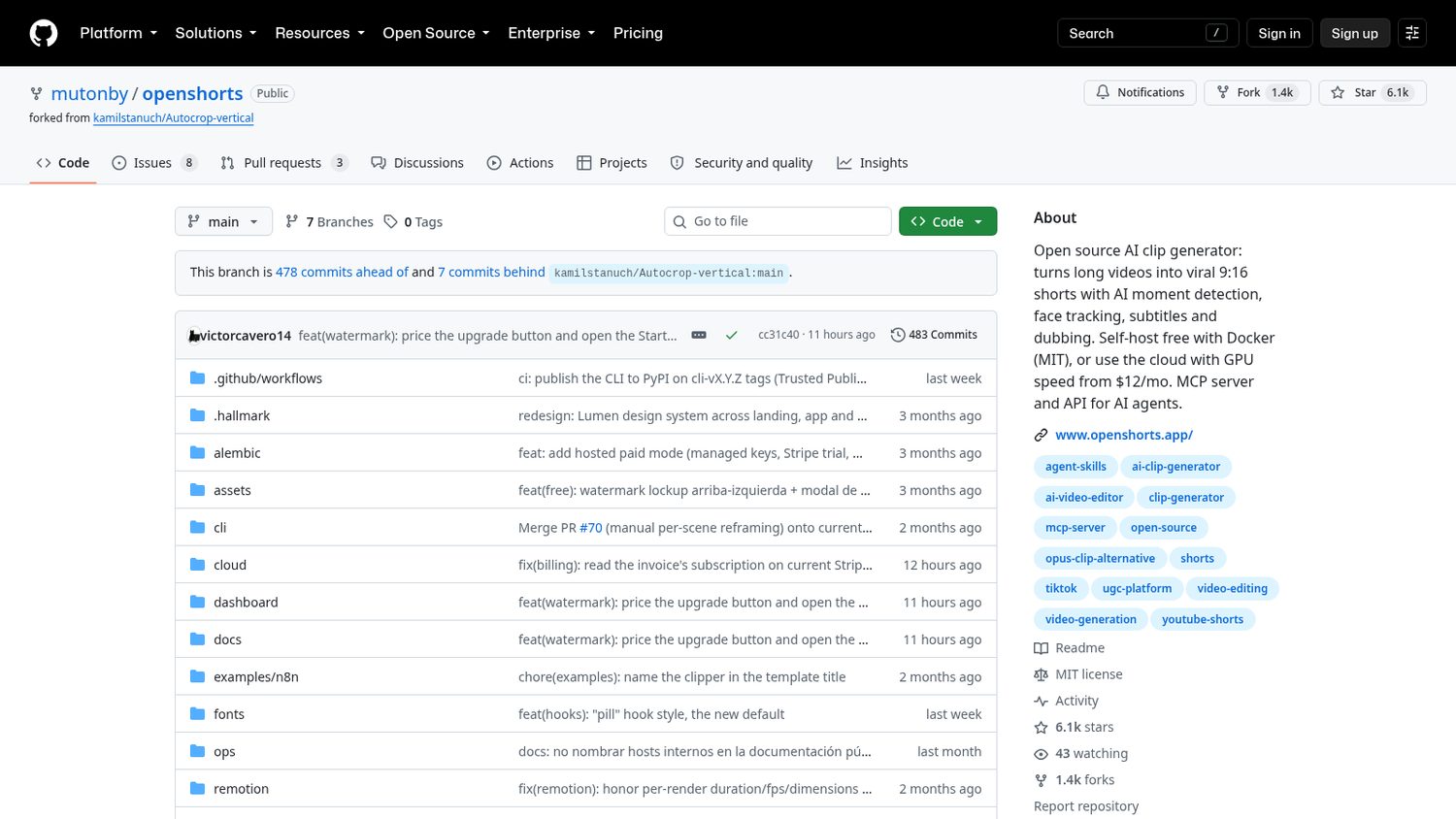
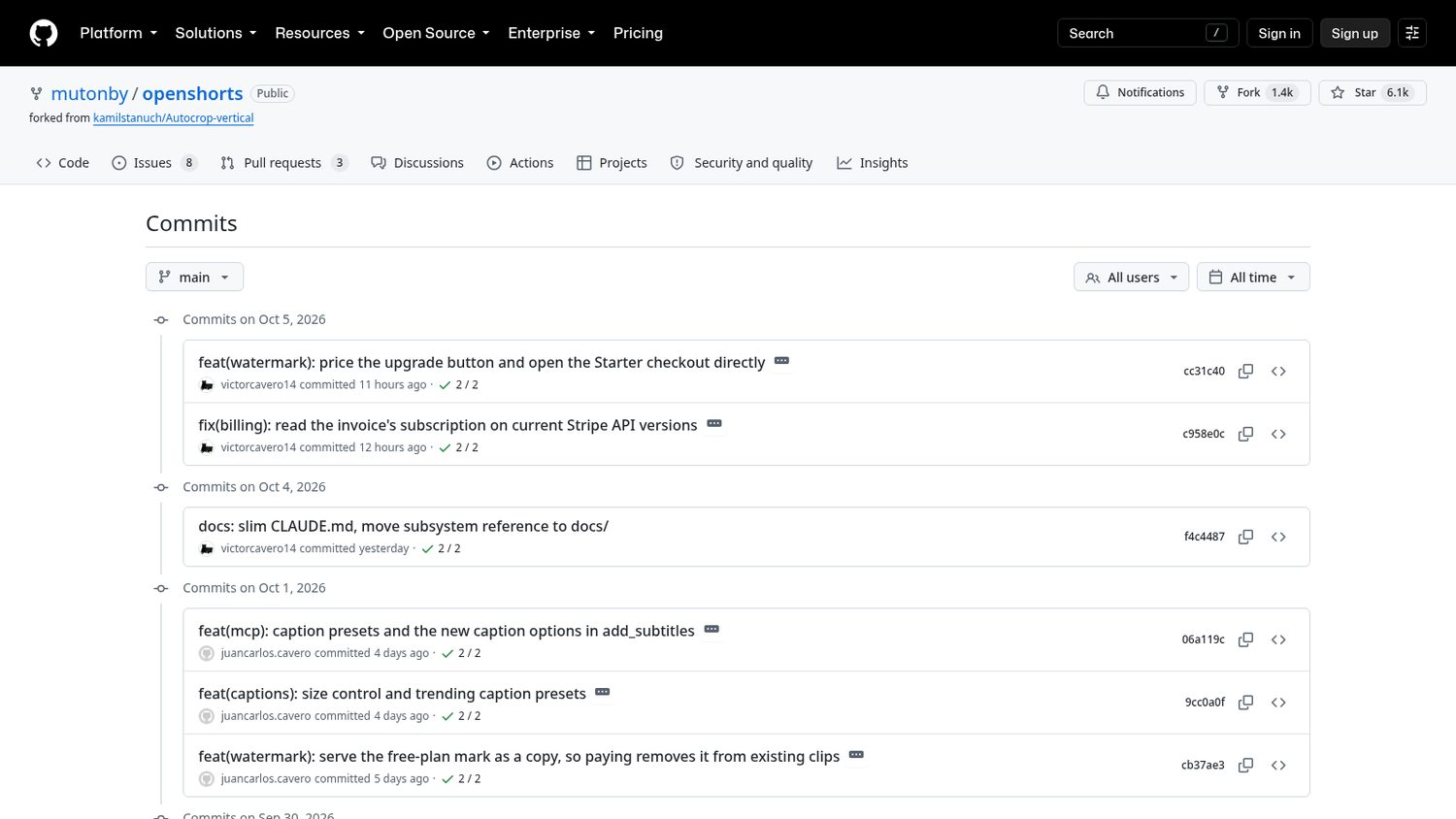
It started last December as a copy of a small vertical-crop script.
It grew into OpenShorts.
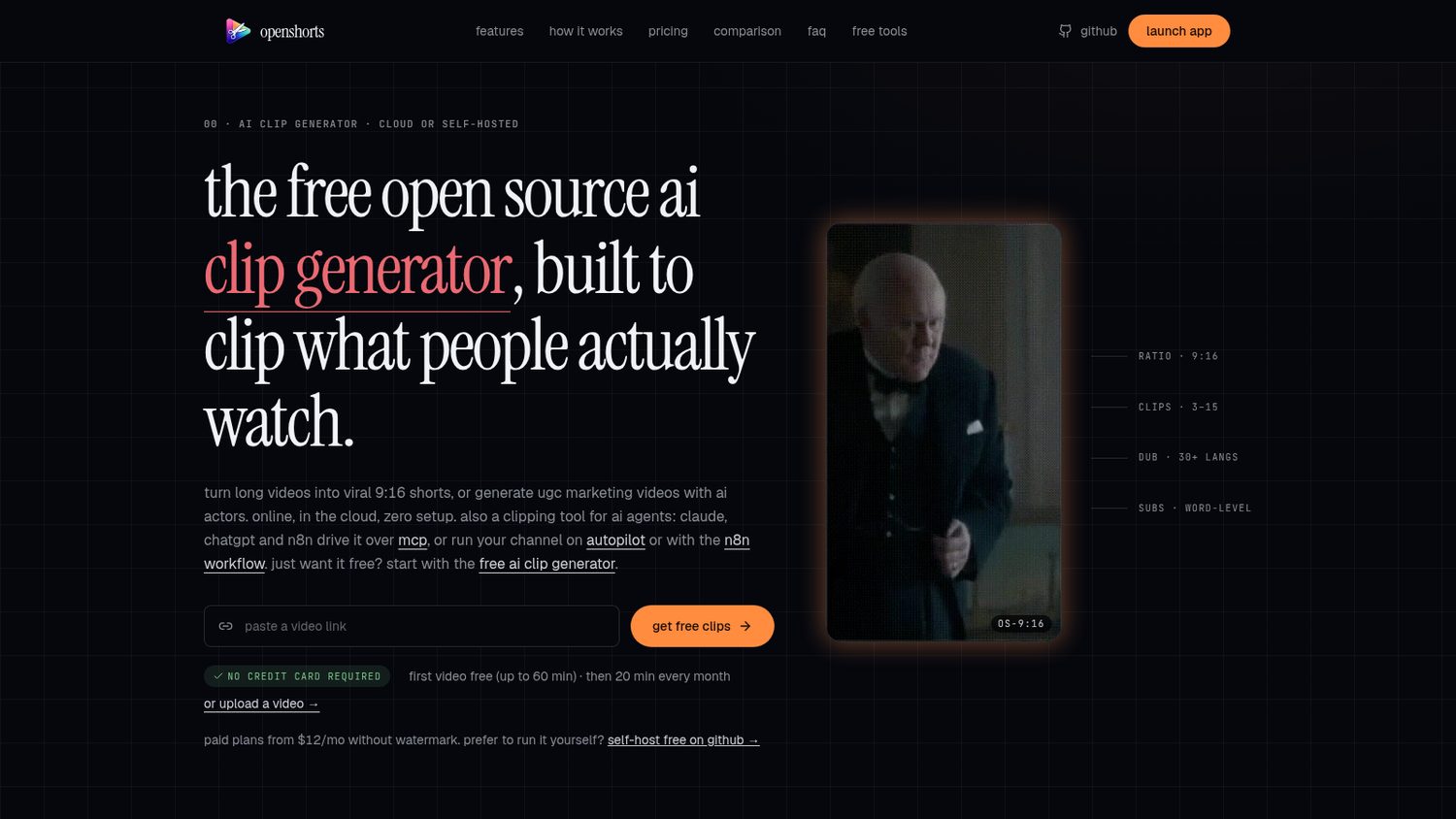
It takes a long video, finds the moments worth cutting, and reframes them to fit a phone.
You run it with Docker and open the dashboard.
You paste a link or upload a file, and it works through the transcript, the moments, the crop and the captions.
You get the clips back, and it can post them for you.
Here is what OpenShorts ships:
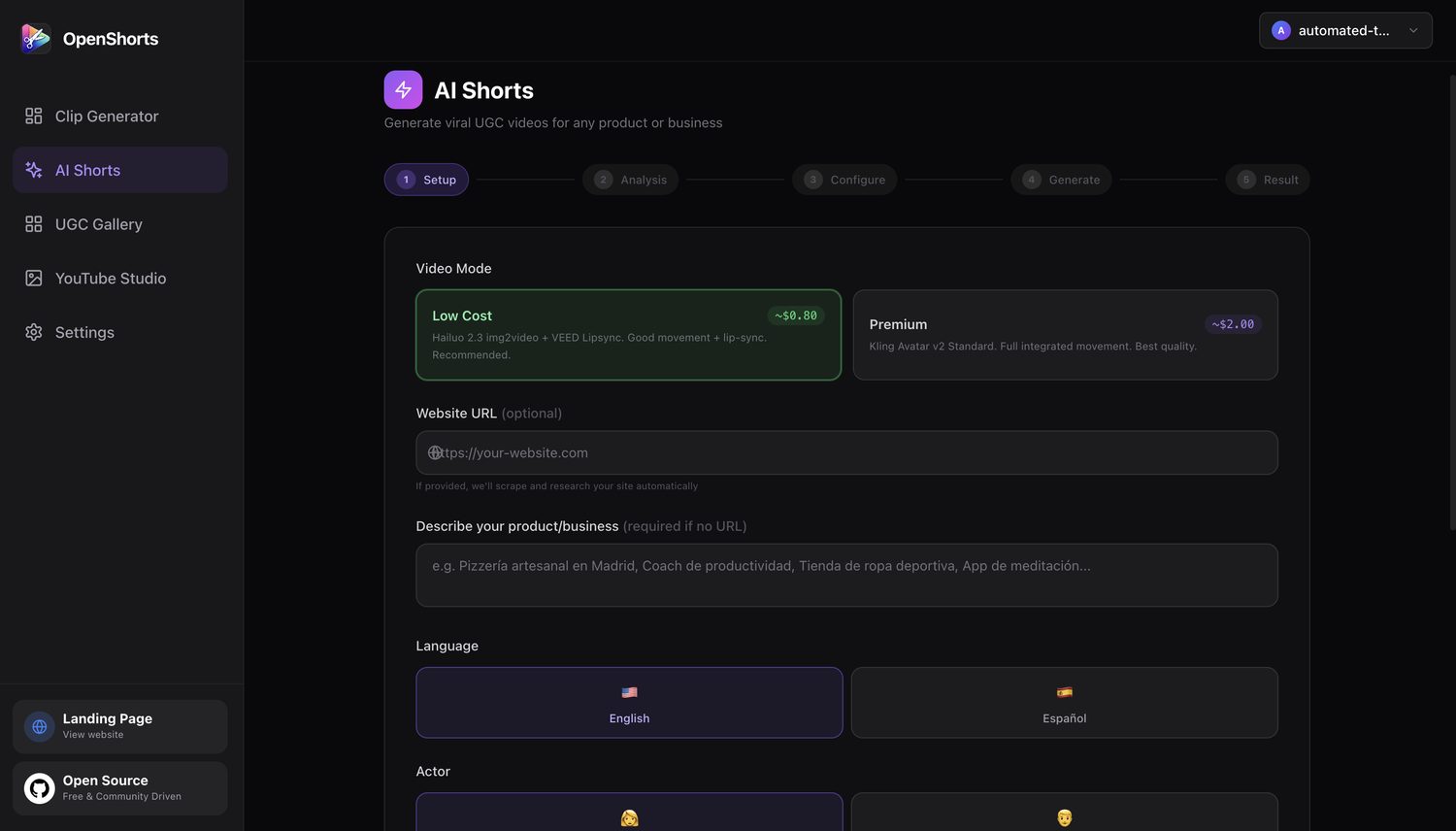
Worth noticing:
It is free to run, but the clever parts call paid services. You bring your own Google, ElevenLabs and fal keys, and most of those have small free tiers.
It is also young: no tagged releases yet, and the people behind it sell a hosted version too.
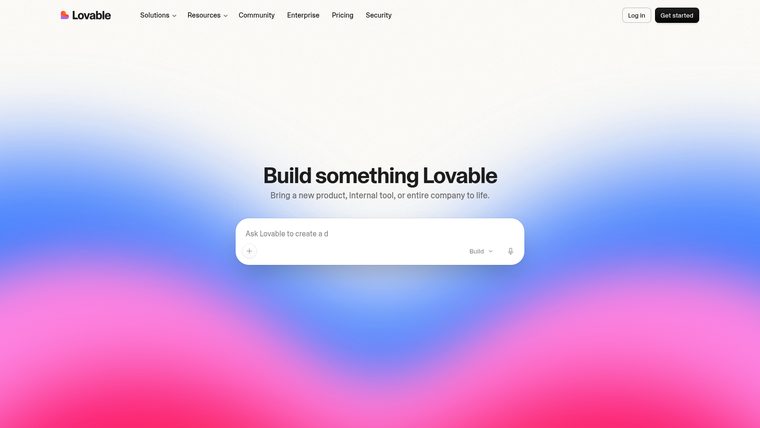
But everything burns the same credits — the building, the chatting, even hosting what you built.
Pro is a hundred credits a month, and the ones you do not spend expire.
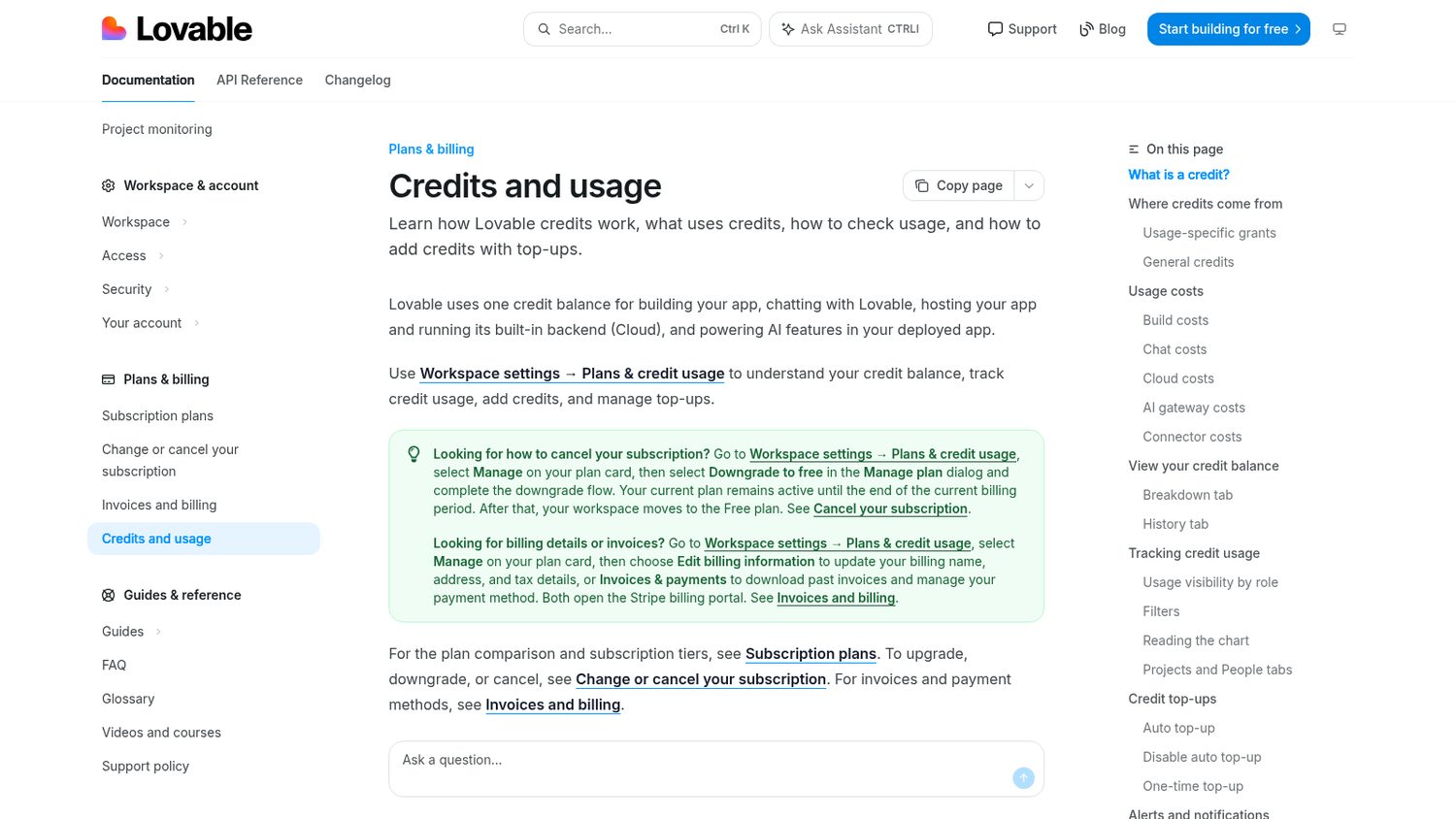
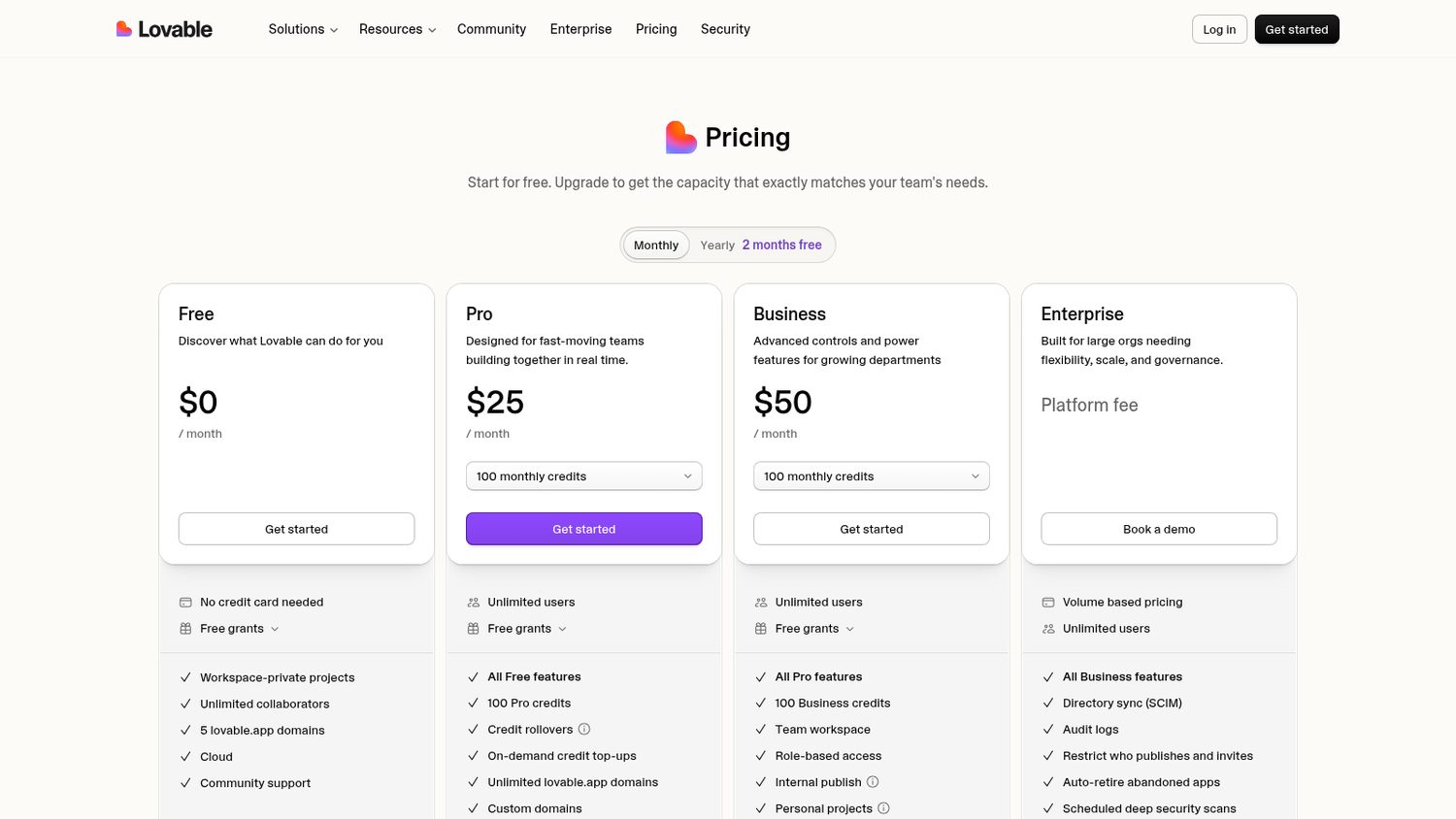
Lovable Pro is $25 a month.
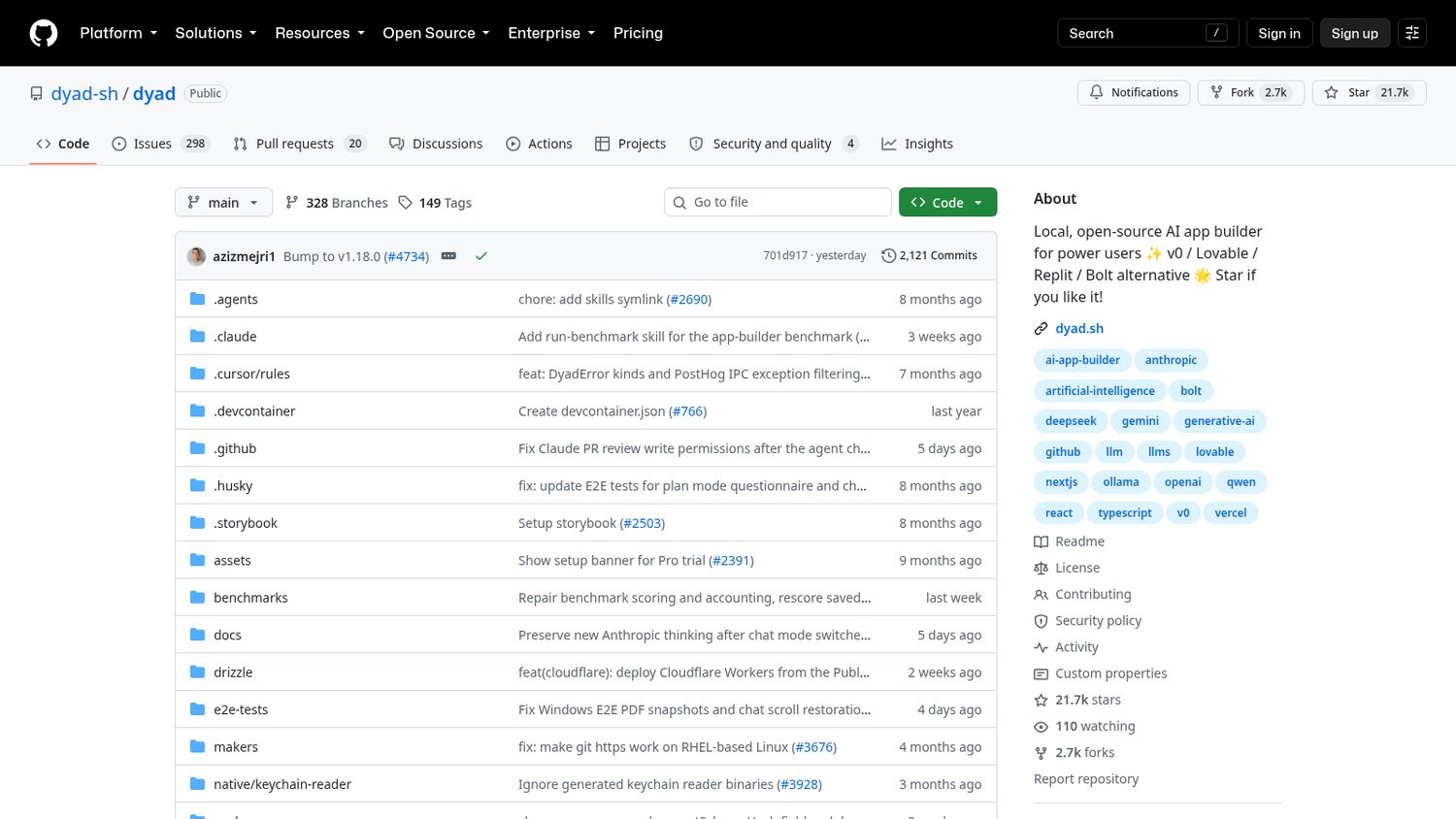
One developer released Dyad in April 2025.
It is the same idea, as a desktop app.
You describe the app you want, it writes it on your machine, and the code is yours the whole way through.
You download it for Mac, Windows or Linux and open it. There is no sign-up.
You add a model key — Google’s free tier is enough to start.
Then you describe what you want and watch the files appear in a folder you own.
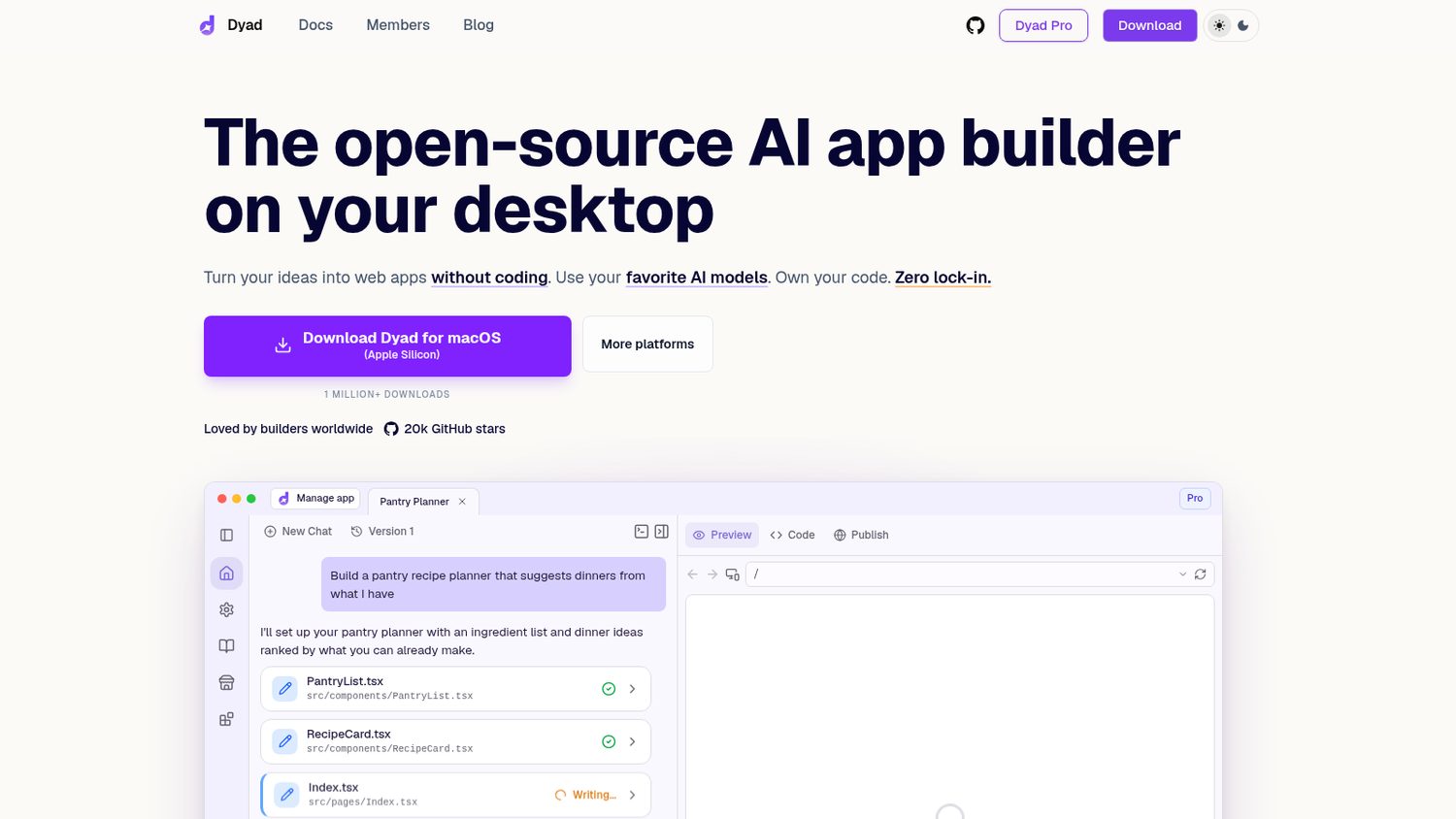
Here is what Dyad ships:
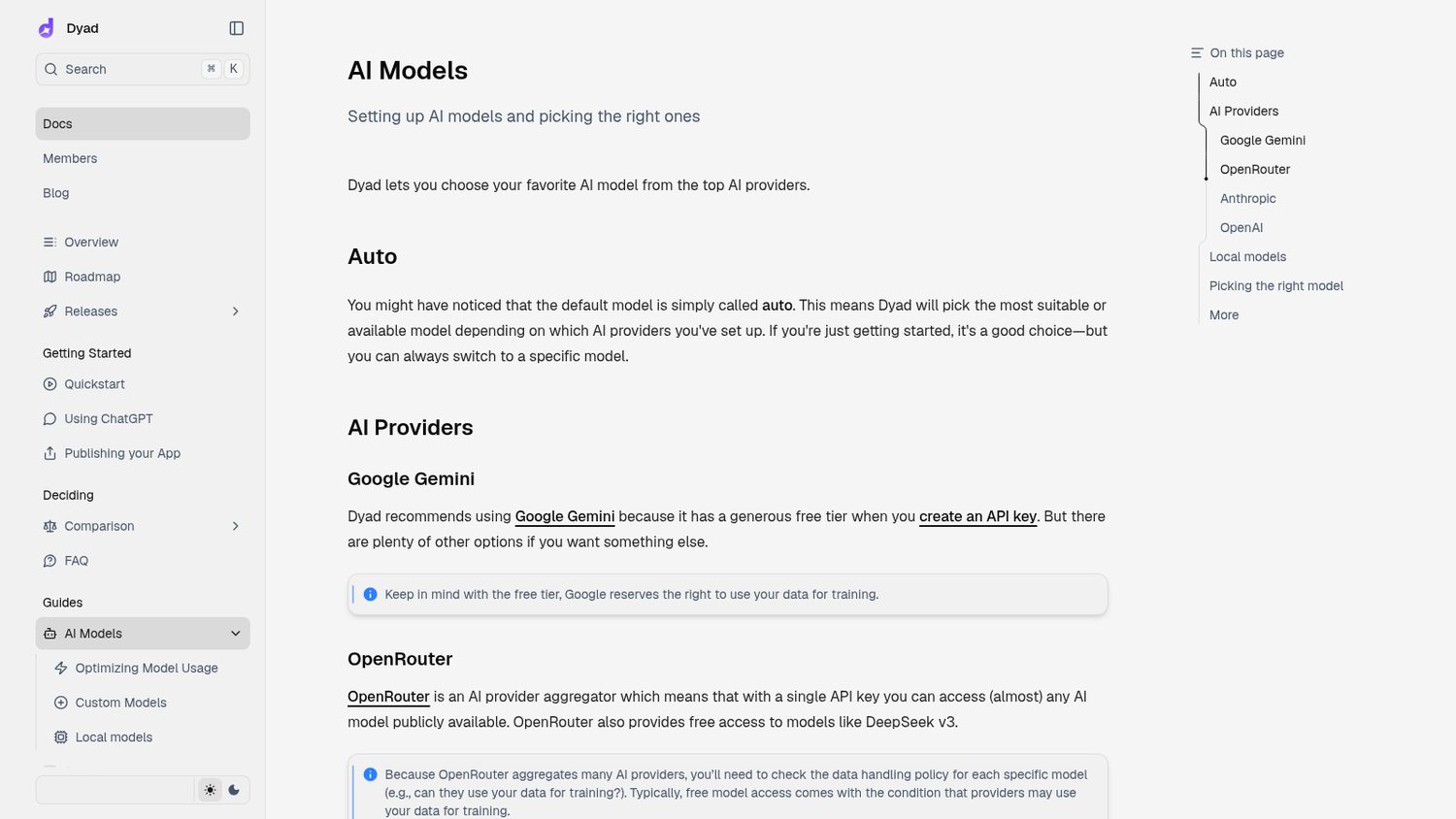
Worth noticing:
Not all of it is open source. The main app is Apache-2.0, the Pro parts sit under a fair-source licence, and there is a paid Dyad Pro.
And you still pay for the model — your own key, billed by use, unless you run one locally.
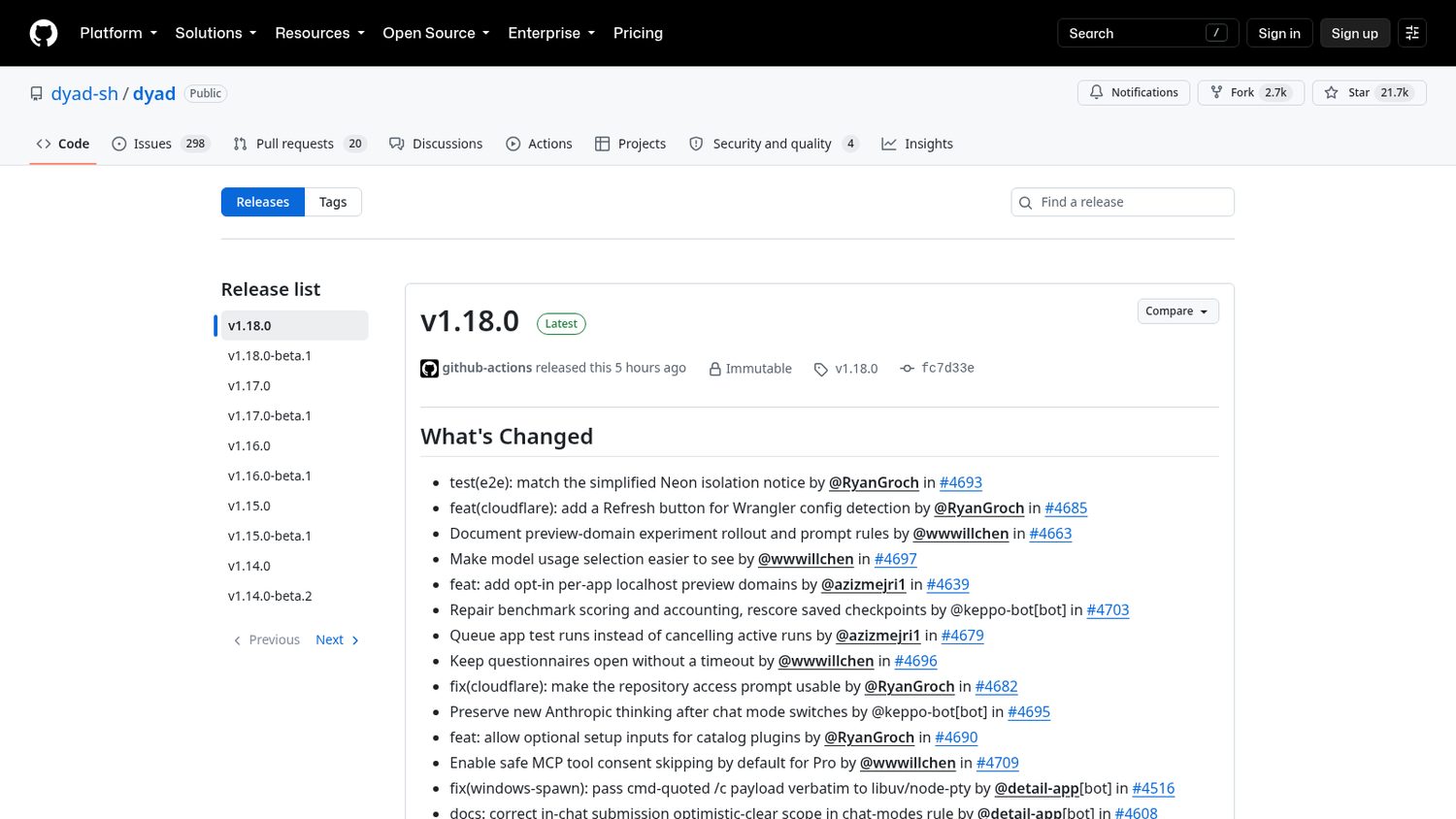
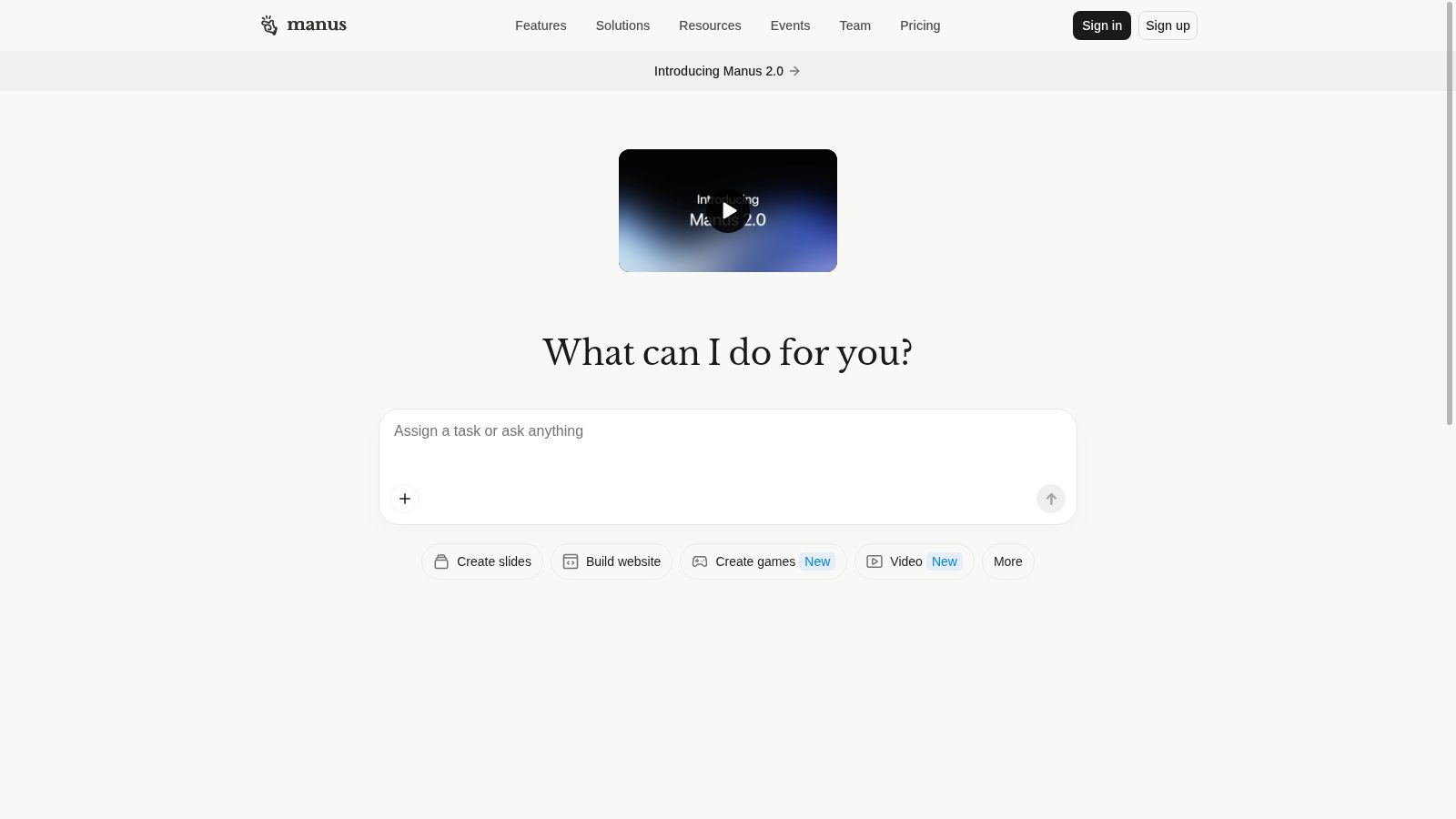
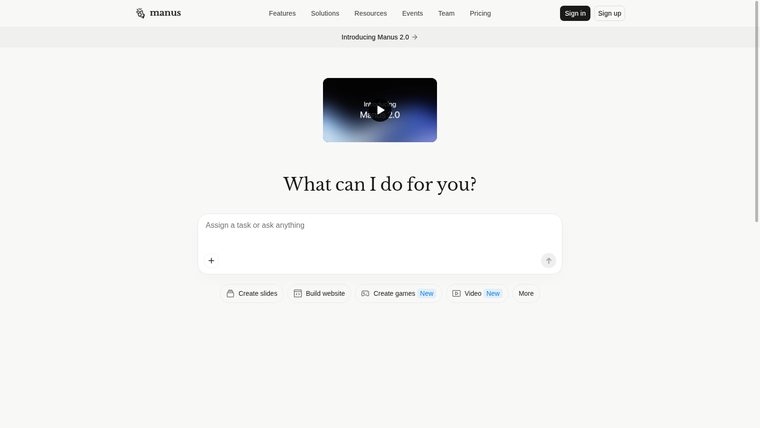
But every task spends credits, and the big tasks spend a lot.
Their own examples run from 200 credits for a chart to 900 for a small web app.
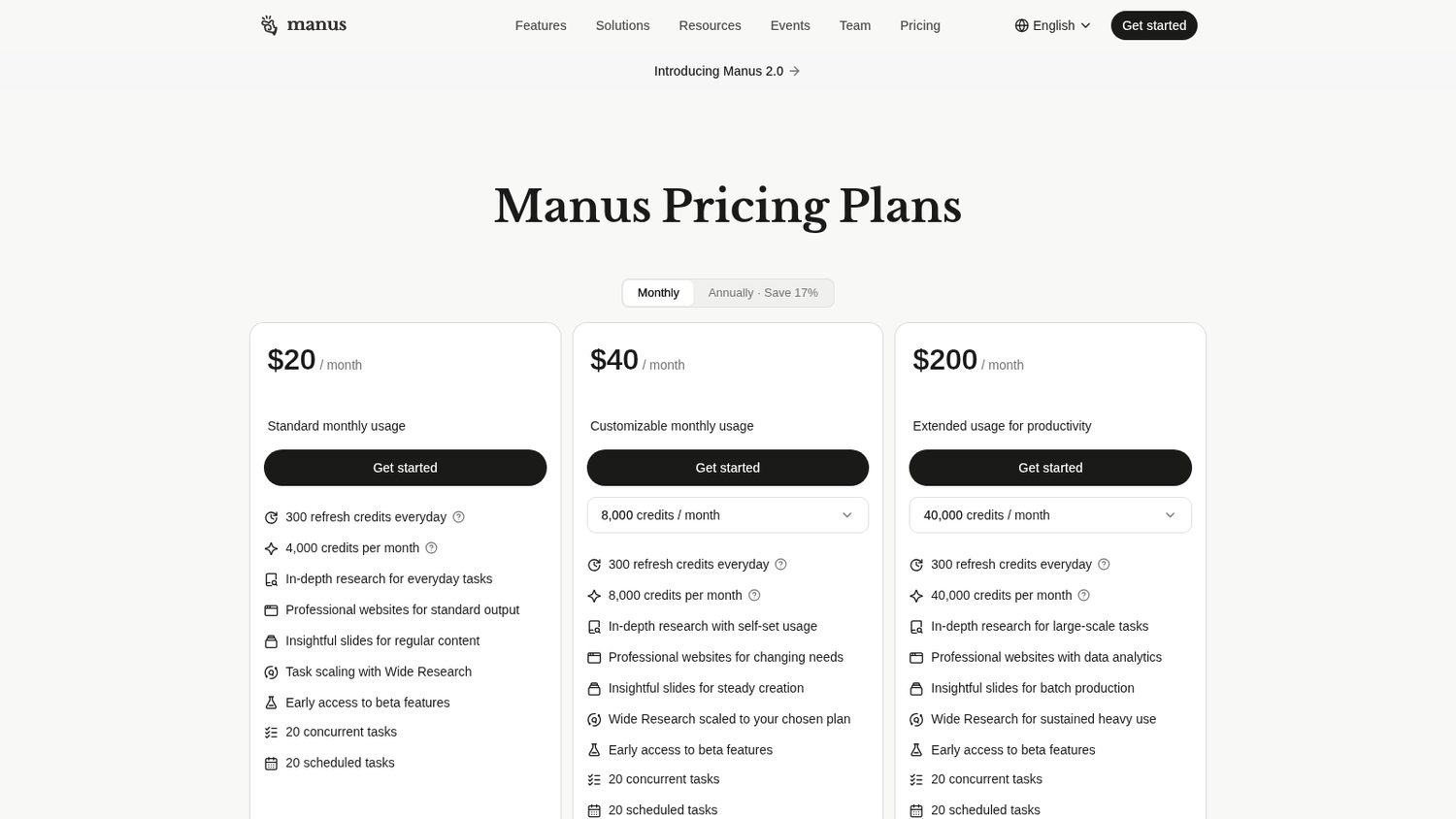
The entry plan is 4,000 a month, so that is a handful of real jobs.
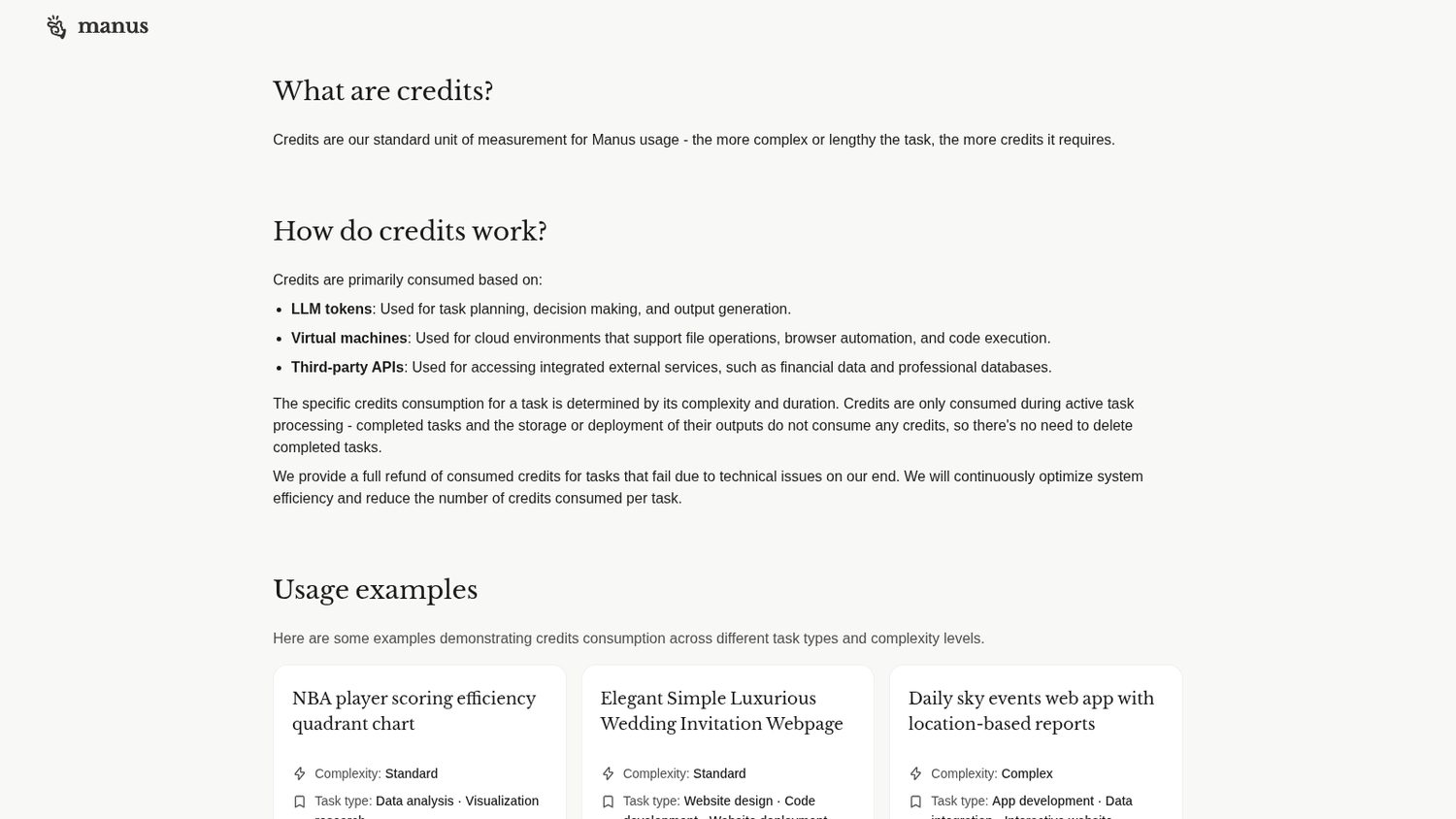
Manus starts at $20 a month.
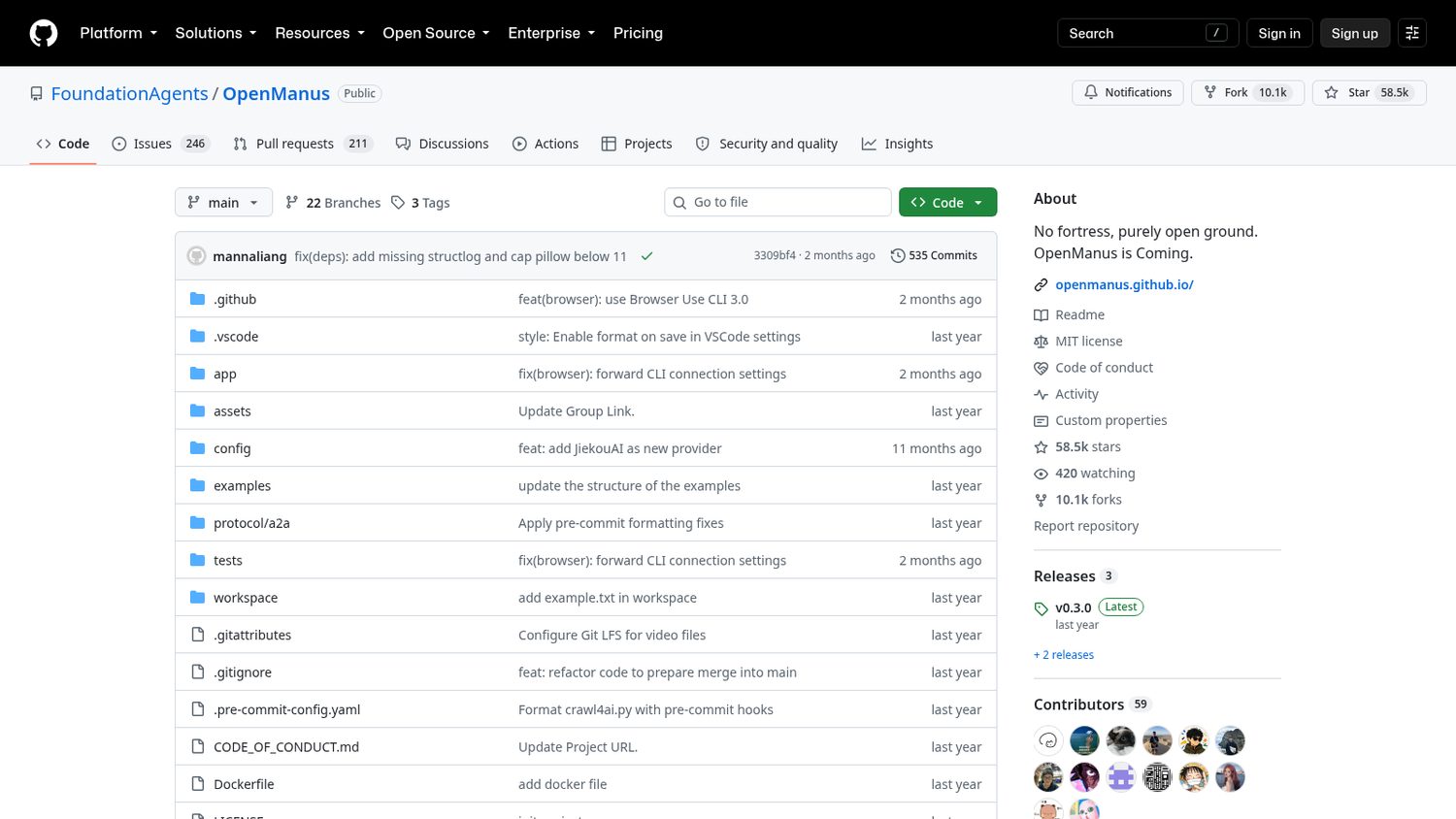
A research team rebuilt it in March 2025.
The first version took them three hours.
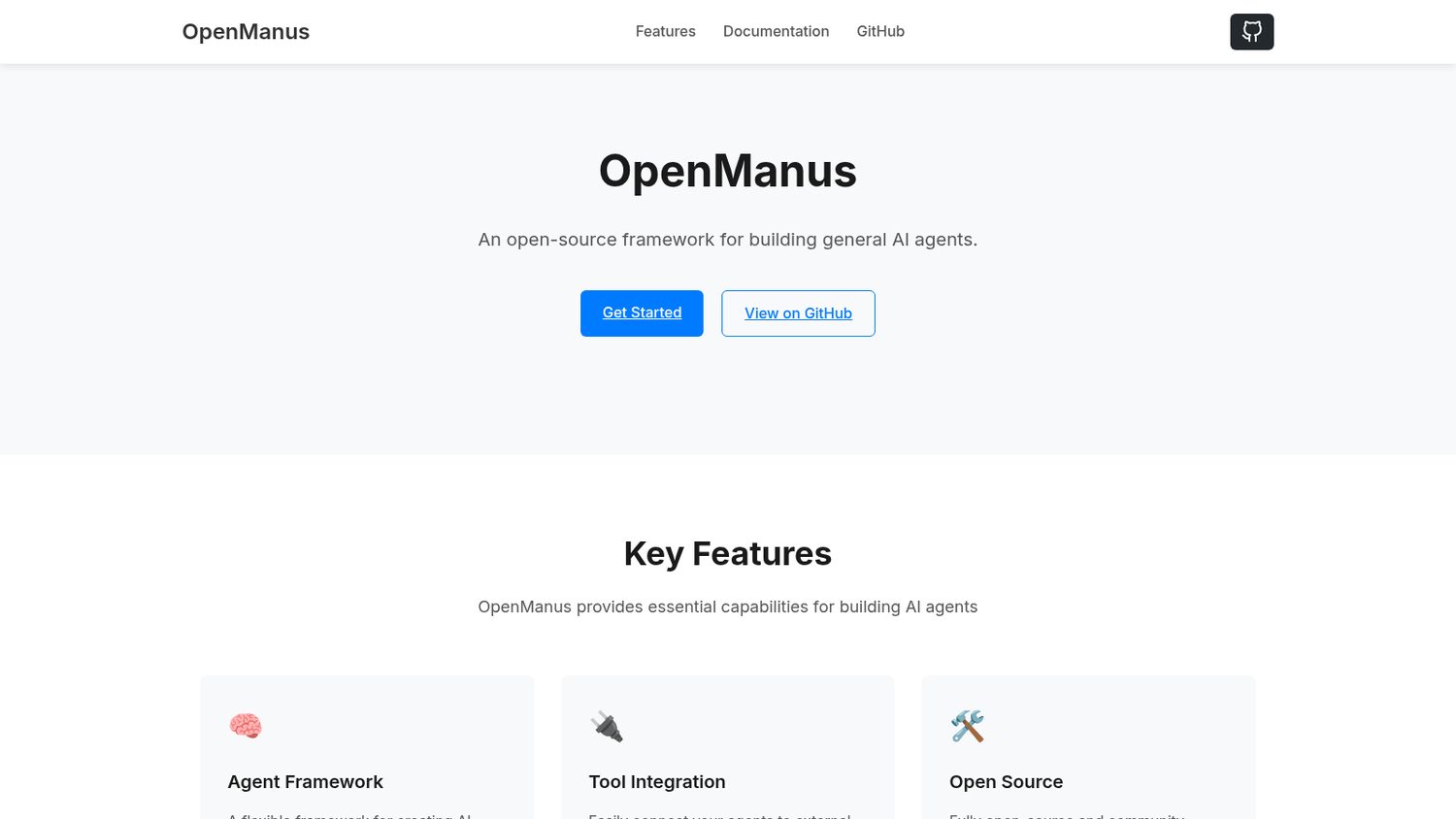
They called it OpenManus.
Same shape: you give it a goal, and it plans, browses, writes files and runs code until it is done.
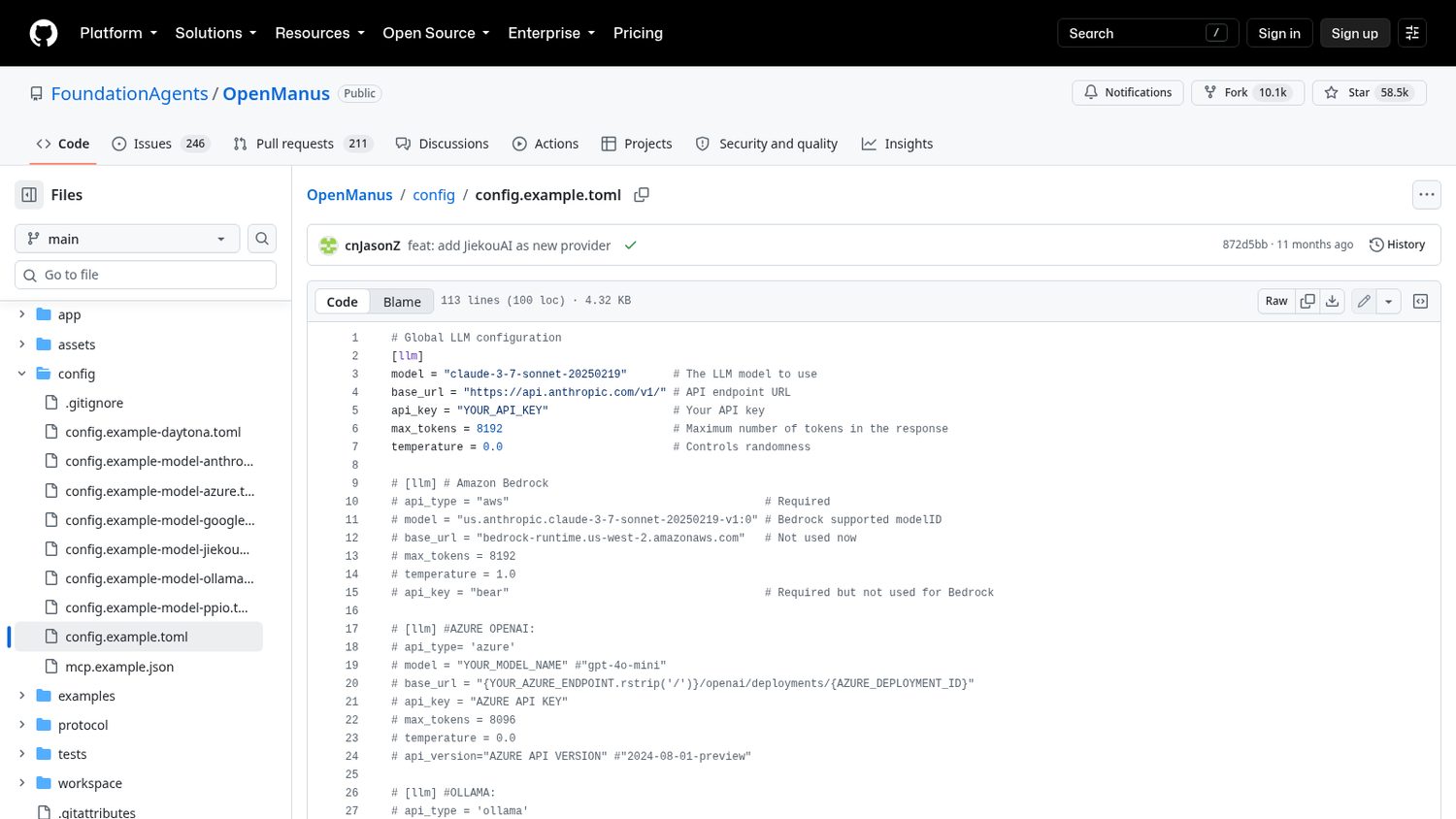
You clone it, install it, and copy one example settings file.
In that file you put the model you want it to think with, and your key.
Then you run it and type your idea into the terminal.
Here is what OpenManus ships:
Worth noticing:
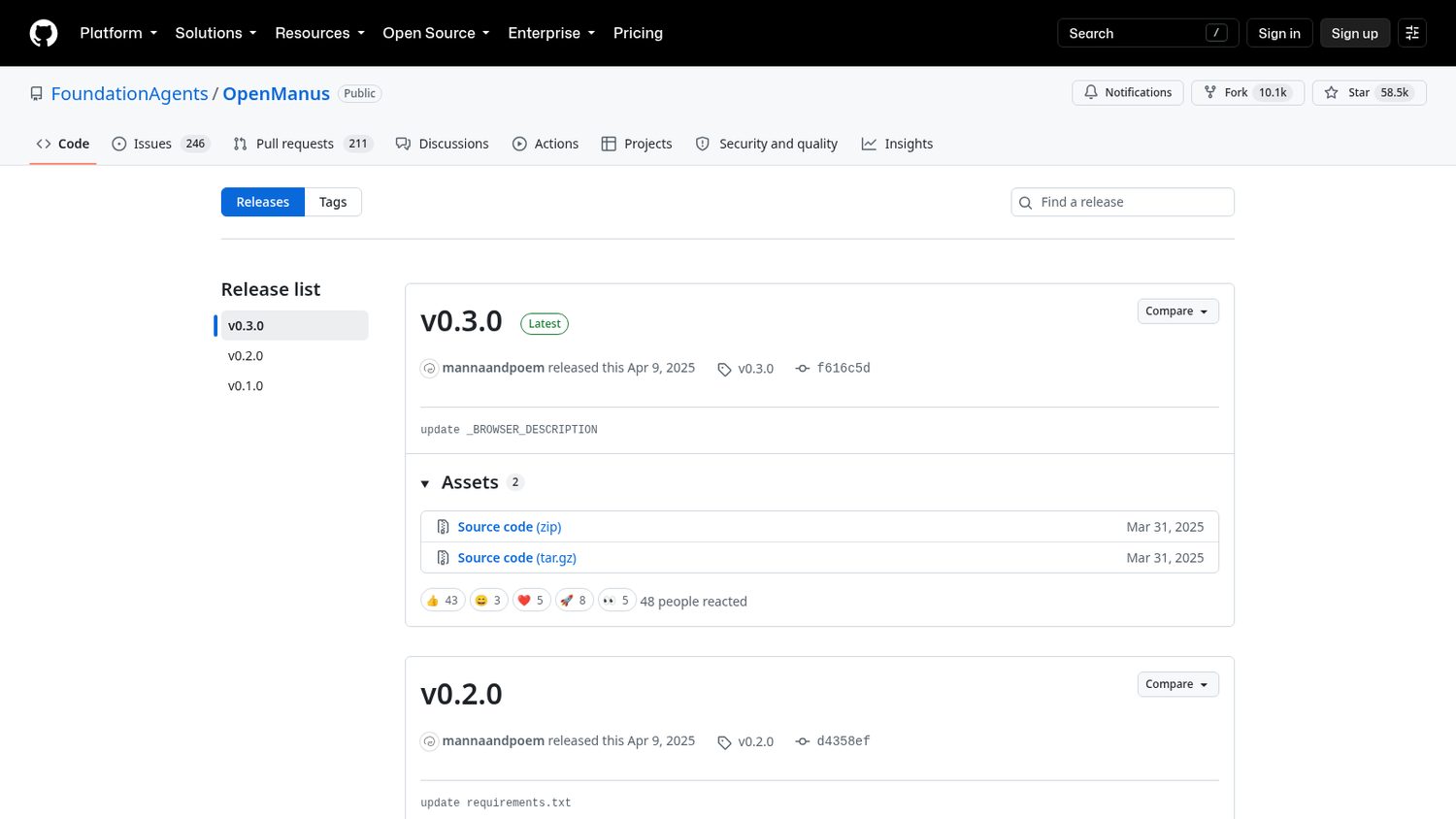
It is a prototype that got famous. The last tagged release is from April 2025.
And nothing here is free to run: the agent is the wrapper, the model does the work and bills you for it.
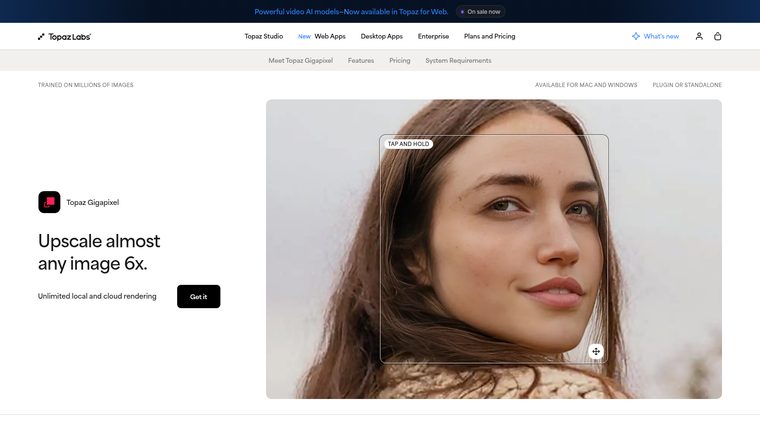
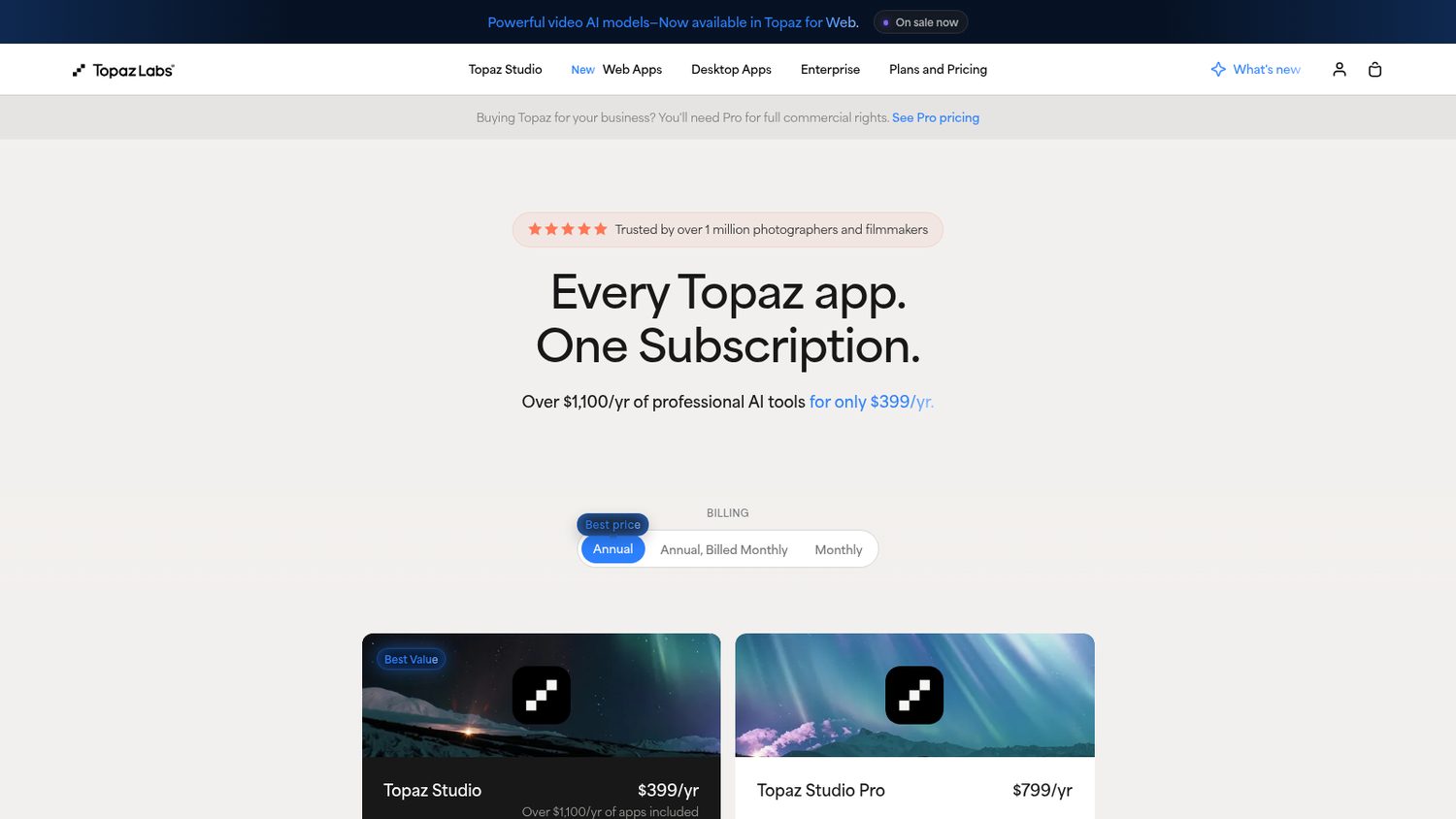
But it is a subscription now, and the pitch is the bundle.
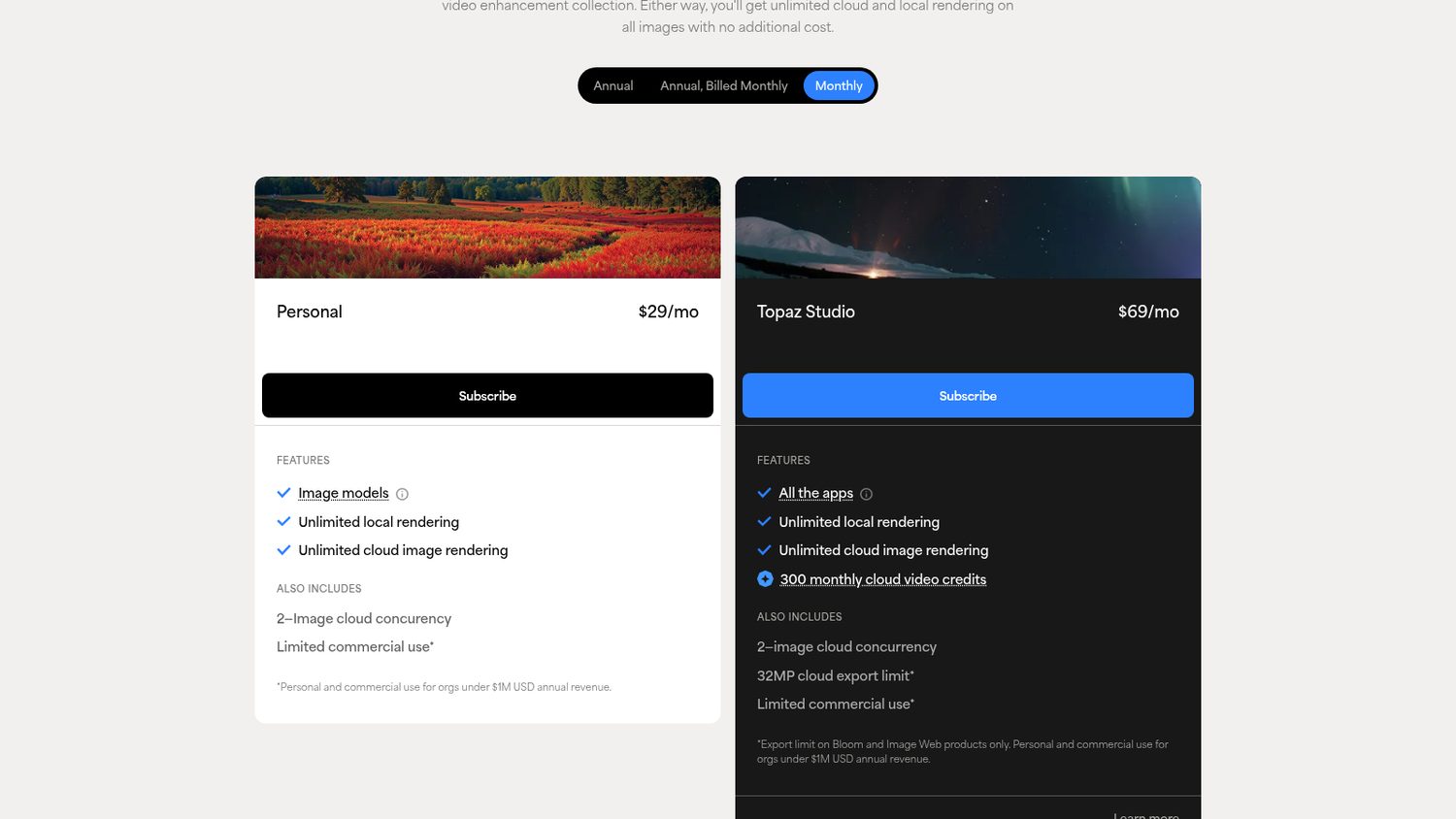
Every Topaz app for one price, $399 a year — and if you are a business, full commercial rights are the tier above that.
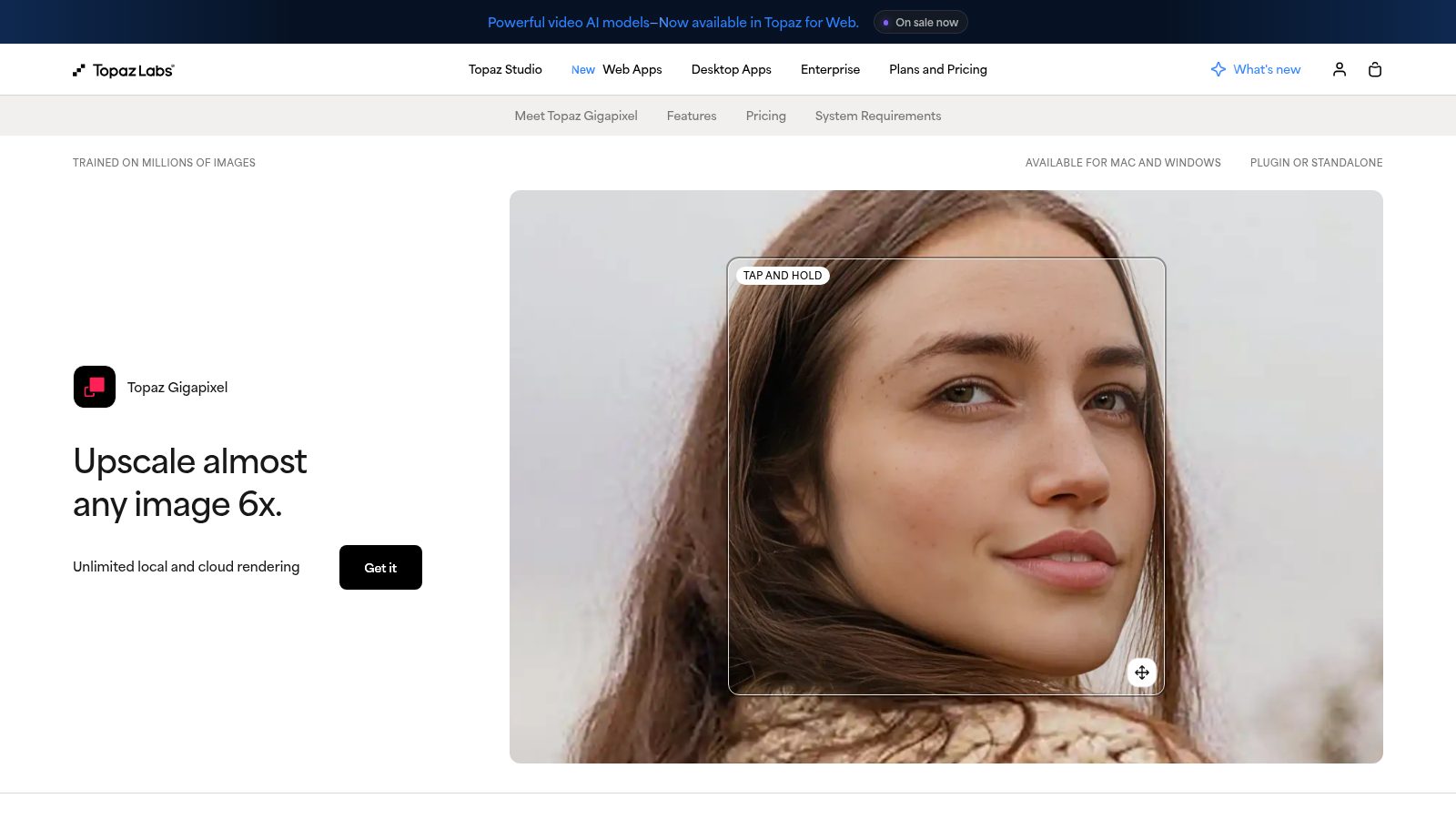
Topaz Gigapixel is $29 a month on its own.
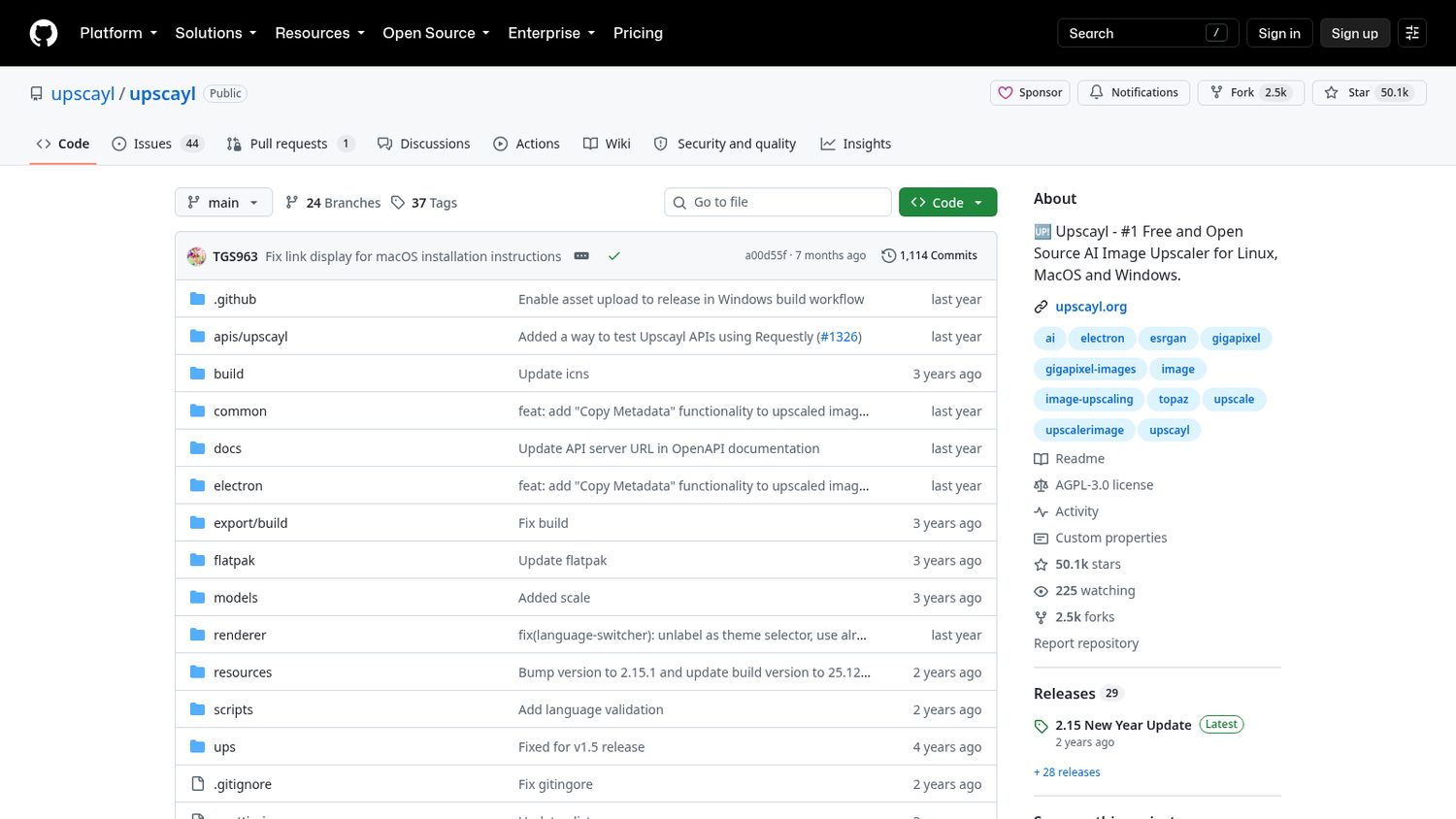
Two developers released Upscayl in 2022.
It is a plain, free desktop app.
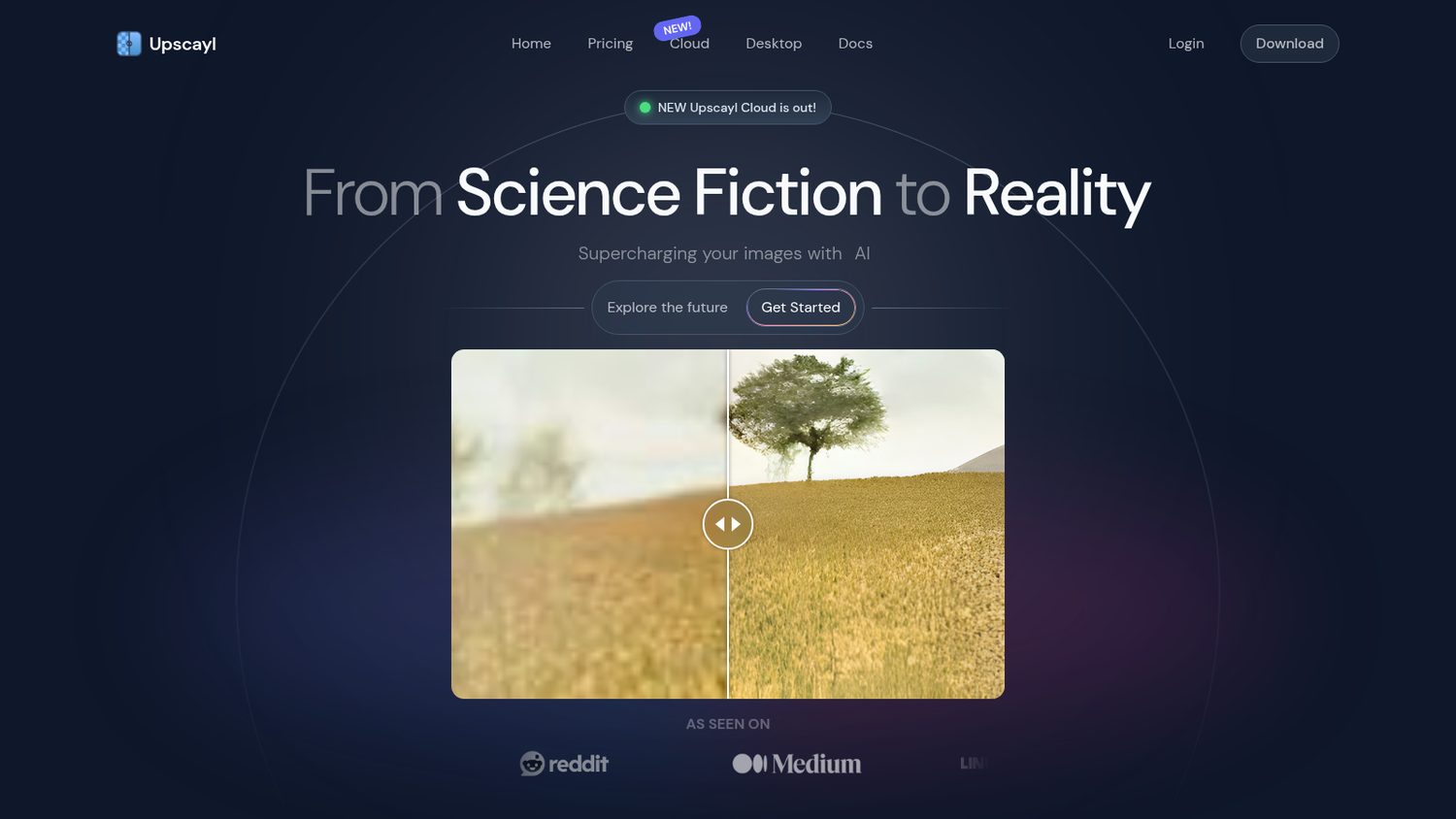
You give it a picture and it gives you back a bigger one.
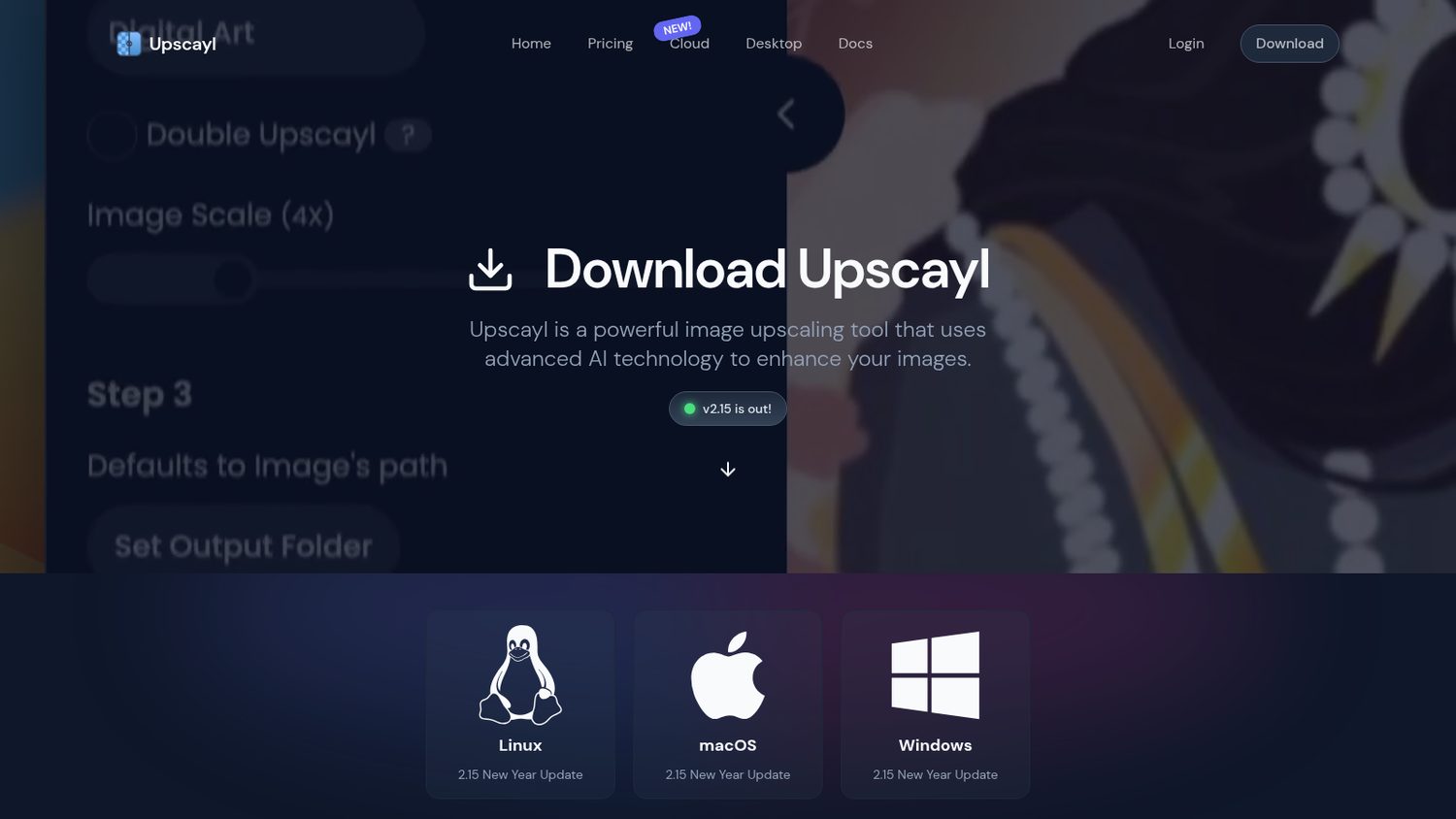
You download it for Mac, Windows or Linux and open it.
You drag in an image, pick a model, pick a folder for the result.
It runs on your own graphics card, offline.
Here is what Upscayl ships:
Worth noticing:
It needs a graphics card that speaks Vulkan. Their own FAQ says most built-in chips will not do.
There is a paid Upscayl Cloud as well, but the desktop app stays free.
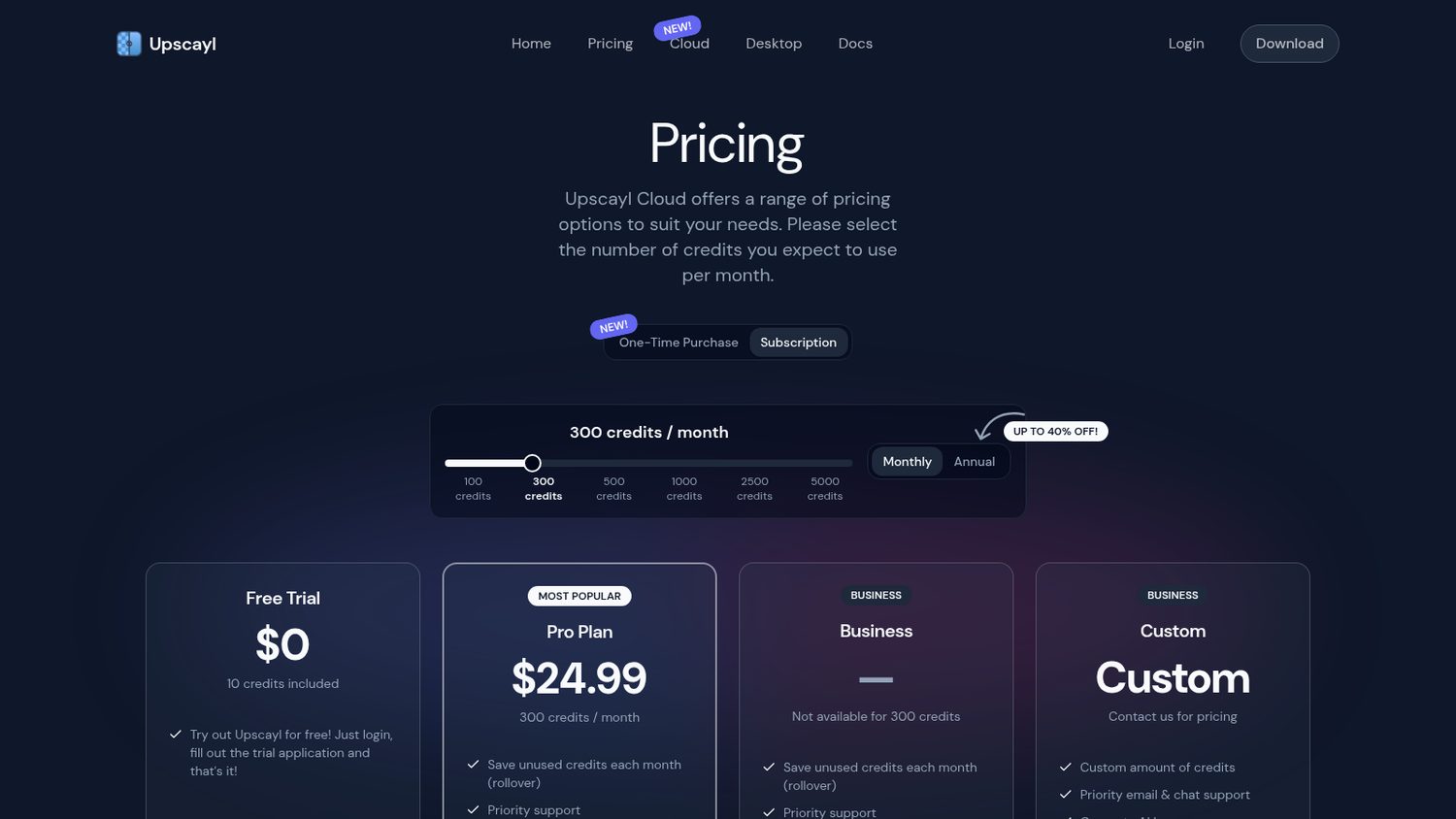
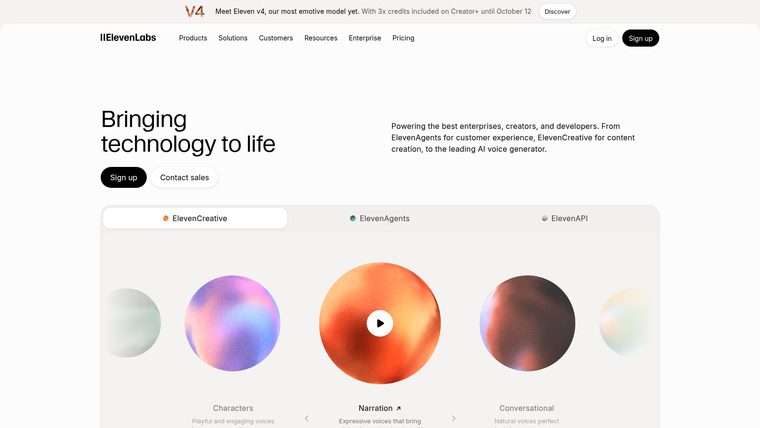
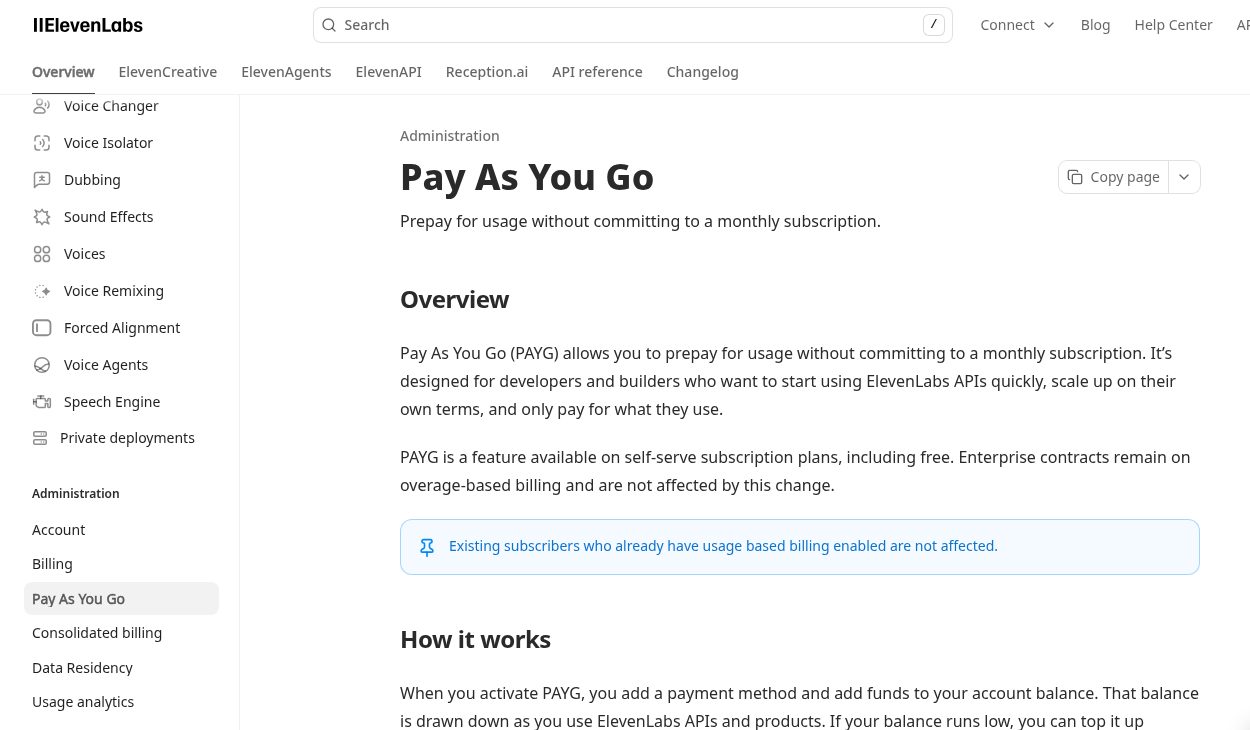
But you are buying credits by the month, and the cheap plan is a small bucket.
Run out and you either prepay for more or move up a tier.
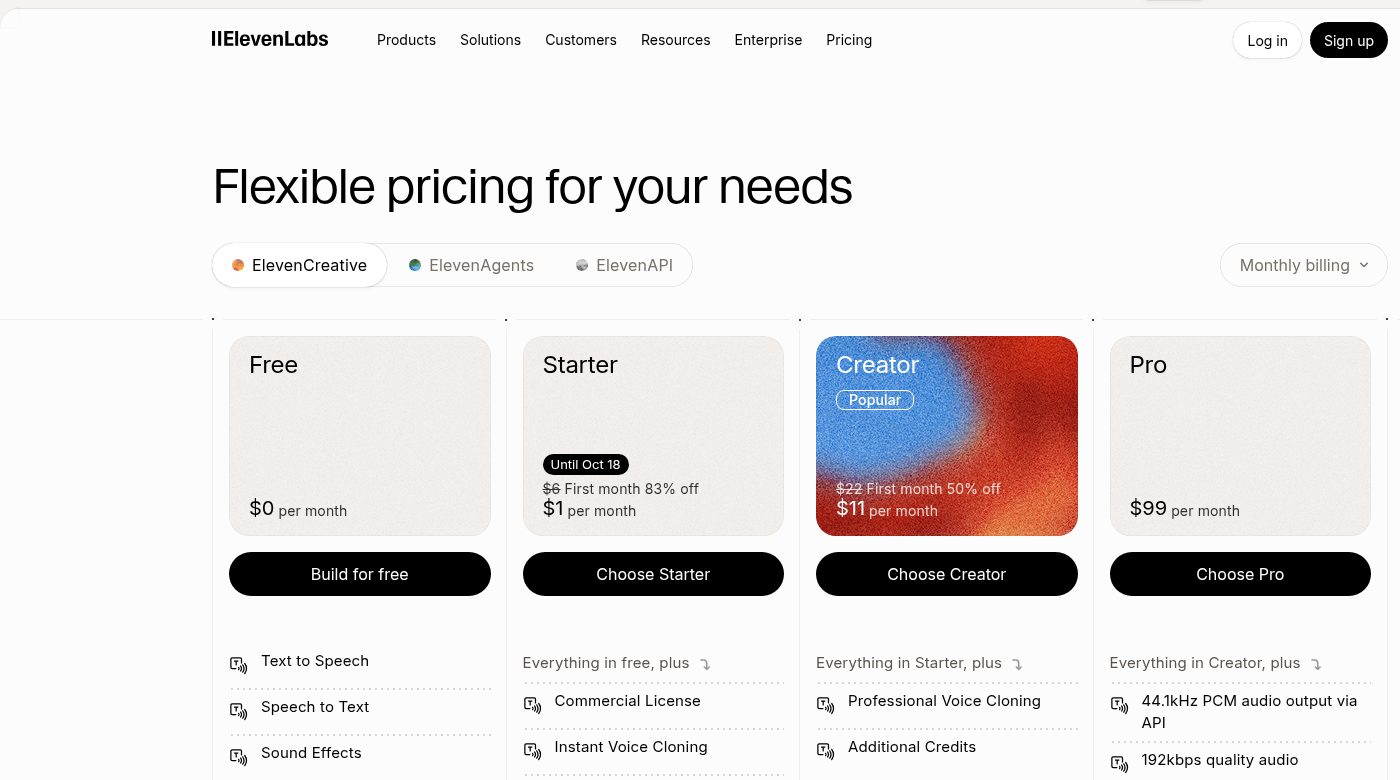
ElevenLabs Starter is $6 a month, after a first-month promo.
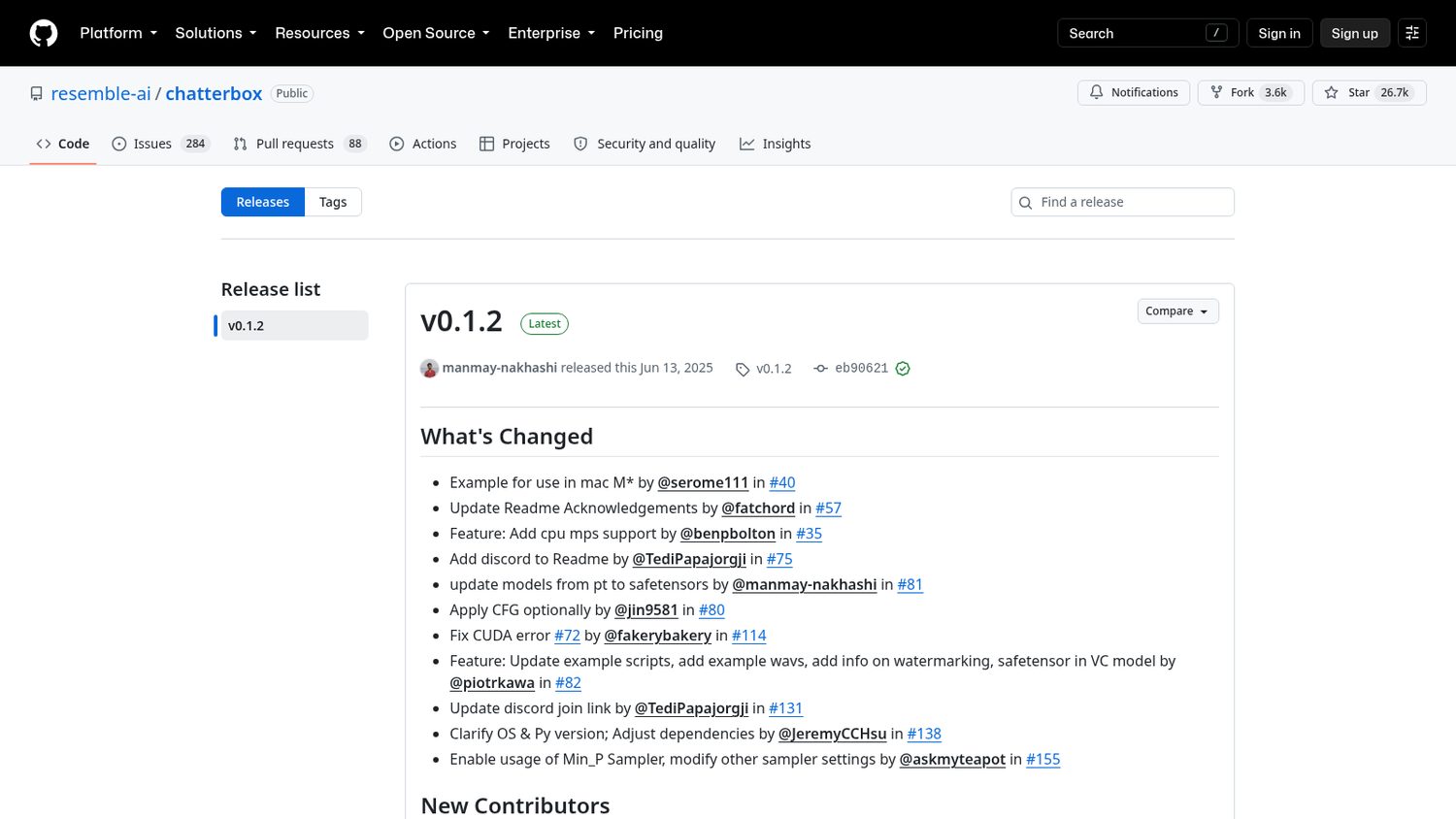
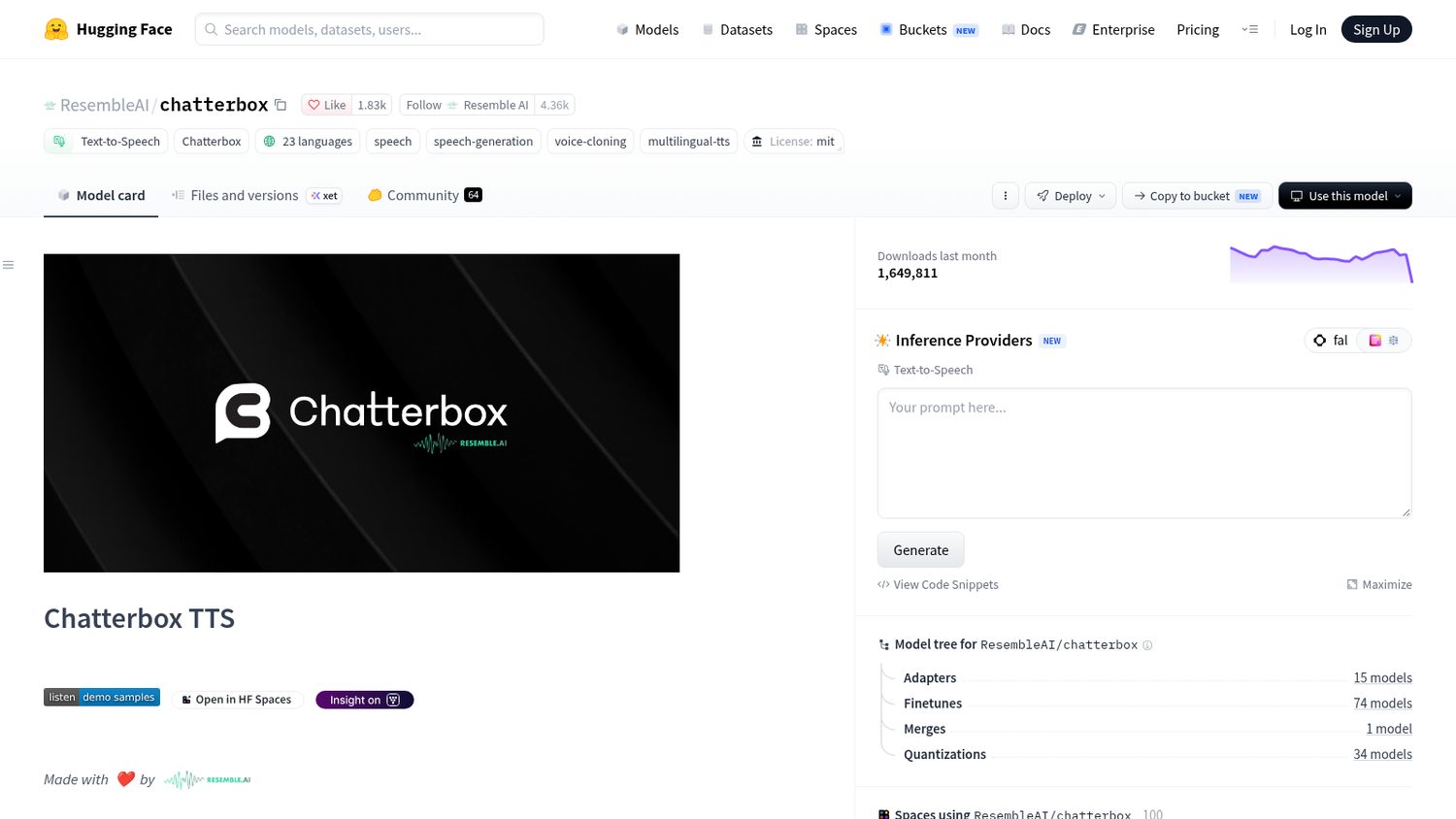
Resemble AI, a voice company, released Chatterbox in 2025.
The code and the model are both free.
It reads text out loud, and it can copy a voice from a short clip.
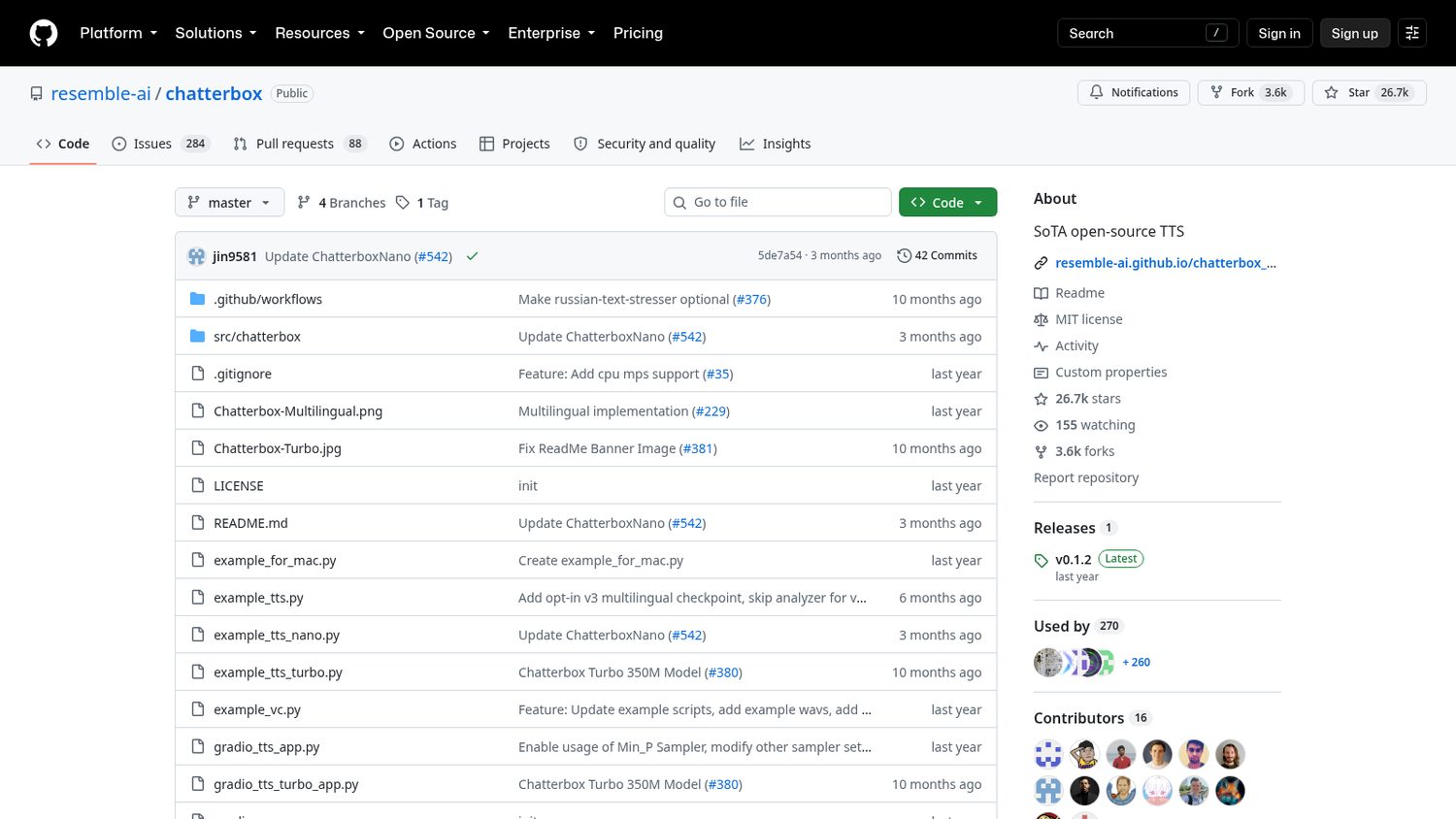
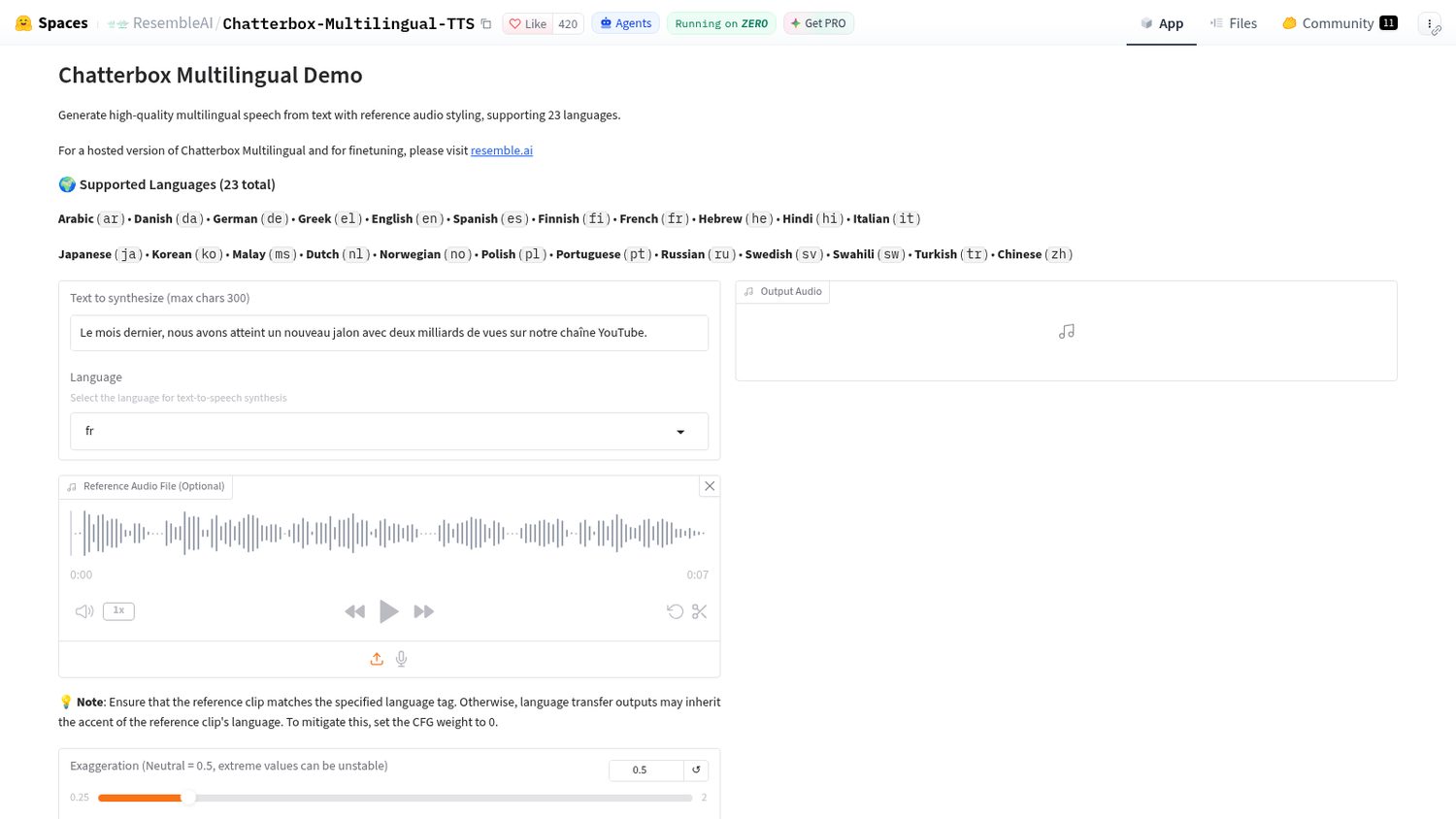
You install it with one line, or try it in your browser first.
You paste your text and choose a language.
Drop in a few seconds of a voice and it will speak in that voice.
Here is what Chatterbox ships:
Worth noticing:
Copying somebody’s voice is easy here, which is exactly why they watermark every file. Using it properly is on you.
And the bigger models want a graphics card. Only the smallest one is happy on a processor.